

iSpanish - Spanish Translator
iSpanish - Spanish Translator is made and published by Shanghai Quentin network technology co. LTD. AppBrain is an independent app data site and isn't affiliated with Shanghai Quentin network technology co. LTD. The app name, icon, screenshots and description belong to Shanghai Quentin network technology co. LTD and are shown as published on the App Store.
AppBrain's verdict
EstablishedLoved by users- Rating on App Store
- 4.71
- 11,925 ratings
- Last updated
- November 4, 2025
- Size
- 87.0 MB
Users love it: 4.7 stars from 11,925 ratings.
User feedback
Ratings and reviews on the App StoreComments on iSpanish - Spanish Translator for iOS
We don't have enough comments to show example comments. Please check back later.
Store listing
By Shanghai Quentin network technology co. LTD, from the App Store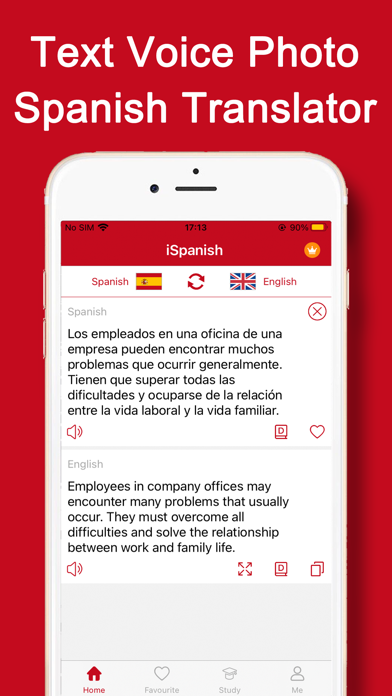
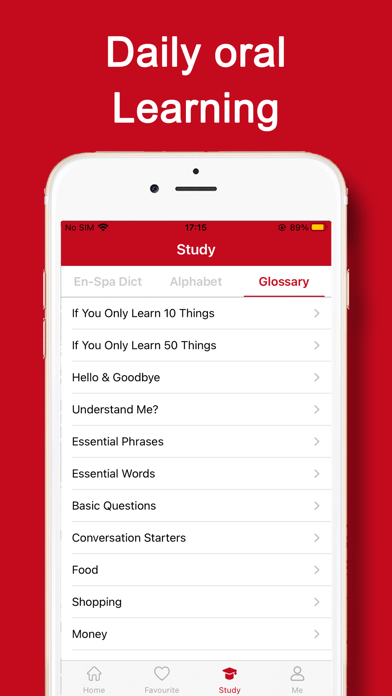
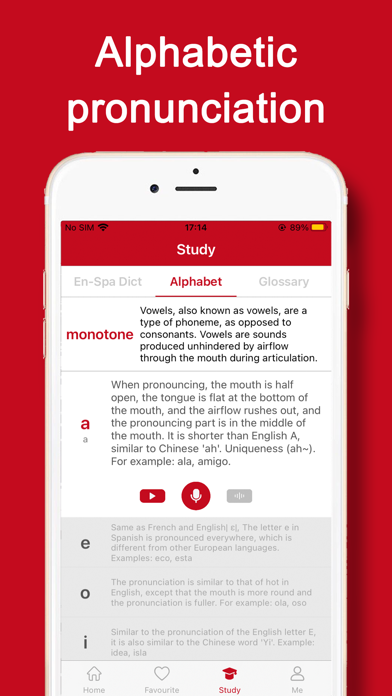
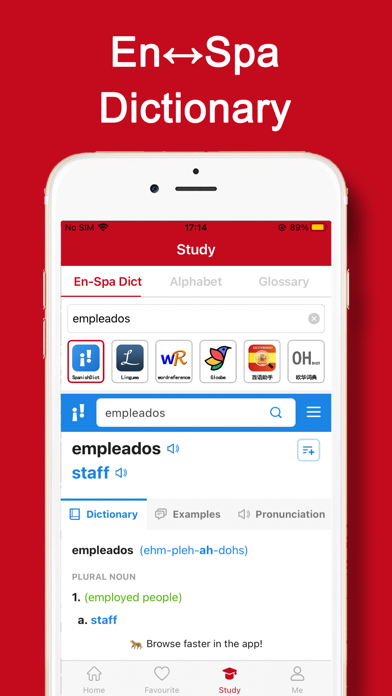
Description by Shanghai Quentin network technology co. LTD Written by the developer, not by AppBrain. Click to read.
* Core functions
1, text translation: access Spanish native word library, accurate and authentic Chinese and Spanish translation.
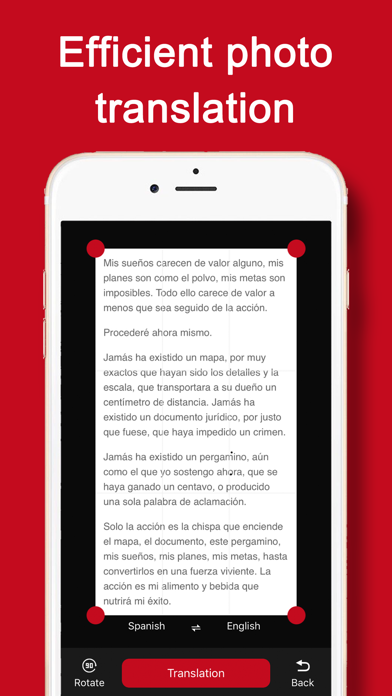
2. Photo translation: take photos with you to identify translation, album selection translation at will; Photo translation, travel, Spanish reading, efficient translation tools.
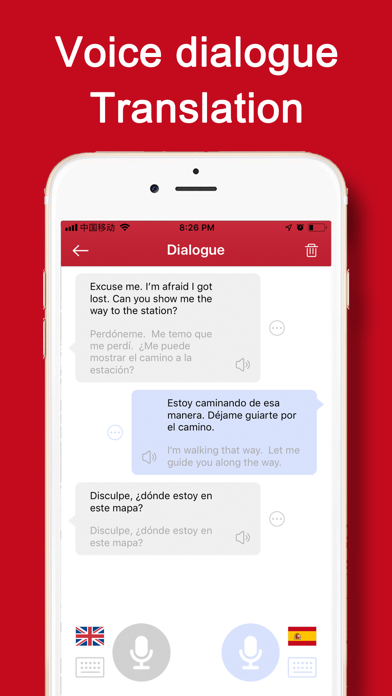
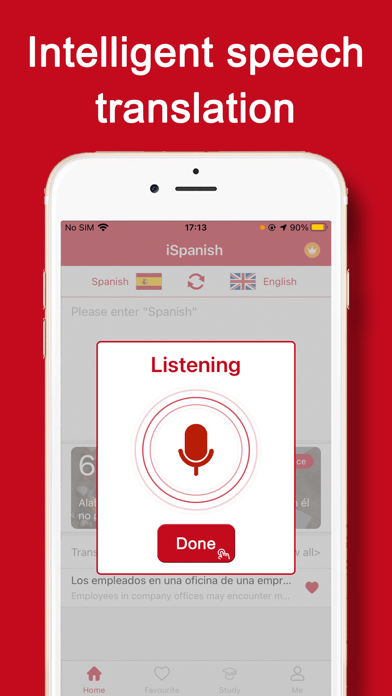
3, Voice translation: the latest AI technology, high resolution human voice recognition to text translation! Spanish tour / Spanish translation assistant.
4. Translation Collection: New words, unfamiliar common words, classical nouns, tourism terms, business daily terms, Tongtong Collection, read and read at any time and anywhere.
* Use help
1, How do we switch over to translate languages? (how to translate Spanish into Chinese simplified into Spanish)
You can switch the language just by clicking the "mutual icon" of the two language button.
2, How to collect Spanish words?
Click on the "five pointed star" button in the input box to collect it and keep it in the collection record.
3, How to operate western language photo translation?
Click on the translation button in the lower right corner to take photos of the content that needs to be translated. Select the text language in the picture, and click on the "translation" button to translate successfully.
PS: photo recognition translation, default recognition picture language, can be set up in the center.
4, How to translate and translate the western language?
Click on the bottom voice translation button, and begin to speak, and then click "Finish" to complete the voice content recognition and translation.
* Contact us
If you have any questions, you are welcome to complain. Your suggestions and feedback are great impetus for our product improvement. Thank you for your support. We have been trying to do our best and refueling!
Cooperation and problem feedback link mailbox: app20190304@qq.com
Safety and technology
Found in the app by AppBrain- Price
- Free
- App size
- 87.0 MB
- Content rating
- Everyone
Technologies used by iSpanish - Spanish Translator
Releases
Updates seen on the App Store- Version
- 4.0.2
- Launched
- October 2018
No changelog data
Alternatives
Similar apps and more from Shanghai Quentin network technology co. LTDAlternatives to iSpanish - Spanish Translator









Rankings
App Store top chartsApp Store Rankings for iSpanish - Spanish Translator
About the app and developer
About iSpanish - Spanish Translator
iSpanish - Spanish Translator is a reference app developed by Shanghai Quentin network technology co. LTD.
User Ratings
iSpanish - Spanish Translator is rated 4.71 out of 5 stars. The rating is based on 12 thousand ratings.
App Information
iSpanish - Spanish Translator is freely available from the App Store. The app size is 86.96 MB. The latest version available is 4.0.2. The last update was on November 4, 2025.
Technical Requirements
The app has a content rating of Everyone. The app has been available on the App Store since October 2018.
Developer information for Shanghai Quentin network technology co. LTD
Frequently asked questions about iSpanish - Spanish Translator
Is iSpanish - Spanish Translator free?
Yes. iSpanish - Spanish Translator is free on the App Store.
Is iSpanish - Spanish Translator still available?
Yes. iSpanish - Spanish Translator is on the App Store, and the last update we saw was on November 4, 2025.
How large is iSpanish - Spanish Translator?
iSpanish - Spanish Translator is 86.96 MB.
Is iSpanish - Spanish Translator suitable for children?
App Store rates the content of iSpanish - Spanish Translator as suitable for everyone.
How do people rate iSpanish - Spanish Translator?
iSpanish - Spanish Translator scores 4.71 out of 5 stars, from 11,925 ratings on the App Store.
Who made iSpanish - Spanish Translator?
iSpanish - Spanish Translator was developed by Shanghai Quentin network technology co. LTD. It is listed in the reference category on the App Store.
What are the best alternatives to iSpanish - Spanish Translator?
People looking at iSpanish - Spanish Translator also look at these reference apps: Spanish Translator Offline, Spanish Translator + ©, Camera Translator: AI Picture, SpanishDictionary.com Learning, Spanish Dictionary - Dict Box.