

iSymmetry - Pattern Painting
iSymmetry - Pattern Painting is made and published by DAVID CROOKS SOFTWARE DEVELOPMENT LIMITED. AppBrain is an independent app data site and isn't affiliated with DAVID CROOKS SOFTWARE DEVELOPMENT LIMITED. The app name, icon, screenshots and description belong to DAVID CROOKS SOFTWARE DEVELOPMENT LIMITED and are shown as published on the App Store.
AppBrain's verdict
Established- Rating on App Store
- 4.46
- 96 ratings
- Last updated
- January 28, 2026
It doesn't have enough ratings yet to judge what users think.
Rankings
App Store top chartsApp Store Rankings for iSymmetry - Pattern Painting
Competitors
Similar apps and more from DAVID CROOKS SOFTWARE DEVELOPMENT LIMITEDAlternatives to iSymmetry - Pattern Painting









Releases
Updates seen on the App Store- Version
- 4.0.3
- Launched
- November 2012
No changelog data
User feedback
Ratings and reviews on the App StoreComments on iSymmetry - Pattern Painting for iOS
We don't have enough comments to show example comments. Please check back later.
Technology
Found in the app by AppBrain- Price
- $9.99
- App size
- 136.5 MB
- Content rating
- Everyone
Technologies used by iSymmetry - Pattern Painting
About the app and developer
About iSymmetry - Pattern Painting
iSymmetry - Pattern Painting is a graphics & design app developed by DAVID CROOKS SOFTWARE DEVELOPMENT LIMITED.
User Ratings
iSymmetry - Pattern Painting is rated 4.46 out of 5 stars. The rating is based on 96 ratings.
App Information
iSymmetry - Pattern Painting costs $9.99. The app size is 136.50 MB. The latest version available is 4.0.3. The last update was on January 28, 2026.
Technical Requirements
The app has a content rating of Everyone. The app has been available on the App Store since November 2012.
Developer information for DAVID CROOKS SOFTWARE DEVELOPMENT LIMITED
Store listing
By DAVID CROOKS SOFTWARE DEVELOPMENT LIMITED, from the App Store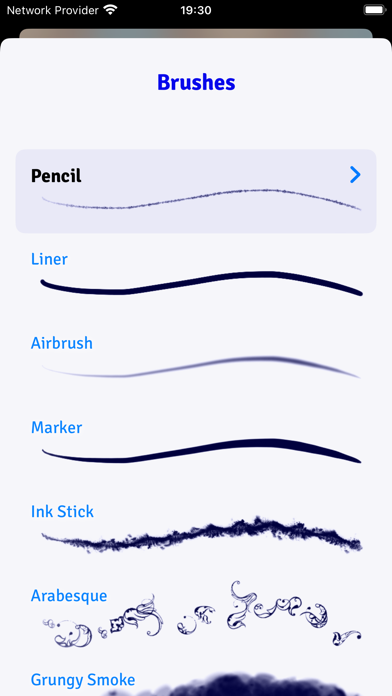
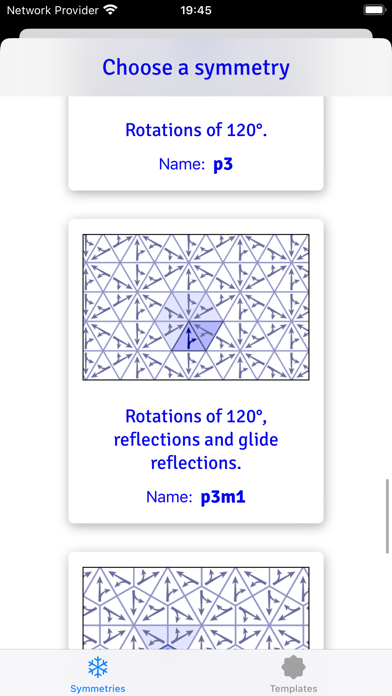
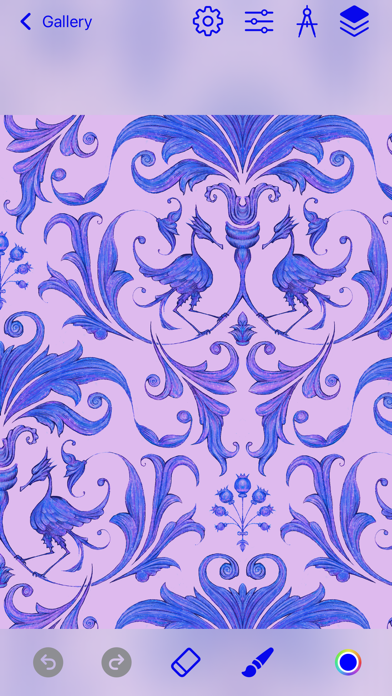
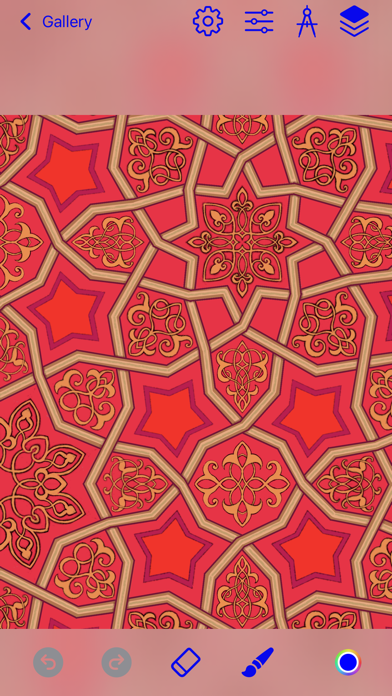

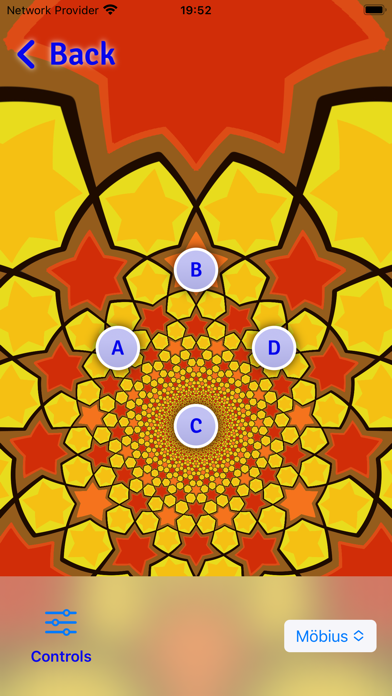
Description by DAVID CROOKS SOFTWARE DEVELOPMENT LIMITED Written by the developer, not by AppBrain. Click to read.
iSymmetry is fun and intuitive and packed with powerful features:
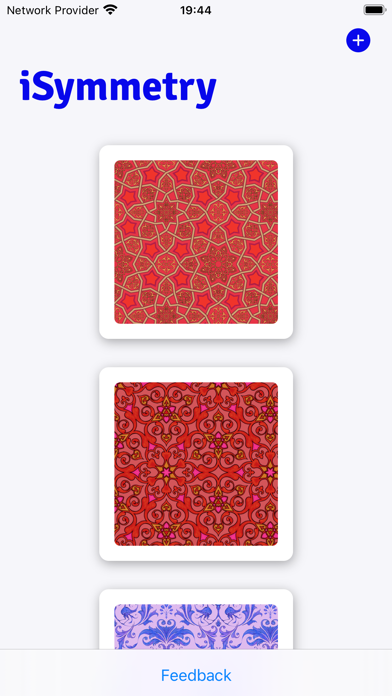
SYMMETRIES
- 17 Kinds of Pattern (wallpaper groups)
- 23 Pattern templates
- Symmetry guide lines
BRUSHES
- 18 expressive brushes: Pencil, Liner, Airbrush, Marker, Ink Stick, Arabesque, Grungy Smoke, Oil, Ink Splatter, Squiggles, Rings, Charcoal, Pastel, Laser, Grungy Rings, Smoulder, Spectral Grain, Ink Splodge
- Full support for Apple Pencil
- Slider controls for scatter, hardness and pressure to give you even more creative control
PRECISION SHAPE TOOLS
- Line
- Star
- Polygon
- Triangle
- Circle
- Arc
Import Photos
- Kaleidoscopic photo import
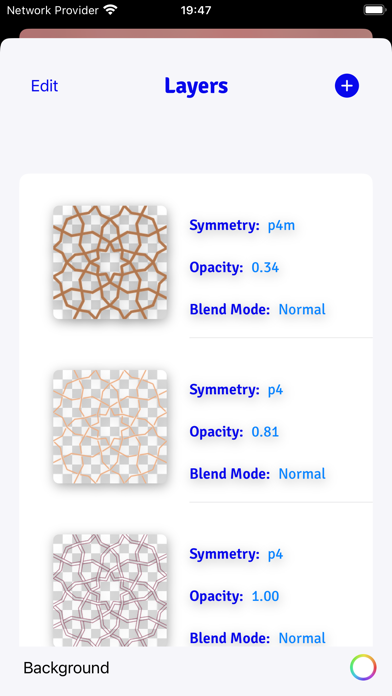
LAYERS
- Blend modes: normal, multiply, screen, overlay, soft-light
- Opacity
- Offsets
- Individual layer symmetry
- Merge, duplicate, delete and reorder layers
COLOR
- HSB and RGB color picker.
- Swatches
- Eyedropper
Share/Export
- export seamless pattern tile
- export patterns of custom size
- png/jpg
- Export as Procreate pattern brush
FILTERS
- Blur
- Hue
- Color Controls
- Tone Curve
- Vibrance
PATTERN TRANSFORMATIONS
- Möbius transformations
- Spiral transformations
- Bipolar transformations
- Animate patterns transformations
- Record and share pattern animations
AUGMENTED REALITY
- View patterns on 3D objects in Augmented Reality
- Choose from Dress, Cushions, Shirt, Vase