It doesn't have enough ratings yet to judge what users think. Its best ranking is #61 in Top Paid, Utilities in Germany.
IT Tools - Network Analyzer is made and published by
KEVIN KOLTZAU.
AppBrain is an independent app data site and isn't affiliated with KEVIN KOLTZAU.
The app name, icon, screenshots and description belong to KEVIN KOLTZAU and are shown as
published on the App Store.
About IT Tools - Network Analyzer
IT Tools - Network Analyzer is an utilities app developed by KEVIN KOLTZAU.
What is the rating of IT Tools - Network Analyzer?
IT Tools - Network Analyzer is rated 4.33 out of 5 stars, based on 18 ratings.
Is IT Tools - Network Analyzer free?
IT Tools - Network Analyzer costs $5.99. The app size is 16.50 MB. The latest version available is 2.24.3. The last update was on March 17, 2024.
What are the requirements for IT Tools - Network Analyzer?
The app has a content rating of Everyone. The app has been available on the App Store since before 2010.
Description by KEVIN KOLTZAU(from the App Store)
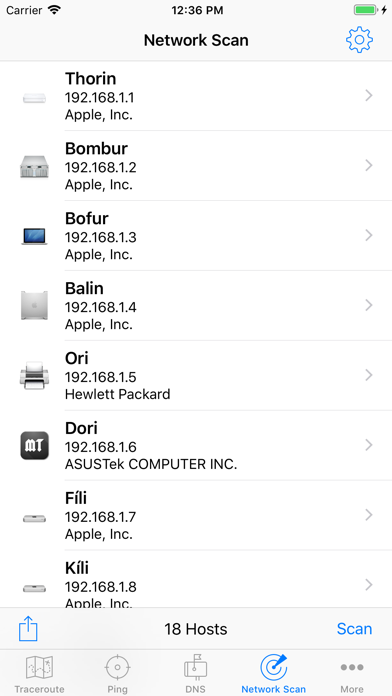
Network scanner and diagnostic utilities for users of all skill levels. Discover devices on your network, detect various types of problems and more! Includes high speed WiFi network device discovery, able to find devices on your local network other tools miss. Standard network diagnostic tools such as ping, traceroute, DNS lookup, and whois are also provided.
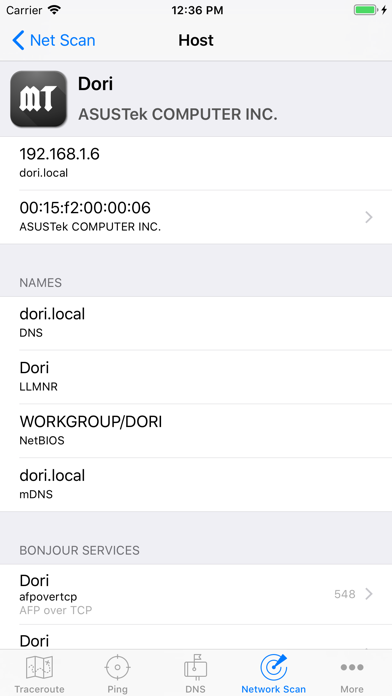
WiFi Network Scanner Discover all the machines running on your network. • Supports IPv6 scanning via broadcast addresses • All Bonjour/mDNS services, including all extra data stored in the TXT record. • All UPnP devices, including sub-devices and services. • Discover devices using NetBIOS. This helps a lot on networks with many Windows machines.
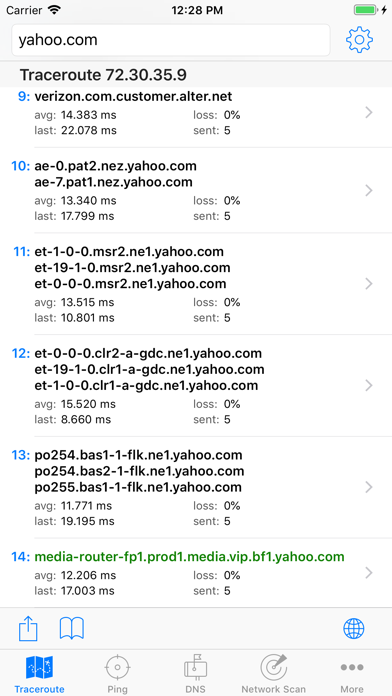
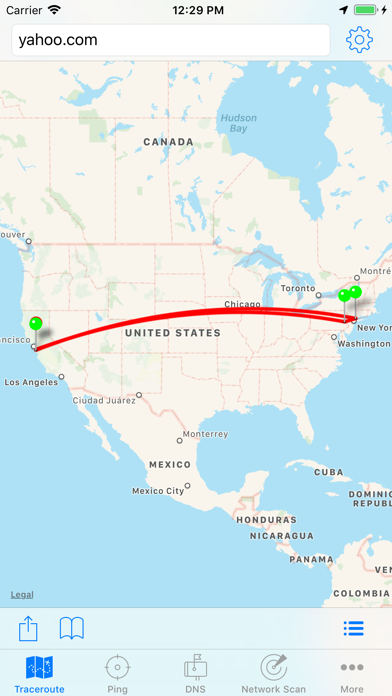
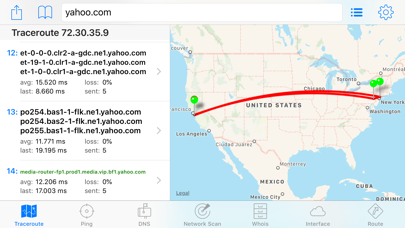
Continuous Traceroute Provides details of the network hops to the destination host. Optimized to determine the network path extremely quickly, often in less then 5 seconds. Once the path is determined, it proceeds to continuously ping each hop to provide additional statistics and alternate paths, similar to tools like PathPing and MTR. • Visualize traceroute geolocation data on the map • Configurable start and max TTL, interval and payload size • Choose which interface to use • Lists all hostnames that respond to each hop • View the AS Numbers associated with each hop
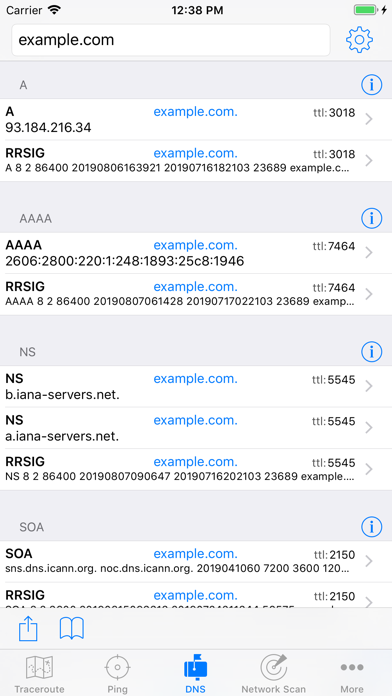
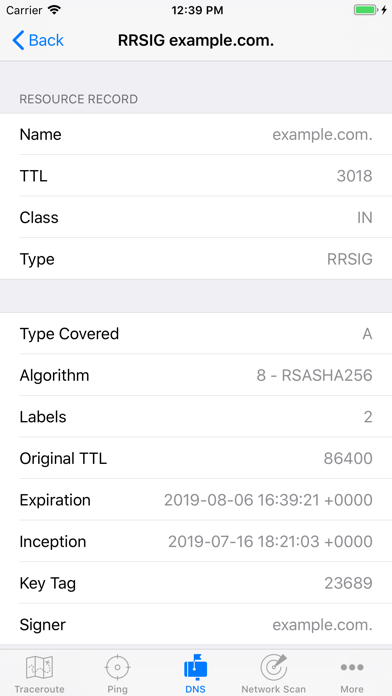
DNS • Detects when an IP address is entered, and looks up the reverse PTR record • Use the current system DNS server, or supply your own • Choose from 50 supported DNS record types, including A, AAAA, CNAME, LOC, MX, NS, SRV, TXT • Request DNSSEC records • Optionally query using EDNS, including the NSID option. • View LOC and GPOS records on a map • Force DNS lookup over TCP to diagnose DNS server issues • View the full DNS response, with headers and the question, answer, authority and additional sections • Lookup internationalized domain names (IDN)
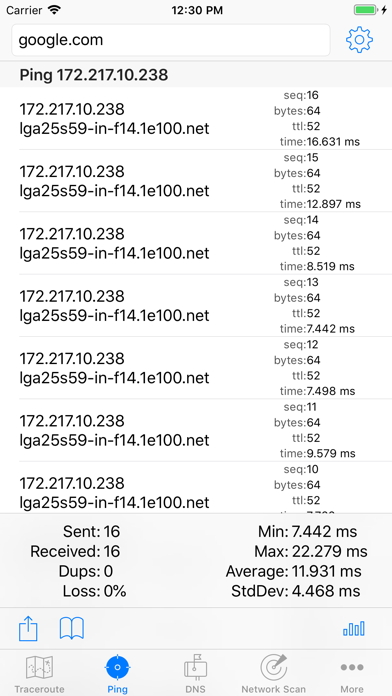
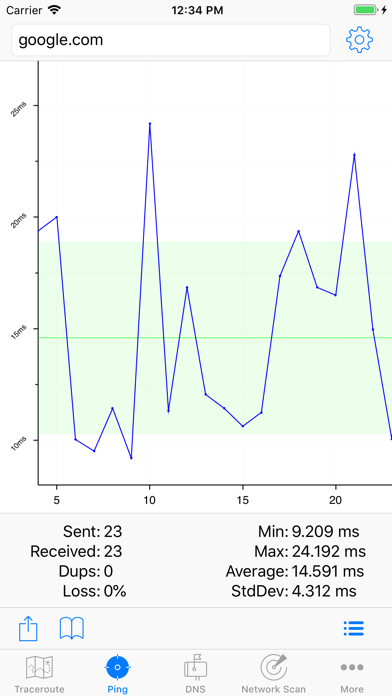
Ping • Configurable TTL, Payload size, and interval • Choose which interface to use • Optionally keep the screen from going to sleep for very long ping sessions • Optional audible sound on errors or when responses arrive • Ping results can be graphed in real time to easily see response time spikes
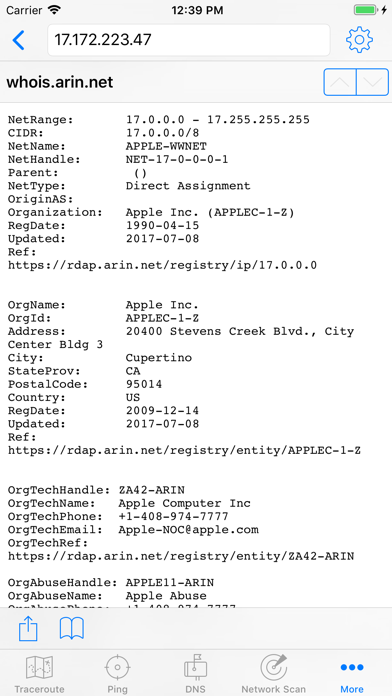
Whois • Lookup details about hosts, IP addresses, and more • Auto detects the whois server based on the query, or use a custom server
Routing table • Route statistics updated in real time • Very useful for diagnosing WiFi and VPN configuration issues
Interface • All network interfaces on your device • Network statistics updated in real time • Current WiFi and WWAN IP Address • WiFi SSID and BSSID
AppBrain offers valuable information about your app and those of your competitors. Join AppBrain for free and claim this app to view more ranking data, view history etc.
Each subscription will automatically renew 3 days before the expiration date for
the same time period. Subscriptions can be cancelled at any time before the renewal.