
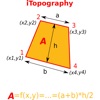
iTopography - Area Calculator
iTopography - Area Calculator is made and published by i-SmartSolutions. AppBrain is an independent app data site and isn't affiliated with i-SmartSolutions. The app name, icon, screenshots and description belong to i-SmartSolutions and are shown as published on the App Store.
AppBrain's verdict
- Last updated
- February 24, 2025
Rankings
App Store top chartsApp Store Rankings for iTopography - Area Calculator
Competitors
Similar apps and more from i-SmartSolutionsAlternatives to iTopography - Area Calculator




More from i-SmartSolutions




Releases
Updates seen on the App Store- Version
- 4.4
- Launched
- September 2010
No changelog data
User feedback
Ratings and reviews on the App StoreComments on iTopography - Area Calculator for iOS
We don't have enough comments to show example comments. Please check back later.
Technology
Found in the app by AppBrain- Price
- Free
- App size
- 10.4 MB
- Content rating
- Everyone
Technologies used by iTopography - Area Calculator
About the app and developer
About iTopography - Area Calculator
iTopography - Area Calculator is an utilities app developed by i-SmartSolutions.
User Ratings
The app has no ratings yet.
App Information
iTopography - Area Calculator is freely available from the App Store. The app size is 10.39 MB. The latest version available is 4.4. The last update was on February 24, 2025.
Technical Requirements
The app has a content rating of Everyone. The app has been available on the App Store since September 2010.
Developer information for i-SmartSolutions
Address:
Store listing
By i-SmartSolutions, from the App Store
Description by i-SmartSolutions Written by the developer, not by AppBrain. Click to read.
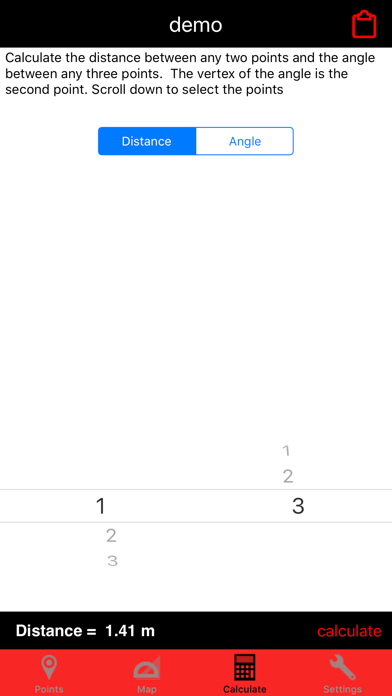
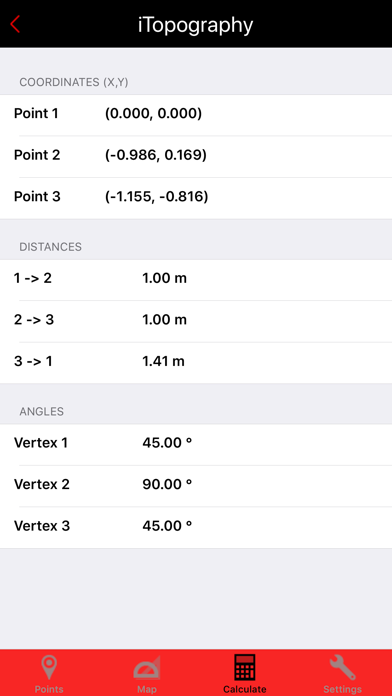
- Computes the angles of any up to 5 vertices polygon
- Obtain coordinates (longitude, latitude) from the Google Map
- Create an infinite number of projects
- Import simple DXF files
- Email the data (longitude, latitude and altitude, and the coordinates of the points)
- Export the coordinates in a DXF file and then email it
- Zoom in/out on the map
- Rotate the map (360 degrees)
- Manually add points by giving the Longitude/Latitude of the point
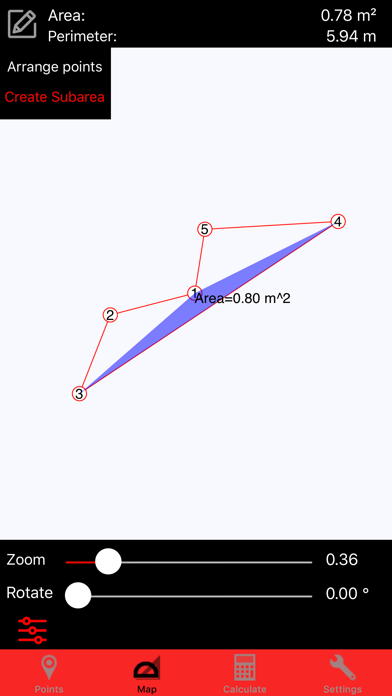
- Compute the area of any sub-region on the fly
--------------------------------------------------
Calculating the area of a surface has never been easier!
Whether you are a civil engineer, a topographer, a student or a person who likes to build things on his/her own, you will find iTopography an invaluable tool.
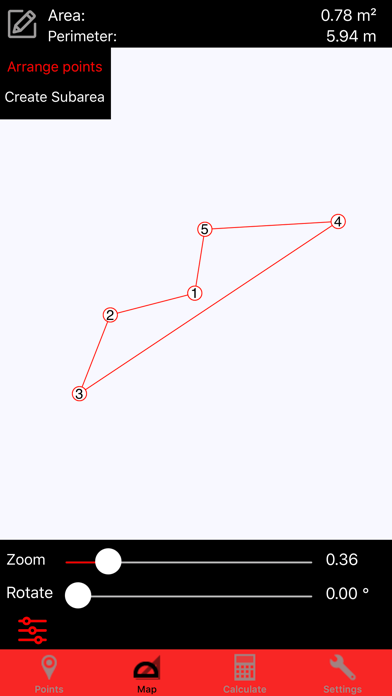
iTopography is developed on the premise that a surface can be approximated as a polygon of finite number of lines and vertices (points). Therefore, iTopography can calculate the area of any surface, whether this surface is a garden, the living room, a field or even a geometrical shape for a homework class.
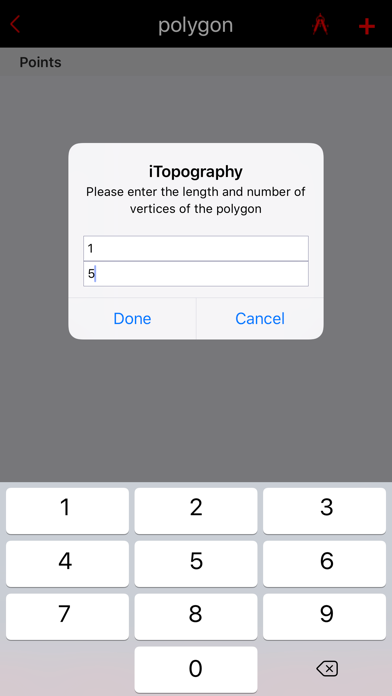
iTopography uses the GPS device to obtain the longitude and latitude of the current position. In the case of a weak signal (e.g., inside the house), the user is asked to give the distance and angle between two adjacent points.
In order for iTopography to compute the area of a surface, the user must move along the borders of the surface in a clockwise or counter-clockwise direction. When the user inserts a point, iTopography will connect the adjacent points with a straight line, draw the surface, and calculate the area of the surface along with its perimeter.