

JDW Light Stick
JDW Light Stick is made and published by UMK Entertainment Co., Ltd. AppBrain is an independent app data site and isn't affiliated with UMK Entertainment Co., Ltd. The app name, icon, screenshots and description belong to UMK Entertainment Co., Ltd and are shown as published on the App Store.
AppBrain's verdict
- Last updated
- December 22, 2023
Rankings
App Store top chartsApp Store Rankings for JDW Light Stick
Competitors
Similar apps and more from UMK Entertainment Co., LtdMore from UMK Entertainment Co., Ltd


Releases
Updates seen on the App Store- Version
- 1.0.1
- Launched
- December 2023
No changelog data
User feedback
Ratings and reviews on the App StoreComments on JDW Light Stick for iOS
We don't have enough comments to show example comments. Please check back later.
Technology
Found in the app by AppBrain- Price
- Free
- App size
- 912.0 KB
- Content rating
- Everyone
Technologies used by JDW Light Stick
About the app and developer
About JDW Light Stick
JDW Light Stick is an utilities app developed by UMK Entertainment Co., Ltd.
User Ratings
The app has no ratings yet.
App Information
JDW Light Stick is freely available from the App Store. The app size is 912.00 kB. The latest version available is 1.0.1. The last update was on December 22, 2023.
Technical Requirements
The app has a content rating of Everyone. The app has been available on the App Store since December 2023.
Developer information for UMK Entertainment Co., Ltd
Address:
Frequently asked questions about JDW Light Stick
Is JDW Light Stick free?
Yes. JDW Light Stick is free on the App Store.
Is JDW Light Stick still available?
Yes. JDW Light Stick is on the App Store, and the last update we saw was on December 22, 2023.
How large is JDW Light Stick?
JDW Light Stick is 912.00 kB.
Is JDW Light Stick suitable for children?
App Store rates the content of JDW Light Stick as suitable for everyone.
Who made JDW Light Stick?
JDW Light Stick was developed by UMK Entertainment Co., Ltd. It is listed in the utilities category on the App Store.
Store listing
By UMK Entertainment Co., Ltd, from the App Store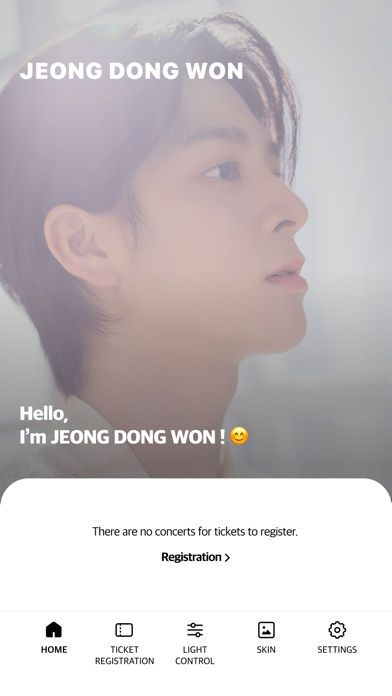
Description by UMK Entertainment Co., Ltd Written by the developer, not by AppBrain. Click to read.
[Guide to key features]
1. Bluetooth connection on smartphone
- If you press and hold the button on the light stick, it will turns blue and you will be ready to connect.
- Please put the light stick close to your smartphone And try to connect.
- When the light stick and the screen of the smartphone operate in the same color, they are connected.
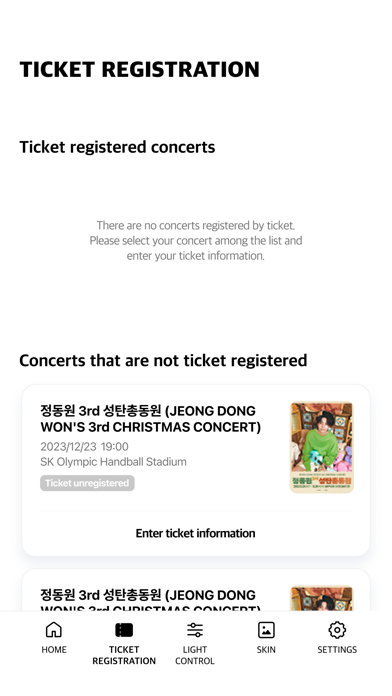
2. TICKET REGISTRATION
- If you register your ticket information during the JDW concert, it will be automatically operated by the concert central control unit during the concert.
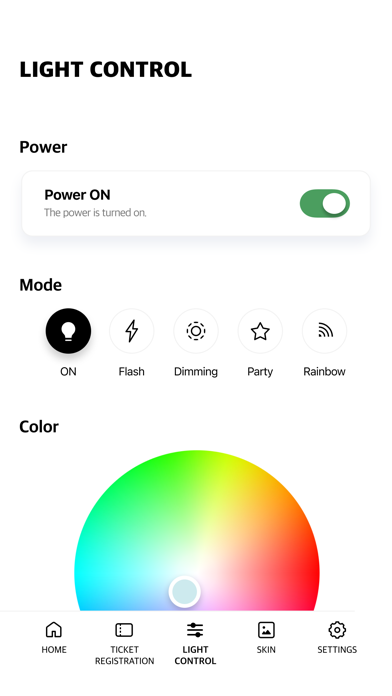
3. LIGHT CONTROL
- You can directly control the light color, brightness, speed, and mode of the connected light stick.
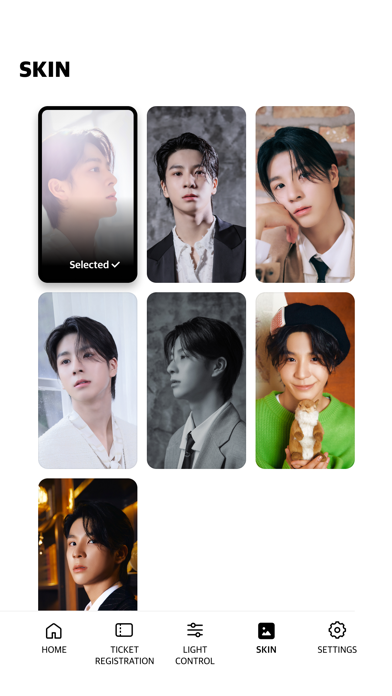
4. SKIN
- You can set the JDW image as the background of the app.
5. Light stick battery remaining
- You can check the remaining battery of the connected light stick.
[Caution]
- Before watching the concert, please check your seat information from the ticket and complete ticket registration.
- Please check if the light stick has enough battery.
- Depending on your surroundings, downloading may take some time.
[Instructions for essential permissions to use the app]
- Bluetooth: Used to connect light sticks