

JPEG to PNG is made and published by Andy Sutanto. AppBrain is an independent app data site and isn't affiliated with Andy Sutanto. The app name, icon, screenshots and description belong to Andy Sutanto and are shown as published on the App Store.
AppBrain's verdict
- Rating on App Store
- 4.73
- 37 ratings
- Last updated
- March 18, 2025
- Size
- 11.8 MB
It doesn't have enough ratings yet to judge what users think.
User feedback
Ratings and reviews on the App StoreComments on JPEG to PNG for iOS
We don't have enough comments to show example comments. Please check back later.
Store listing
By Andy Sutanto, from the App Store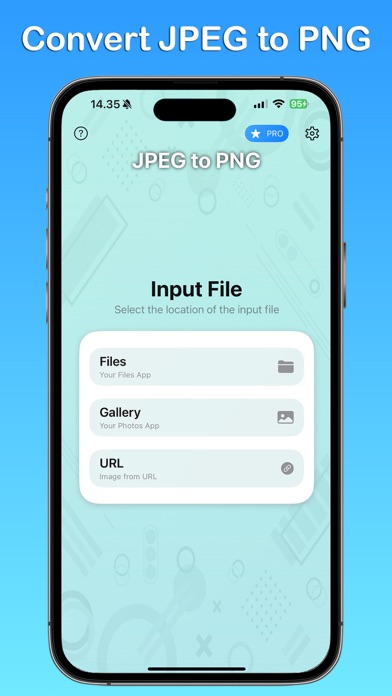
Description by Andy Sutanto Written by the developer, not by AppBrain. Click to read.
Key Features:
Effortless Conversion Experience: The app's intuitive interface lets you quickly select JPEG images from the Files app, Photos, or directly via a URL for conversion. Even users with no prior tech experience will find the process simple and straightforward.
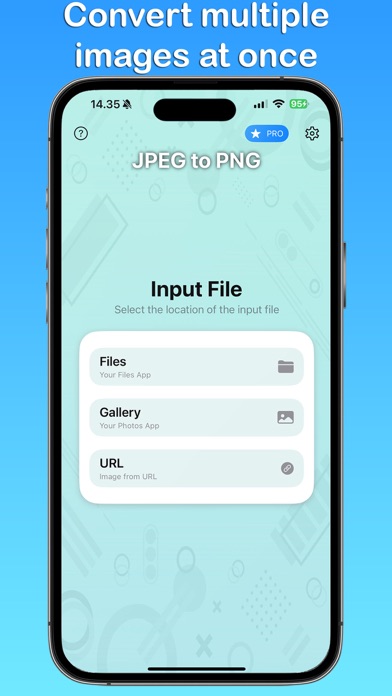
Batch Conversion Capability: Whether you need to convert a single photo or dozens, JPEG to PNG Converter handles it seamlessly. This feature supports simultaneous conversions, saving you valuable time and effort.
Superior Image Quality: We prioritize maintaining high-quality standards. The app ensures that your images preserve their original resolution and color fidelity in the PNG format, ideal for any usage scenario.
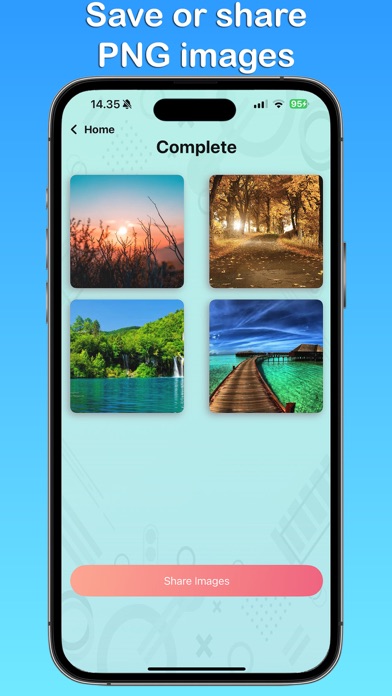
Convenient Save & Share Options: After conversion, your PNG images are automatically saved to your device's Photos app. You can then effortlessly share them via email, social networks, or any platform of your choice, simplifying how you distribute your photos.
Privacy Assurance: Your images are processed directly on your device, ensuring complete privacy. We guarantee that your photos are never uploaded or stored on external servers, reflecting our commitment to your data security.
Versatile Source Options: Unlike other converters, JPEG to PNG allows you to source images not just from local storage but also directly via URLs, enhancing flexibility in how you manage and convert your JPEGs.
Whether you're preparing images for web upload, looking to enhance compatibility with different software, or sharing photos with loved ones, JPEG to PNG Converter is your go-to solution. The app is designed to make the conversion process quick and hassle-free.
Download JPEG to PNG Converter today and experience the ultimate in image conversion convenience!
JPEG to PNG app is free. You can use it forever, at no cost.
However, JPEG to PNG does offer premium features for its subscribers. If you decide to purchase an upgrade, you can unlock additional features, i.e. remove ads and enable multiple image conversions.
If you have a suggestion to improve JPEG to PNG, please send us an email.
Terms of Use: https://kociapp.github.io/JPEG-to-PNG/term-of-use
Privacy Policy: https://kociapp.github.io/JPEG-to-PNG/privacy-policy
Safety and technology
Found in the app by AppBrain- Price
- Free
- App size
- 11.8 MB
- Content rating
- Everyone
Technologies used by JPEG to PNG
Releases
Updates seen on the App Store- Version
- 1.0.4
- Launched
- April 2024
No changelog data
Alternatives
Similar apps and more from Andy SutantoMore from Andy Sutanto







Rankings
App Store top chartsApp Store Rankings for JPEG to PNG
About the app and developer
About JPEG to PNG
JPEG to PNG is a productivity app developed by Andy Sutanto.
User Ratings
JPEG to PNG is rated 4.73 out of 5 stars. The rating is based on 37 ratings.
App Information
JPEG to PNG is freely available from the App Store. The app size is 11.77 MB. The latest version available is 1.0.4. The last update was on March 18, 2025.
Technical Requirements
The app has a content rating of Everyone. The app has been available on the App Store since April 2024.
Developer information for Andy Sutanto
Address: