

JPG Convert
JPG Convert is made and published by Van Hong Nguyen. AppBrain is an independent app data site and isn't affiliated with Van Hong Nguyen. The app name, icon, screenshots and description belong to Van Hong Nguyen and are shown as published on the App Store.
AppBrain's verdict
- Last updated
- April 15, 2024
Rankings
App Store top chartsApp Store Rankings for JPG Convert
Competitors
Similar apps and more from Van Hong NguyenMore from Van Hong Nguyen






Releases
Updates seen on the App Store- Version
- 1.0
- Launched
- April 2024
No changelog data
User feedback
Ratings and reviews on the App StoreComments on JPG Convert for iOS
We don't have enough comments to show example comments. Please check back later.
Technology
Found in the app by AppBrain- Price
- Free
- App size
- 8.65 MB
- Content rating
- Everyone
Technologies used by JPG Convert
About the app and developer
About JPG Convert
JPG Convert is a photo & video app developed by Van Hong Nguyen.
User Ratings
The app has no ratings yet.
App Information
JPG Convert is freely available from the App Store. The app size is 8.65 MB. The latest version available is 1.0. The last update was on April 15, 2024.
Technical Requirements
The app has a content rating of Everyone. The app has been available on the App Store since April 2024.
Developer information for Van Hong Nguyen
Address:
Frequently asked questions about JPG Convert
Is JPG Convert free?
Yes. JPG Convert is free on the App Store.
Is JPG Convert still available?
Yes. JPG Convert is on the App Store, and the last update we saw was on April 15, 2024.
How large is JPG Convert?
JPG Convert is 8.65 MB.
Is JPG Convert suitable for children?
App Store rates the content of JPG Convert as suitable for everyone.
Who made JPG Convert?
JPG Convert was developed by Van Hong Nguyen. It is listed in the photo & video category on the App Store.
Store listing
By Van Hong Nguyen, from the App Store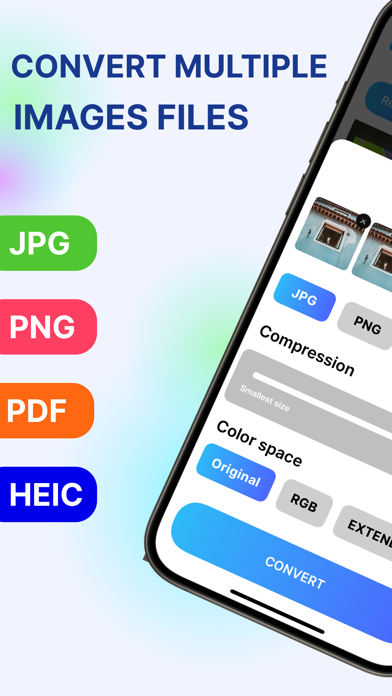
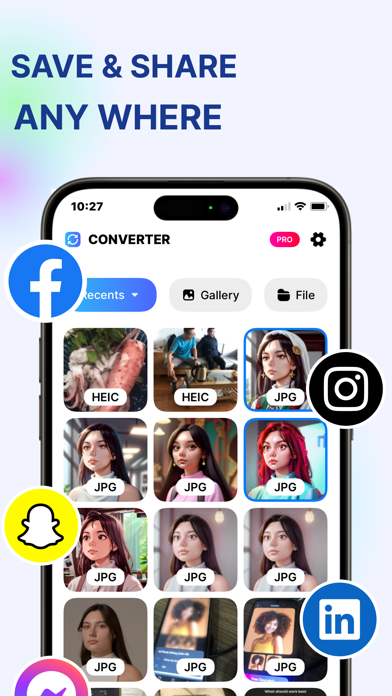
Description by Van Hong Nguyen Written by the developer, not by AppBrain. Click to read.
Say goodbye to clunky photo format conversions! This app lets you seamlessly convert photos on your phone to JPG, PNG, HEIC, or PDF formats in just a few taps. Share across any device without compatibility issues.
Convenience Meets Power
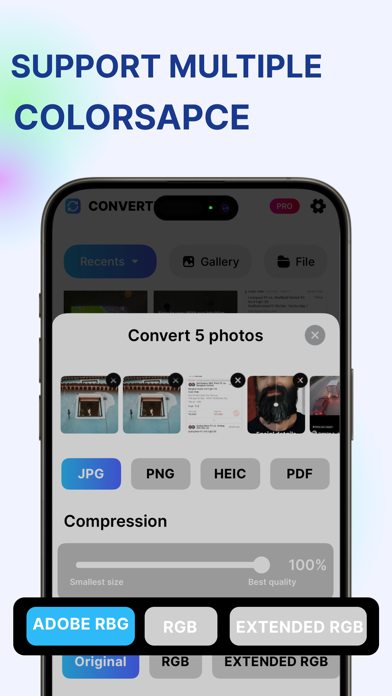
Whether you're a casual user or a photo enthusiast, this app caters to your needs. Quickly convert and manage your photos with a simple interface. For advanced users, optimize photo quality and compatibility by adjusting colorspace settings.
Key Features:
Batch Convert: Save time by converting multiple photos at once.
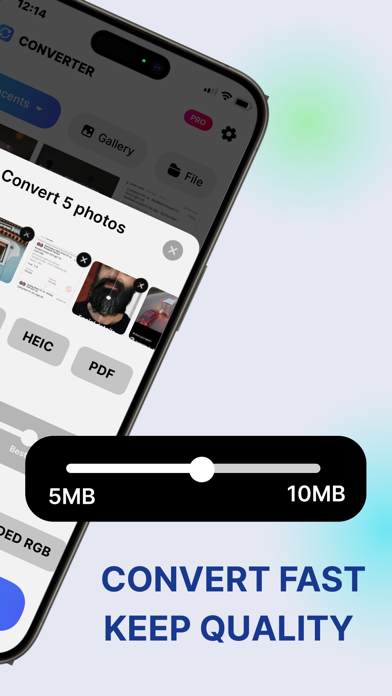
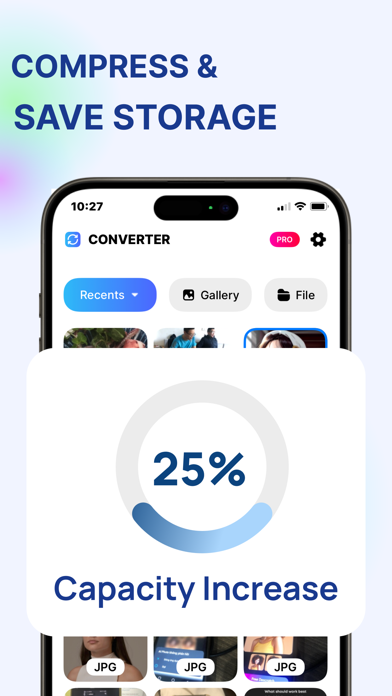
Intelligent Compression: Reduce photo size without sacrificing quality, freeing up storage space on your device.
Multiple Colorspace Options: Fine-tune photo quality and compatibility for different uses.
Privacy Policy: https://sites.google.com/view/jpgconvertpolicy
Terms of Service: https://sites.google.com/view/zeezooterms