

Just Resize: Photo Compressor
Just Resize: Photo Compressor is made and published by SeokWoo Lee. AppBrain is an independent app data site and isn't affiliated with SeokWoo Lee. The app name, icon, screenshots and description belong to SeokWoo Lee and are shown as published on the App Store.
AppBrain's verdict
- Last updated
- August 9, 2026
Rankings
App Store top chartsApp Store Rankings for Just Resize: Photo Compressor
Competitors
Similar apps and more from SeokWoo LeeAlternatives to Just Resize: Photo Compressor


More from SeokWoo Lee


Releases
Updates seen on the App Store- Version
- 1.1.1
- Launched
- February 2026
No changelog data
User feedback
Ratings and reviews on the App StoreComments on Just Resize: Photo Compressor for iOS
We don't have enough comments to show example comments. Please check back later.
Technology
Found in the app by AppBrain- Price
- Free
- App size
- 9.25 MB
- Content rating
- Everyone
Technologies used by Just Resize: Photo Compressor
About the app and developer
About Just Resize: Photo Compressor
Just Resize: Photo Compressor is a photo & video app developed by SeokWoo Lee.
What is the rating of Just Resize: Photo Compressor?
Just Resize: Photo Compressor has no ratings yet.
Is Just Resize: Photo Compressor free?
Just Resize: Photo Compressor is free. The app size is 9.25 MB. The latest version available is 1.1.1. The last update was on August 9, 2026.
What are the requirements for Just Resize: Photo Compressor?
The app has a content rating of Everyone. The app has been available on the App Store since February 2026.
Developer information for SeokWoo Lee
Address:
Store listing
By SeokWoo Lee, from the App Store

Description by SeokWoo Lee Written by the developer, not by AppBrain. Click to read.
Ever been blocked by a "file too large" error when uploading a photo?
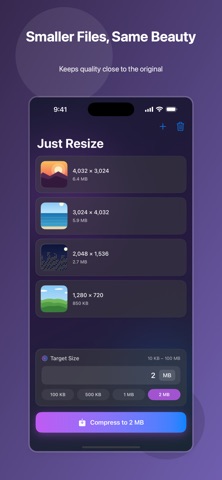
Just Resize compresses your photos to the exact size you need — 1 MB, 500 KB, anything — while keeping quality as high as possible.
Perfect for
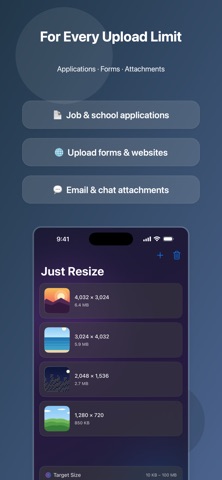
• Attaching photos to job or school applications with size limits
• Upload forms and websites that reject large files
• Sending lighter photos by email or messenger
• Freeing up space without losing your memories
Features
• Set a target size and let the app handle the rest
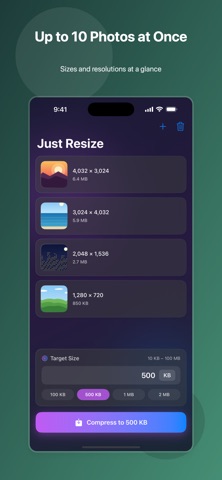
• Batch compress up to 10 photos at once
• JPEG and PNG supported
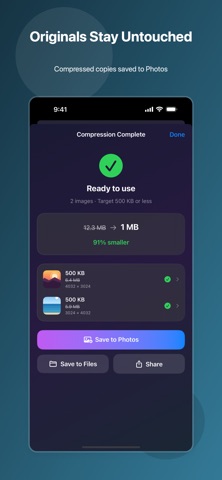
• Originals stay untouched — compressed copies are saved to Photos
• One slider. No confusing settings.
Pick your photos, set a size, done.