

K-City is made and published by K-City. AppBrain is an independent app data site and isn't affiliated with K-City. The app name, icon, screenshots and description belong to K-City and are shown as published on the App Store.
AppBrain's verdict
Established- Rating on App Store
- 1.00
- 1 ratings
- Last updated
- December 4, 2020
It doesn't have enough ratings yet to judge what users think.
Rankings
App Store top chartsApp Store Rankings for K-City
Competitors
Similar apps and more from K-CityAlternatives to K-City



Releases
Updates seen on the App Store- Version
- 2.3.0
- Launched
- April 2018
No changelog data
User feedback
Ratings and reviews on the App StoreComments on K-City for iOS
We don't have enough comments to show example comments. Please check back later.
Technology
Found in the app by AppBrain- Price
- Free
- App size
- 62.1 MB
- Content rating
- Everyone
Technologies used by K-City
About the app and developer
About K-City
K-City is an utilities app developed by K-City.
User Ratings
K-City is rated 1.00 out of 5 stars. The rating is based on one rating ratings.
App Information
K-City is freely available from the App Store. The app size is 62.14 MB. The latest version available is 2.3.0. The last update was on December 4, 2020.
Technical Requirements
The app has a content rating of Everyone. The app has been available on the App Store since April 2018.
Developer information for K-City
Address:
Store listing
By K-City, from the App Store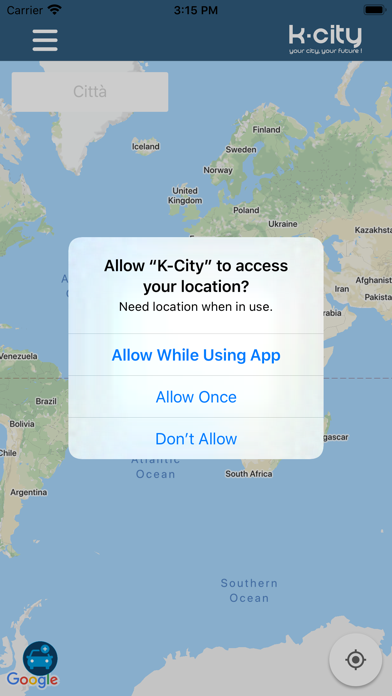
Description by K-City Written by the developer, not by AppBrain. Click to read.
L‘app individua, tramite la posizione gps del dispositivo il veicolo e lo indirizza, utilizzando le mappe di google al parcheggio libero più vicino, fornisce informazioni in tempo reale sullo stato del traffico lungo le vie cittadine.
Le linee colorate sovrastanti le strade, rappresentano la situazione del traffico in quella particolare strada, assumono un colore che va dal giallo al rosso, in base all’intensità del traffico esistente, l’app.
Per iniziare ad utilizzarla seleziona sulla mappa la zona in cui vuoi parcheggiare, visualizza i posti auto liberi di colore verde controlla la tariffa in vigore e gli orari di applicazione, segui il percorso più veloce per raggiungere il parcheggio , scegli come pagare la sosta, dal parcometro o tramite le applicazioni di pagamento in uso ed inserisci il numero del tuo posto auto.
Per ritrovare la posizione esatta in cui hai parcheggiato il tuo veicolo ti basterà visualizzare sulla mappa il simbolo del tuo posto auto.