

K4us Portuguese Keyboard
K4us Portuguese Keyboard is made and published by Toshihiro Nakane. AppBrain is an independent app data site and isn't affiliated with Toshihiro Nakane. The app name, icon, screenshots and description belong to Toshihiro Nakane and are shown as published on the App Store.
AppBrain's verdict
- Last updated
- August 18, 2025
Rankings
App Store top chartsApp Store Rankings for K4us Portuguese Keyboard
Competitors
Similar apps and more from Toshihiro NakaneMore from Toshihiro Nakane






Releases
Updates seen on the App Store- Version
- 1.0.4
- Launched
- March 2019
No changelog data
User feedback
Ratings and reviews on the App StoreComments on K4us Portuguese Keyboard for iOS
We don't have enough comments to show example comments. Please check back later.
Technology
Found in the app by AppBrain- Price
- $0.99
- App size
- 3.06 MB
- Content rating
- Everyone
Technologies used by K4us Portuguese Keyboard
About the app and developer
About K4us Portuguese Keyboard
K4us Portuguese Keyboard is an utilities app developed by Toshihiro Nakane.
User Ratings
The app has no ratings yet.
App Information
K4us Portuguese Keyboard costs $0.99. The app size is 3.06 MB. The latest version available is 1.0.4. The last update was on August 18, 2025.
Technical Requirements
The app has a content rating of Everyone. The app has been available on the App Store since March 2019.
Developer information for Toshihiro Nakane
Address:
Store listing
By Toshihiro Nakane, from the App Store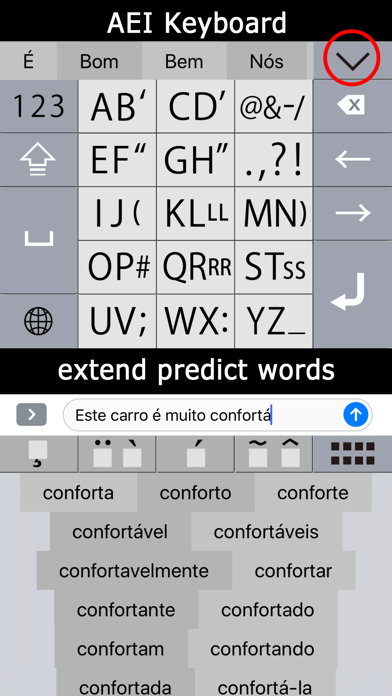

Description by Toshihiro Nakane Written by the developer, not by AppBrain. Click to read.
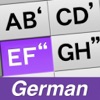
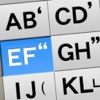
Original Portuguese Keyboard for iPhone & iPad
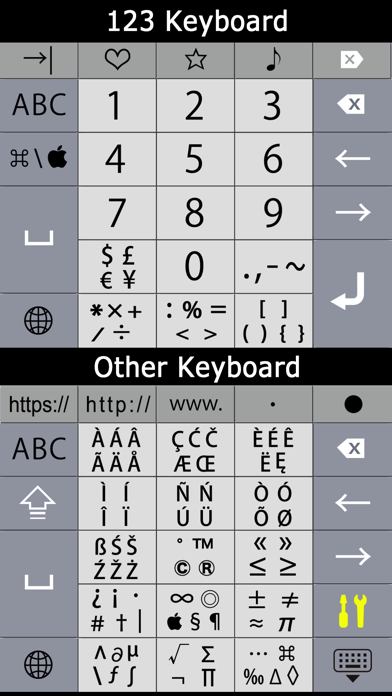
* With Arrow Keys
* AEI Keyboard for iPhone (It is our own idea!)
* Easy to input “Á á É é Í í Ó ó Ú ú Â â Ê ê Ô ô Ã ã Õ õ À à Ü ü Ç ç"
* iPad Special Ten Keys like PC Ten Keys.
About AEI Keyboard
- Only One Push to input Vowel (letter).
- Less than Two Push to input Alphabet. (any letter)
- Input faster with Two Thumbs.
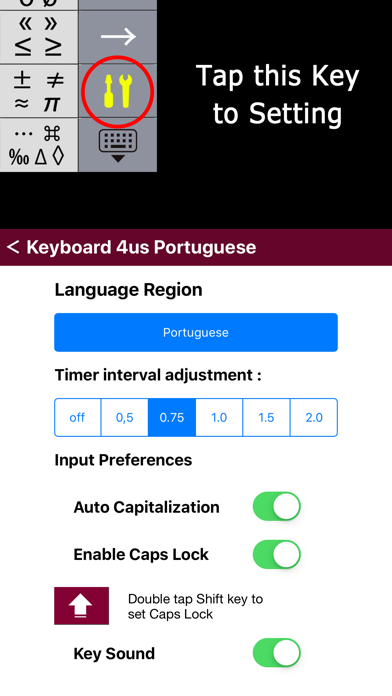
Useful keyboard Settings (tap"tools")
You can turn off Key Sound from it.
Please add this Keyboard from iOS Setting and switch "Allow Full Access"