

Kaodoku is made and published by Michel Colman. AppBrain is an independent app data site and isn't affiliated with Michel Colman. The app name, icon, screenshots and description belong to Michel Colman and are shown as published on the App Store.
AppBrain's verdict
Established- Rating on App Store
- 5.00
- 1 ratings
- Last updated
- March 27, 2026
It doesn't have enough ratings yet to judge what users think.
Rankings
App Store top chartsApp Store Rankings for Kaodoku
Competitors
Similar apps and more from Michel ColmanAlternatives to Kaodoku





More from Michel Colman


Releases
Updates seen on the App Store- Version
- 1.1.11
- Launched
- December 2015
No changelog data
User feedback
Ratings and reviews on the App StoreComments on Kaodoku for iOS
We don't have enough comments to show example comments. Please check back later.
Technology
Found in the app by AppBrain- Price
- Free
- App size
- 4.14 MB
- Content rating
- Everyone
Technologies used by Kaodoku
About the app and developer
About Kaodoku
Kaodoku is a games app developed by Michel Colman.
What is the rating of Kaodoku?
Kaodoku is rated 5.00 out of 5 stars, based on one rating ratings.
Is Kaodoku free?
Kaodoku is free. The app size is 4.14 MB. The latest version available is 1.1.11. The last update was on March 27, 2026.
What are the requirements for Kaodoku?
The app has a content rating of Everyone. The app has been available on the App Store since December 2015.
Developer information for Michel Colman
Address:
Store listing
By Michel Colman, from the App Store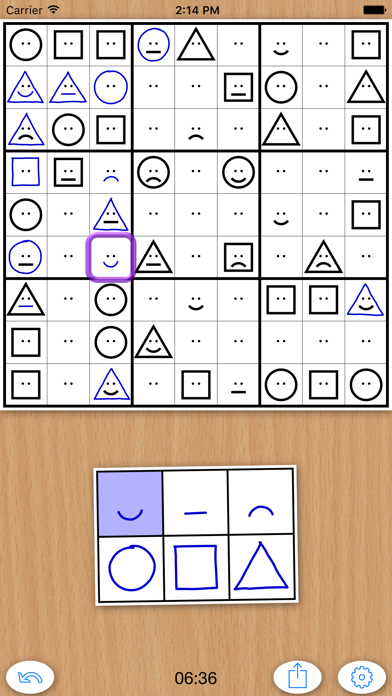
Description by Michel Colman Written by the developer, not by AppBrain. Click to read.
Features:
- Normal grids completely free, with as many randomly generated puzzles as you like in many different levels of difficulty.
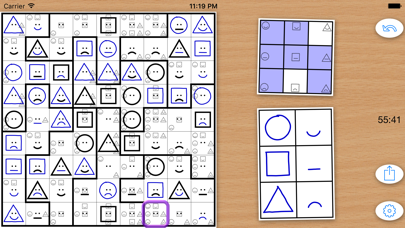
- With a single in-app purchase, you can unlock more complex puzzles with extra diagonals, gray squares and chaotic grids which require even deeper thinking combining all those intersecting regions.
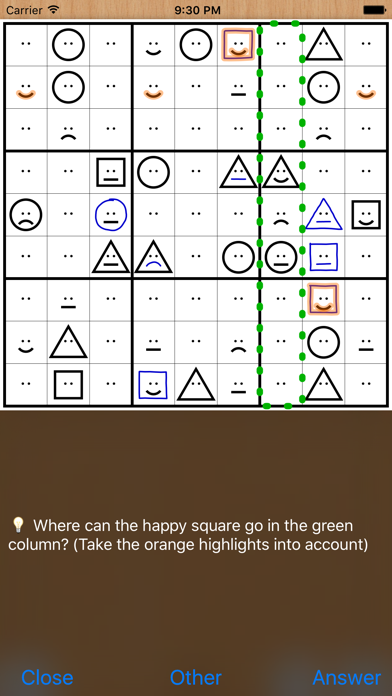
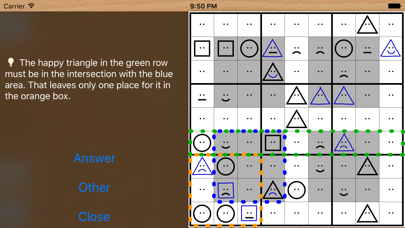
- Sophisticated hint system which actually suggests possible ways forward using step by step logic. Especially in the beginning this is very helpful since even the easiest kaodoku grids can be daunting for those not used to them.
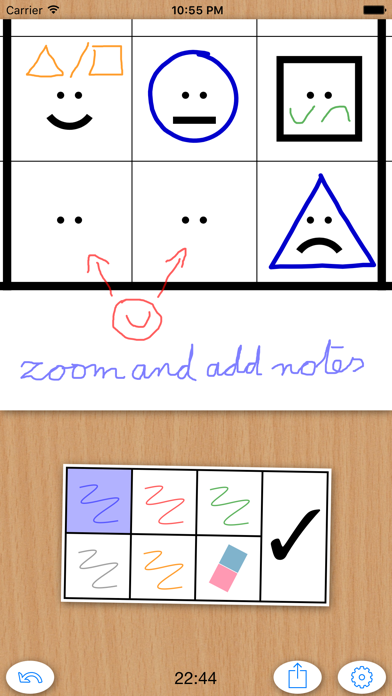
- Activate pencil notes in the settings so you can zoom in and freely draw whatever doodles you like, just like you would on paper.
- Alternatively, you can also use standard candidate marks to keep track of the possible symbols in each cell. In very difficult puzzles, the hints function will take these candidate marks into account if they are the only way of making progress.
- Share puzzles with others, export them in pdf or png format, or print them on paper to solve them the old-fashioned way. Feel free to publish puzzles in magazines or on websites, as long as you don't remove the kaodoku web address.