

KBS KONG is made and published by KBS Media Co. AppBrain is an independent app data site and isn't affiliated with KBS Media Co. The app name, icon, screenshots and description belong to KBS Media Co. and are shown as published on the App Store.
AppBrain's verdict
Established- Rating on App Store
- 3.26
- 35 ratings
- Last updated
- October 12, 2026
It doesn't have enough ratings yet to judge what users think.
Rankings
App Store top chartsApp Store Rankings for KBS KONG
Competitors
Similar apps and more from KBS Media Co.












Releases
Updates seen on the App Store- Version
- 3.3.8
- Launched
- October 2014
No changelog data
User feedback
Ratings and reviews on the App StoreComments on KBS KONG for iOS
We don't have enough comments to show example comments. Please check back later.
Technology
Found in the app by AppBrain- Price
- Free
- App size
- 36.2 MB
- Content rating
- Everyone
Technologies used by KBS KONG
About the app and developer
About KBS KONG
KBS KONG is an entertainment app developed by KBS Media Co.
User Ratings
KBS KONG is rated 3.26 out of 5 stars. The rating is based on 35 ratings.
App Information
KBS KONG is freely available from the App Store. The app size is 36.15 MB. The latest version available is 3.3.8. The last update was on October 12, 2026.
Technical Requirements
The app has a content rating of Everyone. The app has been available on the App Store since October 2014.
Developer information for KBS Media Co.
Address:
Store listing
By KBS Media Co., from the App Store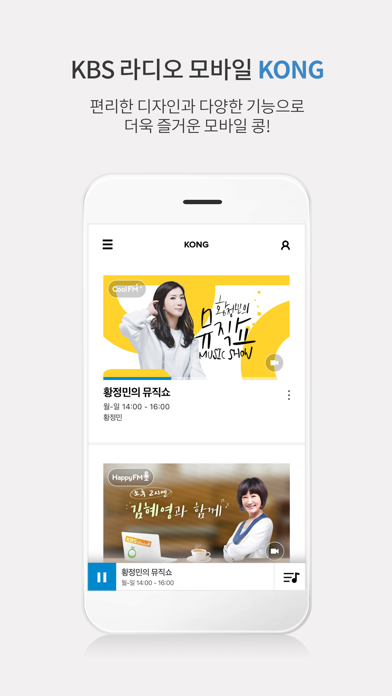
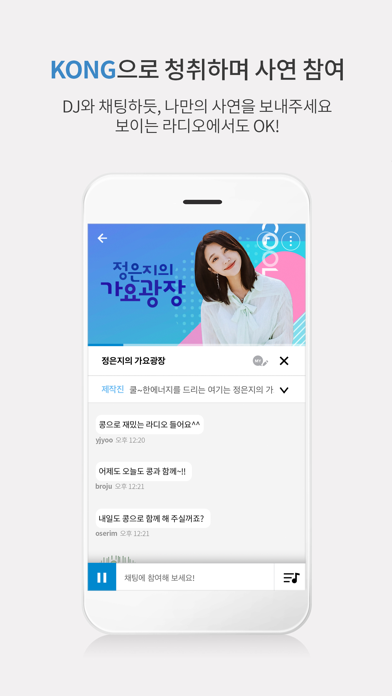
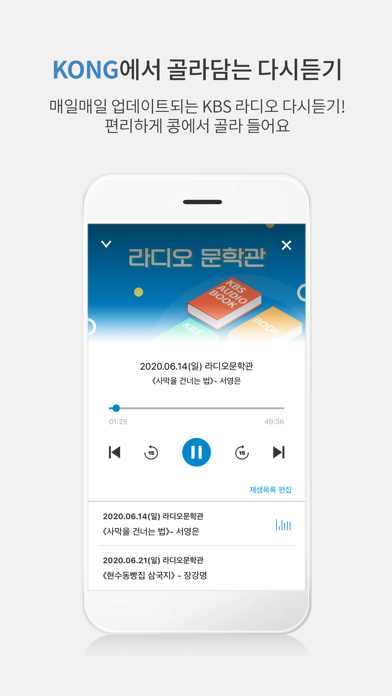
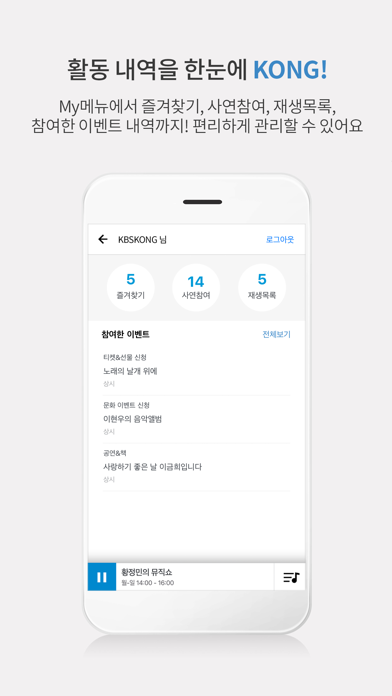
Description by KBS Media Co. Written by the developer, not by AppBrain. Click to read.
KBS radio KONG offers our audiences an easy and simple radio service.
1. On-Air Service
You can listen & waching to KBS Radio in real time.
2. Listen Again Service
If you missed any radio show, find 'Listen Again' Service. You can listen to the earlier programs whenever you want!
3. Program Schedule
KBS Radio provides daily program schedule. Check out your favourite program schedule!
KBS radio KONG will always do our best to meet the audience's needs with better service and various contents. Thank you.
[Detailed Guide to App Access Permission]
1. Required access rights
- none
2. Select access rights
- Alert: Notification of usage information.
- Photo: Attached photo when writing on some boards
- Camera: It is used to attach pictures after attaching some boards.
* You can use the service even if you do not agree to allow the optional access rights.
* How to change access authority: Settings> KBS KONG