

KeySavings Bank
KeySavings Bank is made and published by KeySavings Bank Inc. AppBrain is an independent app data site and isn't affiliated with KeySavings Bank Inc. The app name, icon, screenshots and description belong to KeySavings Bank Inc and are shown as published on the App Store.
AppBrain's verdict
- Rating on App Store
- 4.62
- 42 ratings
- Last updated
- April 8, 2026
- Size
- 102.5 MB
It doesn't have enough ratings yet to judge what users think.
User feedback
Ratings and reviews on the App StoreComments on KeySavings Bank for iOS
We don't have enough comments to show example comments. Please check back later.
Store listing
By KeySavings Bank Inc, from the App Store
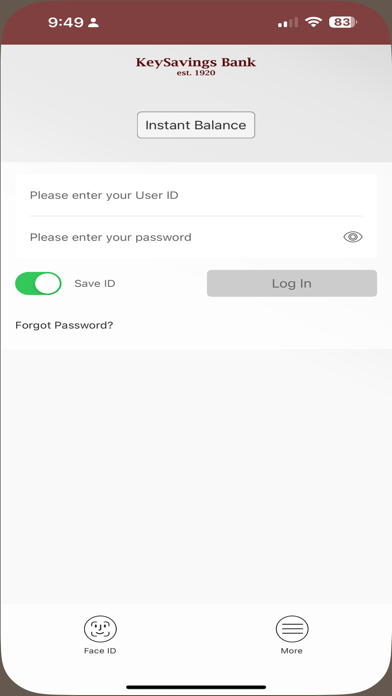

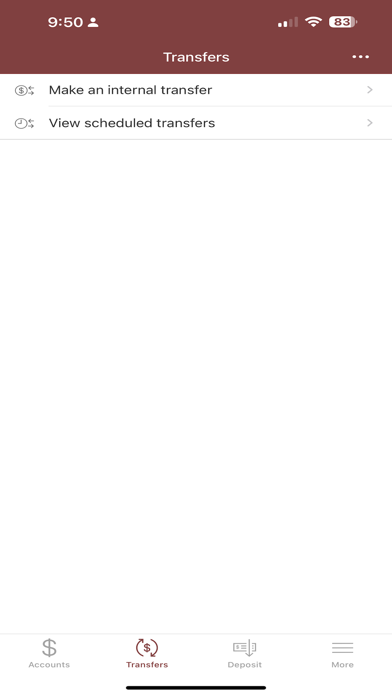
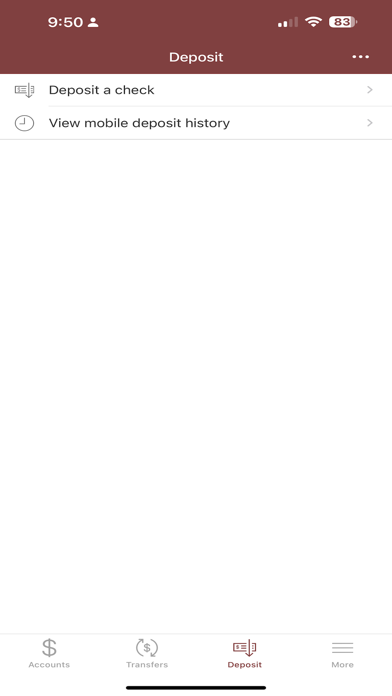
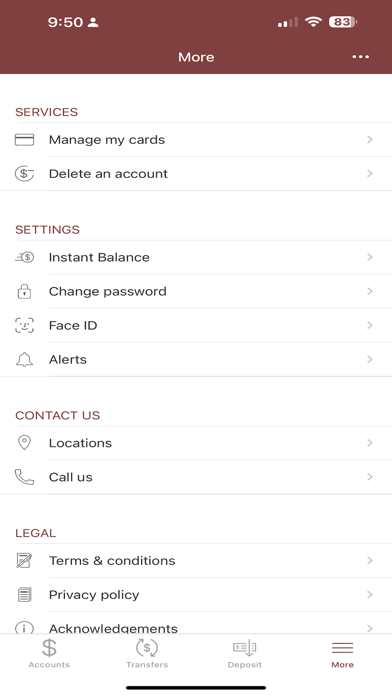
Description by KeySavings Bank Inc Written by the developer, not by AppBrain. Click to read.
Ready. Set. Go! It’s that easy.
Our Mobile Banking app is readily available to you and allows you to securely and easily transact everyday money management needs on our industry leading mobile application.
View your account activity:
• Check your account balances with a few touches of your finger
• View recent transactions, including check images on any mobile device
• Transfer money from one account to another
• Never be late on a bill again, schedule and pay using Access Bill Pay
• If you are enrolled in E-statements, those statements are readily available for your review
• If you receive a check and want to deposit it. Capture check’s image by taking a picture and use mobile app to drop it into your account.
• Need to verify your last deposits, view deposit history in the app
Visit our website at www.keysavingsbank.com for online mortgage and other lending needs.
Safety and technology
Found in the app by AppBrain- Price
- Free
- App size
- 102.5 MB
- Content rating
- Everyone
Technologies used by KeySavings Bank
Releases
Updates seen on the App Store- Version
- 26.1.300
- Launched
- August 2024
No changelog data
Alternatives
Similar apps and more from KeySavings Bank IncAlternatives to KeySavings Bank


Also available on Google Play

Rankings
App Store top chartsApp Store Rankings for KeySavings Bank
About the app and developer
About KeySavings Bank
KeySavings Bank is a finance app developed by KeySavings Bank Inc.
User Ratings
KeySavings Bank is rated 4.62 out of 5 stars. The rating is based on 42 ratings.
App Information
KeySavings Bank is freely available from the App Store. The app size is 102.54 MB. The latest version available is 26.1.300. The last update was on April 8, 2026.
Technical Requirements
The app has a content rating of Everyone. The app has been available on the App Store since August 2024.
Developer information for KeySavings Bank Inc
Address: