

Kids App Qustodio is made and published by Qustodio. AppBrain is an independent app data site and isn't affiliated with Qustodio. The app name, icon, screenshots and description belong to Qustodio and are shown as published on the App Store.
AppBrain's verdict
EstablishedPoorly rated- Rating on App Store
- 2.16
- 7,848 ratings
- Last updated
- October 5, 2026
- Size
- 96.0 MB
Users are critical: 2.2 stars from 7,848 ratings.
User feedback
Ratings and reviews on the App StoreComments on Kids App Qustodio for iOS
We don't have enough comments to show example comments. Please check back later.
Store listing
By Qustodio, from the App Store



Description by Qustodio Written by the developer, not by AppBrain. Click to read.
How to get started
1. Download the Qustodio Parental Control App onto your own device (usually your mobile phone or laptop).
2. Then download this Kids App Qustodio onto any of your child’s devices you want to monitor.
3. Together, the two apps allow you to seamlessly manage your child’s daily screen time allowance on linked mobile, tablet, or desktop devices.
Features include:
• Daily screen time limits set by the Parent App.
• Website, search and app usage monitoring on the child’s device.
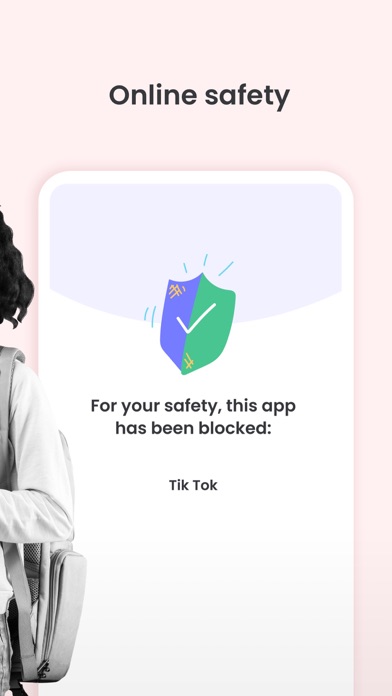
• Website blocking and category blocking (block games and lockout unwanted content) on the child’s device
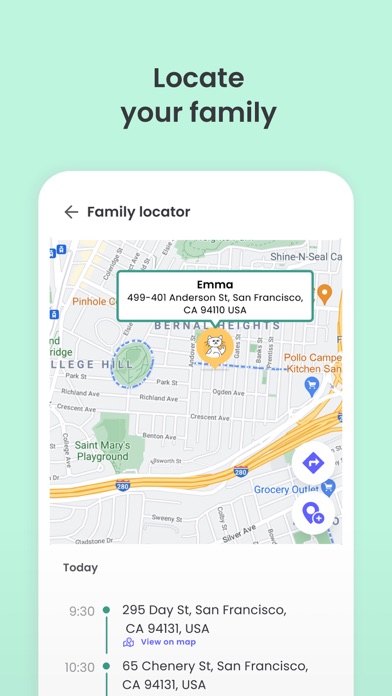
• Location tracking of the child's device
• Safe search on the child’s device
• Unsupported browser blocking on the child’s device
• Advanced reporting provided to parents
• Real-time alerts sent to parents
Kids App Qustodio for iOS and macOS is password protected and cannot be uninstalled from a child’s device without parental permission.
If you have any questions or need help, contact us at info@qustodio.com
We take privacy and the protection of your family and children’s data extremely seriously. We do not and will not sell data to third-parties. Your child’s screen time activity is for your eyes only.
Our Terms of Use are available here: https://www.qustodio.com/family/terms/
Important notes for users
- The Kids App Qustodio for iOS install process will ask you to install a special MDM profile and accept special permissions in order to control the internet traffic on the device. This profile can be removed or disabled by you whenever you want. Instructions for installing, uninstalling, and configuring are on our help page.
- When connecting to the internet a VPN symbol will appear on the top of the screen. The VPN connection can be disabled temporarily when needed in the Family Portal or by logging into the Kids App Qustodio on your kids' device.
- Continued use of GPS running in the background for the Family Locator feature can dramatically decrease battery life.
Safety and technology
Found in the app by AppBrain- Price
- Free
- App size
- 96.0 MB
- Content rating
- Everyone
Technologies used by Kids App Qustodio
Releases
Updates seen on the App Store- Version
- 182.19.0
- Launched
- October 2015
No changelog data
Alternatives
Similar apps and more from QustodioAlternatives to Kids App Qustodio





More from Qustodio

Rankings
App Store top chartsApp Store Rankings for Kids App Qustodio
About the app and developer
About Kids App Qustodio
Kids App Qustodio is a lifestyle app developed by Qustodio.
What is the rating of Kids App Qustodio?
Kids App Qustodio is rated 2.16 out of 5 stars, based on 7.8 thousand ratings.
Is Kids App Qustodio free?
Kids App Qustodio is free. The app size is 96.02 MB. The latest version available is 182.19.0. The last update was on October 5, 2026.
What are the requirements for Kids App Qustodio?
The app has a content rating of Everyone. The app has been available on the App Store since October 2015.
Developer information for Qustodio
Address: