It doesn't have enough ratings yet to judge what users think.
KidShield is made and published by
TP-Link Systems Inc.
AppBrain is an independent app data site and isn't affiliated with TP-Link Systems Inc.
The app name, icon, screenshots and description belong to TP-Link Systems Inc. and are shown as
published on the App Store.
About KidShield
KidShield is an utilities app developed by TP-Link Systems Inc.
User Ratings
KidShield is rated 3.50 out of 5 stars. The rating is based on 4 ratings.
App Information
KidShield is freely available from the App Store. The app size is 46.41 MB. The latest version available is 1.1.35. The last update was on September 9, 2026.
Technical Requirements
The app has a content rating of Everyone. The app has been available on the App Store since January 2024.
Description by TP-Link Systems Inc.(from the App Store)
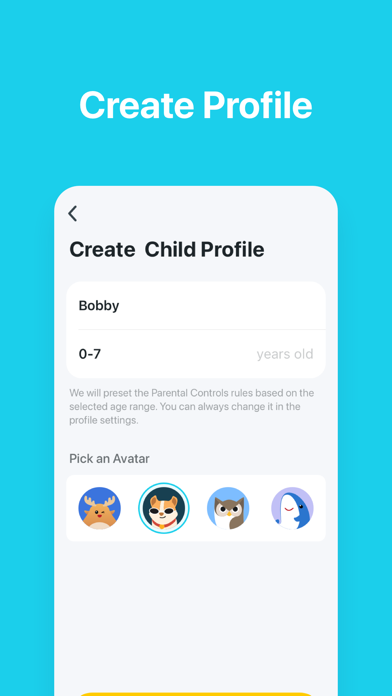
KidShield - Parental Control App. Protect kids’ devices. Guide healthy digital habits.
*Note: This App needs to be used in conjunction with Deco or the Tether App. If you have not purchased a TP-Link HomeShield model, you will not be able to complete the pairing and binding process. We apologize for any inconvenience this may cause.
Unlike most network security services that only work at home, KidShield maintains its safeguards away from home. Through our App, your little ones stay digitally protected away from home, even if they are not connected to your home WiFi. With a detailed report of your home network, you can check the sites your children visit and how much time they spend on each. It’s a great way to know your children are safe while they’re having fun online.
Advanced Features: • App Blocking Supports blocking over 10,000 Apps and limiting Apps usage time. To achieve this function, KidShield uses a VPN to block ads and malware from your child's device.
• Web Filtering Web Filtering allows parents to filter content by various categories, including adult content, gambling, social networking, and more.Web filtering also requires enabling the VPN.
• YouTube Restrictions YouTube Restrictions block potentially unsafe videos and channels that might contain inappropriate content.
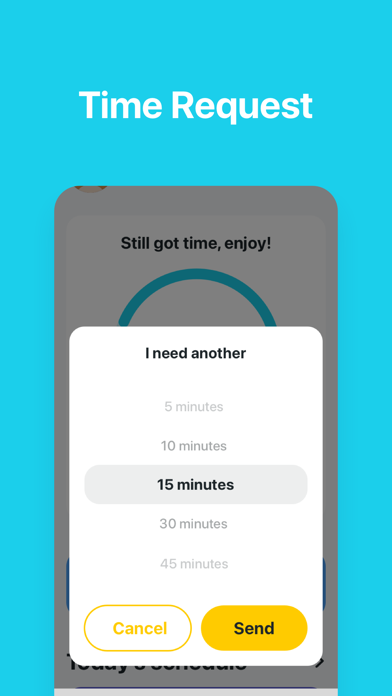
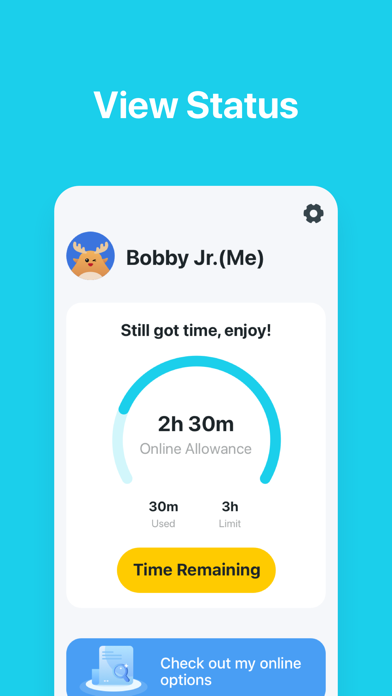
• Online time limits Screen Time lets you monitor the time your kids spend on apps, social media, websites, and more. This helps you make more informed decisions about using devices and setting online limits.
• Prevent App Installing If kids are addicted to games, YouTube, and social media, parents can set app installment prevention to prevent kids from installing new apps. This ensures healthier app use for kids.
• Payment Management Payment management allows parents to disable in-app purchases on their kids’ phones, preventing kids from accidentally or intentionally purchasing online. This helps keep parents’ money safe.
• Keep Track of Locations Worried that your kids are secretly going somewhere like internet cafés or amusement parks? Or even skipping classes? Location tracker allows parents to monitor their kids’ real-time GPS locations. What's more, parents can set geofencing and get alerts when kids are away from the set boundary.
• Behavioral Statistics KidShield collects search, browsing, and screenshot data even when the app is closed or not in use. This data is used to provide you with information about how your child uses the device. We do not share this data with any third parties. To enable these features, please allow accessibility permissions on this device.
Each subscription will automatically renew 3 days before the expiration date for
the same time period. Subscriptions can be cancelled at any time before the renewal.