

Laafo.com is made and published by Sonal Gandhi. AppBrain is an independent app data site and isn't affiliated with Sonal Gandhi. The app name, icon, screenshots and description belong to Sonal Gandhi and are shown as published on the App Store.
AppBrain's verdict
- Last updated
- January 25, 2025
Rankings
App Store top chartsApp Store Rankings for Laafo.com
Competitors
Similar apps and more from Sonal GandhiAlternatives to Laafo.com






More from Sonal Gandhi

Releases
Updates seen on the App Store- Version
- 1.8
- Launched
- February 2020
No changelog data
User feedback
Ratings and reviews on the App StoreComments on Laafo.com for iOS
We don't have enough comments to show example comments. Please check back later.
Technology
Found in the app by AppBrain- Price
- Free
- App size
- 84.4 MB
- Content rating
- Everyone
Technologies used by Laafo.com
About the app and developer
About Laafo.com
Laafo.com is a shopping app developed by Sonal Gandhi.
User Ratings
The app has no ratings yet.
App Information
Laafo.com is freely available from the App Store. The app size is 84.36 MB. The latest version available is 1.8. The last update was on January 25, 2025.
Technical Requirements
The app has a content rating of Everyone. The app has been available on the App Store since February 2020.
Developer information for Sonal Gandhi
Address:
Frequently asked questions about Laafo.com
Is Laafo.com free?
Yes. Laafo.com is free on the App Store.
Is Laafo.com still available?
Yes. Laafo.com is on the App Store, and the last update we saw was on January 25, 2025.
How large is Laafo.com?
Laafo.com is 84.36 MB.
Is Laafo.com suitable for children?
App Store rates the content of Laafo.com as suitable for everyone.
Who made Laafo.com?
Laafo.com was developed by Sonal Gandhi. It is listed in the shopping category on the App Store.
What are the best alternatives to Laafo.com?
People looking at Laafo.com also look at these shopping apps: PayNav, Voucher 24, TOPUP Live, Bazar24.store, Miss Mosa.
Store listing
By Sonal Gandhi, from the App Store



Description by Sonal Gandhi Written by the developer, not by AppBrain. Click to read.
Sending gifts was never so easy and give the gift to your loved ones and near ones which they really like and they really use.
Sending gifts is as easy as a few taps and swipes.
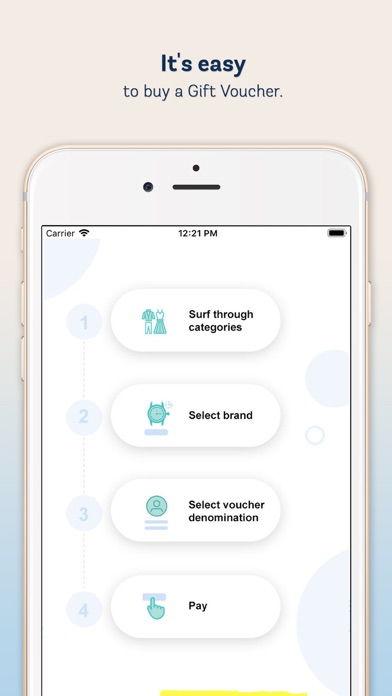
1) Select the brand you wish to send as a gift,
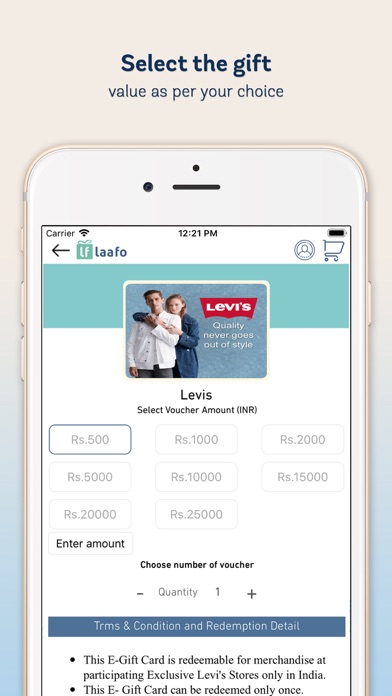
2) Select denomination of your choice,
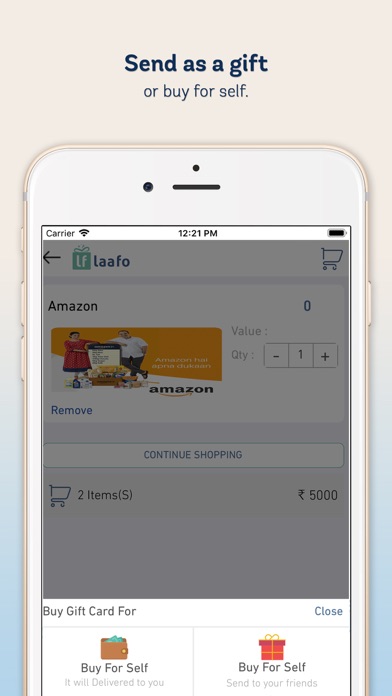
3) Enter the details of the gift recipients or you buy a gift for your own
4) Pay
5) Get the gift voucher delivered into your email/inbox or SMS
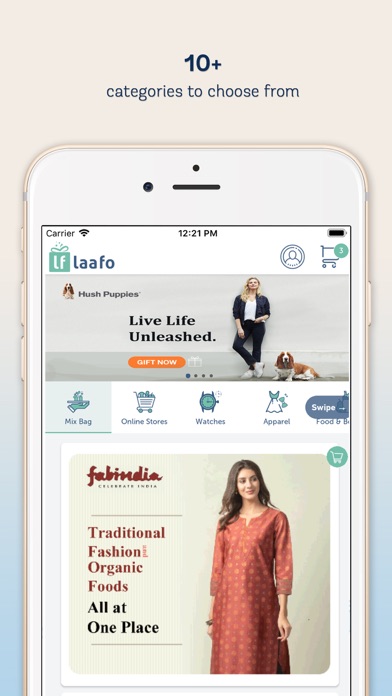
We have categorized the brand in the following segments so you can easily select the gift :
1) Apparels
2) Watches
3) Online stores
4) Footwear
5) Jewelry
6) Entertainment
7) Travel
8) Accessories
9) Health care
10) Supermarket
11) Food and beverages
Redemption of the gift voucher ( e gift cards ) is very easy. You get a gift voucher code and an pin , you can either en-cash this on online store or at the physical store as per terms of the brand which you have purchased. When you buy a gift voucher, it is recommended to read terms and conditions for redemption.
We at laafo also believe in exception support and we will strive to be with you when you need any support, So while you are buying a gift card (gift voucher) and if you need any assistance, we have to make sure that you can approach us by simply creating a ticket directly from the app.
Some of the popular brands for gift cards is amazon gift card, Flipkart gift cards, nakyaa , jabong, myntra , UCB, FabIndia, ALDO, William pen , ….. And many other premium brands
So we wish you a happy gifting and spread the word. All suggestions are welcomed at care@laafo.com