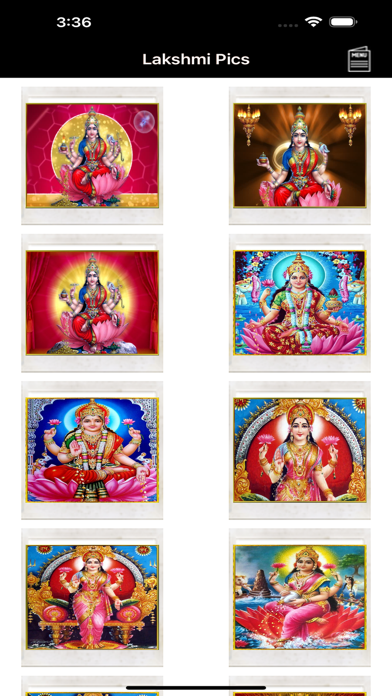
Lakshmi Pics is a photo & video app developed by Kasinathan Technology.
User Ratings
The app has no ratings yet.
App Information
Lakshmi Pics costs $0.99. The app size is 91.08 MB. The latest version available is 2.1. The last update was on March 18, 2024.
Technical Requirements
The app has a content rating of Everyone. The app has been available on the App Store since October 2012.
Lakshmi Pics is made and published by
Kasinathan Technology.
AppBrain is an independent app data site and isn't affiliated with Kasinathan Technology.
The app name, icon, screenshots and description belong to Kasinathan Technology and are shown as published on the App Store.
Description by Kasinathan Technology(from the App Store)
Lakshmi Pics is now at your fingerprints. Make smarten your iPhone and get an experience about Lord Lakshmi and its adventure with such high quality amazing Lord Lakshmi wallpapers which fits your iPhone,iPod Touch,iPad &iWatch including your MAC & Windows PC.
FEATURES:
*** Limitless collection, with more than 140 Ganesh Pictures!
*** Added New UI & supports all the iOS screens to keep everything crisp.
*** Best astonishing and comprehensible collection with high quality
***Very Easy navigation- swipe, zoom, and pinch.
*** Super Fast-loading.
*** Unlimited Download.
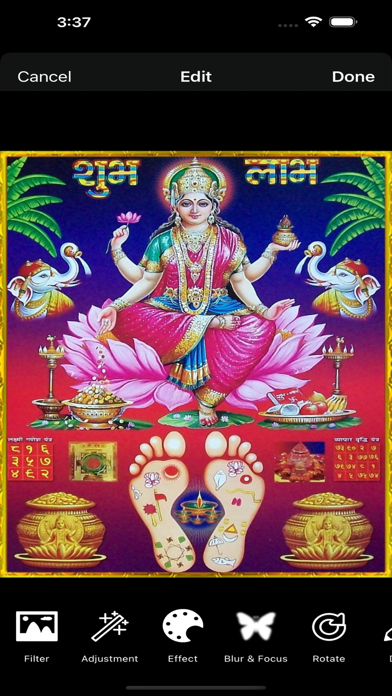
*** All images are stored in Local device for the most favorable performance of the wallpaper for iOS devices. *** Select your favorite one & save it. *** Add to contact and share it. *** Most of the images are in both portrait & landscape view which fits your iPhone,iPod Touch,iPad,iPad Mini including your MAC & Windows PC. *** YOU DON'T PAY ANYTHING TO DOWNLOAD PICTURES.
********** Steps to create Wallpaper in iOS devices as follows: - Open Settings on your iPhone. Go to Settings, tap Wallpaper, then tap Choose a New Wallpaper. - Choose an image. Choose an image from Dynamic, Stills, Live, or one of your photos. - Move the image and choose a display option. Drag to move the image. ... - Set the wallpaper and choose where you want it to show up. ********** Steps to create Watch Face in iWatch as follows: - Open Photos on iPhone - Find the photo you’d like to use for a new watch face - Tap the share button in the bottom left corner Apple Watch: How to set photo as watch face - Swipe from right to left if needed to find and tap Create Watch Face - Choose which type of face you’d like to create - Customize the new photo watch face - Tap Add toward the top of your screen - Your new face should show up on your Watch right away **********
● Useful, innovative and cute application developed by Kasinathan Technology. Please send your valuable feedback or ideas that you would like to see in the app to following mail id : "kasinathantechnology@gmail.com".
AppBrain offers valuable information about your app and those of your competitors. Join AppBrain for free and claim this app to view more ranking data, view history etc.
Each subscription will automatically renew 3 days before the expiration date for
the same time period. Subscriptions can be cancelled at any time before the renewal.