

Leonardo - Photo Layer Editor
Leonardo - Photo Layer Editor is made and published by Pankaj Goswami. AppBrain is an independent app data site and isn't affiliated with Pankaj Goswami. The app name, icon, screenshots and description belong to Pankaj Goswami and are shown as published on the App Store.
AppBrain's verdict
Established- Rating on App Store
- 3.95
- 129 ratings
- Last updated
- May 19, 2022
Users are divided: 4.0 stars from 129 ratings.
Rankings
App Store top chartsApp Store Rankings for Leonardo - Photo Layer Editor
Competitors
Similar apps and more from Pankaj GoswamiAlternatives to Leonardo - Photo Layer Editor






More from Pankaj Goswami




Releases
Updates seen on the App Store- Version
- 2.7.2
- Launched
- August 2013
No changelog data
User feedback
Ratings and reviews on the App StoreComments on Leonardo - Photo Layer Editor for iOS
We don't have enough comments to show example comments. Please check back later.
Technology
Found in the app by AppBrain- Price
- $4.99
- App size
- 63.0 MB
- Content rating
- Everyone
Technologies used by Leonardo - Photo Layer Editor
About the app and developer
About Leonardo - Photo Layer Editor
Leonardo - Photo Layer Editor is a photo & video app developed by Pankaj Goswami.
What is the rating of Leonardo - Photo Layer Editor?
Leonardo - Photo Layer Editor is rated 3.95 out of 5 stars, based on 130 ratings.
Is Leonardo - Photo Layer Editor free?
Leonardo - Photo Layer Editor costs $4.99. The app size is 62.98 MB. The latest version available is 2.7.2. The last update was on May 19, 2022.
What are the requirements for Leonardo - Photo Layer Editor?
The app has a content rating of Everyone. The app has been available on the App Store since August 2013.
Developer information for Pankaj Goswami
Address:
Frequently asked questions about Leonardo - Photo Layer Editor
Is Leonardo - Photo Layer Editor free?
No. Leonardo - Photo Layer Editor costs $4.99 on the App Store.
Is Leonardo - Photo Layer Editor still available?
Yes. Leonardo - Photo Layer Editor is on the App Store, and the last update we saw was on May 19, 2022.
How large is Leonardo - Photo Layer Editor?
Leonardo - Photo Layer Editor is 62.98 MB.
Is Leonardo - Photo Layer Editor suitable for children?
App Store rates the content of Leonardo - Photo Layer Editor as suitable for everyone.
How do people rate Leonardo - Photo Layer Editor?
Leonardo - Photo Layer Editor scores 3.95 out of 5 stars, from 129 ratings on the App Store.
Who made Leonardo - Photo Layer Editor?
Leonardo - Photo Layer Editor was developed by Pankaj Goswami. It is listed in the photo & video category on the App Store.
What are the best alternatives to Leonardo - Photo Layer Editor?
People looking at Leonardo - Photo Layer Editor also look at these photo & video apps: Decim8, Distressed FX : Plus, Matter - 3D Effects, Deco Sketch, Image Blender.
Store listing
By Pankaj Goswami, from the App Store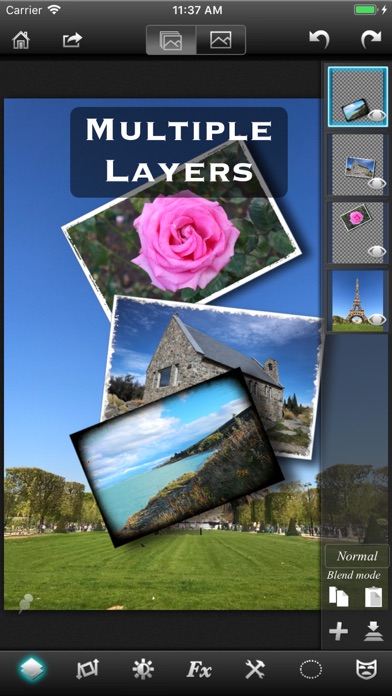
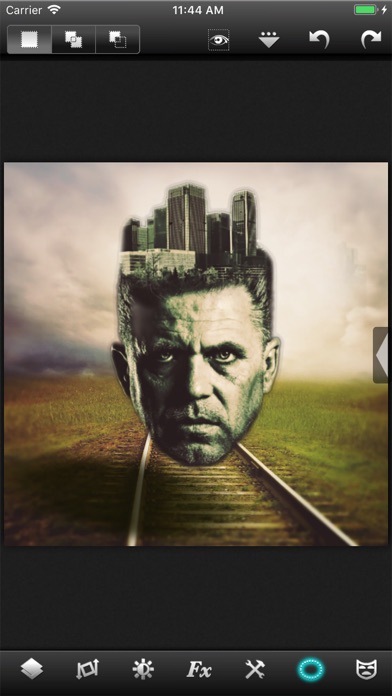
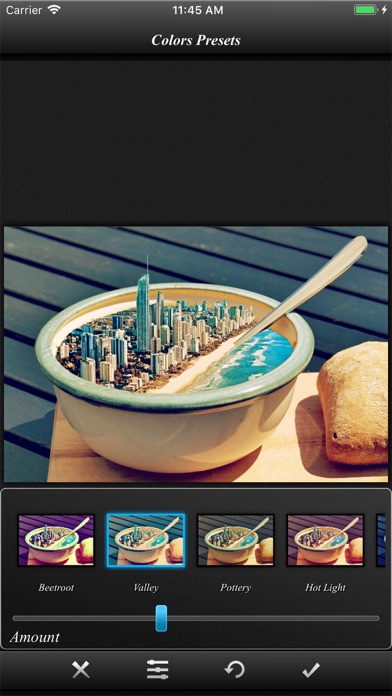
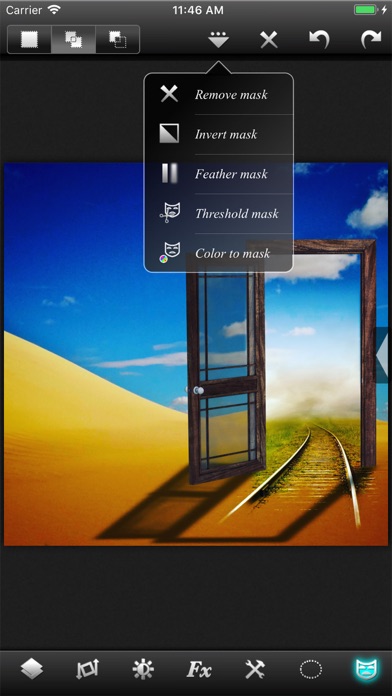
Description by Pankaj Goswami Written by the developer, not by AppBrain. Click to read.
An editor so powerful that you could do almost anything that you thought was possible only on a desktop.
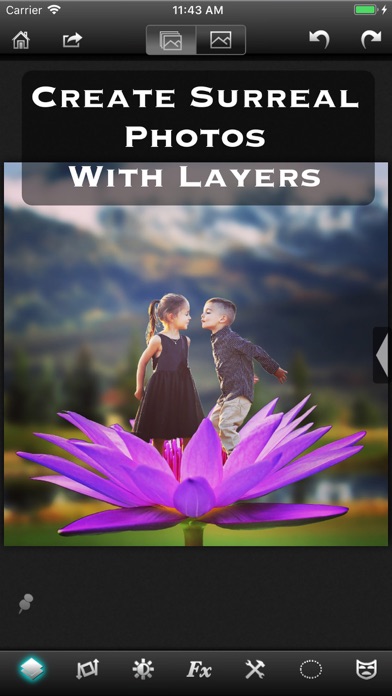
√ True layer support, just like photo editing on desktop.
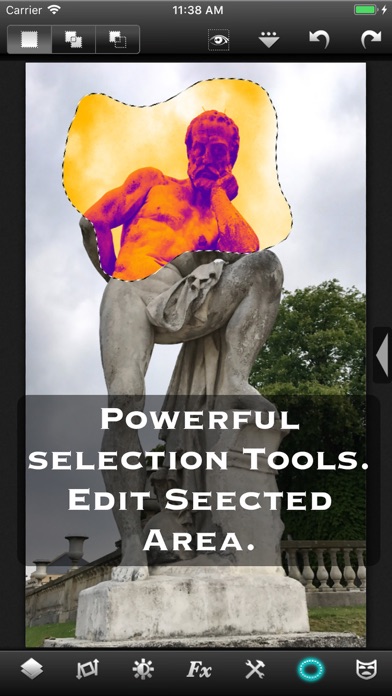
√ Selection. You can select an area and work with filters and effects only on that area.
√ Layers can be masked. And not just with brush, you get a whole set of mask editing tool.
√ Layers support all that a true layer app should. Blending, Opacity, Transform, Duplicate, Merge and flatten.
√ The app is so fast that most of the operations are real time. You don't have to wait while adjusting the sliders.
√ Handles Exif, IPTC, Geotag etc. You can even edit Geotag and IPTC.
√ Exports PSD with layers. And of course exports JPEG and PNG too.
√ Copy/Paste with selections and masks.
√ Undo/Redo.
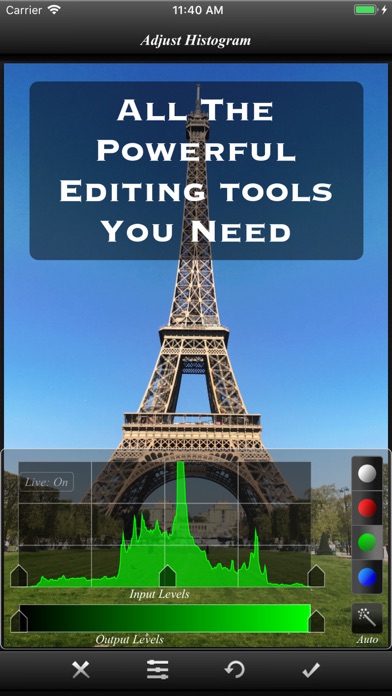
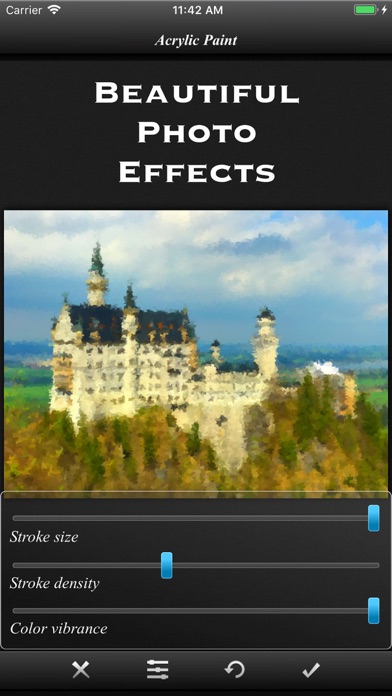
√ Powerful filters you will hardly find on many other apps.
√ 25 preset photo effects.
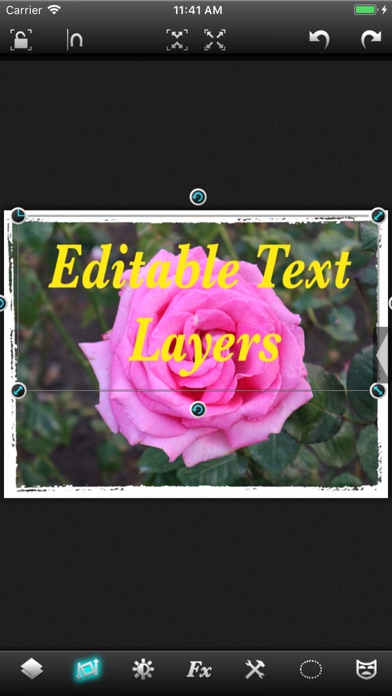
√ Tools like Crop, Straighten, Clone stamp, color gradient, paint brush, red eye brush and add text etc.
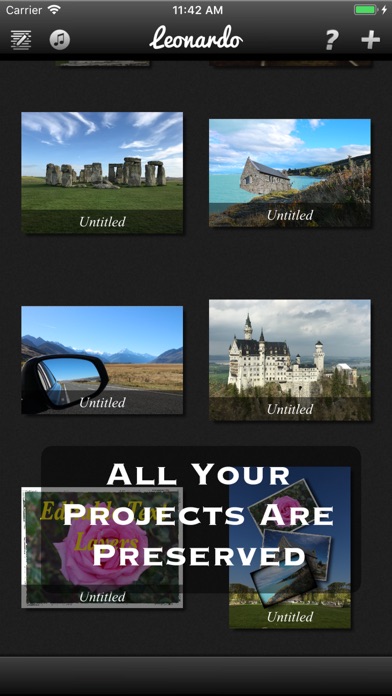
√ You can save your projects with all layers and selections preserved and work on them back and forth.
√ 18 video tutorials.
√ Resolution up to 4096x4096 on iPad3 and above and on iPhone max resolution is equal to the resolution of the built-in camera.
And yes, it runs on both iPhone and iPad.
Note that reduce noise filter is available only on iPhone 5 and iPad3 and above.
To get maximum resolution you will need to...
1. Go to home screen.
2. Press on the "?" button.
3. Under resolution, select the max.