

Level with voice
Level with voice is made and published by Jia Hua Huang. AppBrain is an independent app data site and isn't affiliated with Jia Hua Huang. The app name, icon, screenshots and description belong to Jia Hua Huang and are shown as published on the App Store.
AppBrain's verdict
Established- Rating on App Store
- 5.00
- 3 ratings
- Last updated
- June 18, 2023
It doesn't have enough ratings yet to judge what users think.
Rankings
App Store top chartsApp Store Rankings for Level with voice
Competitors
Similar apps and more from Jia Hua HuangAlternatives to Level with voice





More from Jia Hua Huang


Releases
Updates seen on the App Store- Version
- 1.6
- Launched
- November 2019
No changelog data
User feedback
Ratings and reviews on the App StoreComments on Level with voice for iOS
We don't have enough comments to show example comments. Please check back later.
Technology
Found in the app by AppBrain- Price
- Free
- App size
- 39.4 MB
- Content rating
- Everyone
Technologies used by Level with voice
About the app and developer
About Level with voice
Level with voice is an utilities app developed by Jia Hua Huang.
What is the rating of Level with voice?
Level with voice is rated 5.00 out of 5 stars, based on 3 ratings.
Is Level with voice free?
Level with voice is free. The app size is 39.41 MB. The latest version available is 1.6. The last update was on June 18, 2023.
What are the requirements for Level with voice?
The app has a content rating of Everyone. The app has been available on the App Store since November 2019.
Developer information for Jia Hua Huang
Address:
Store listing
By Jia Hua Huang, from the App Store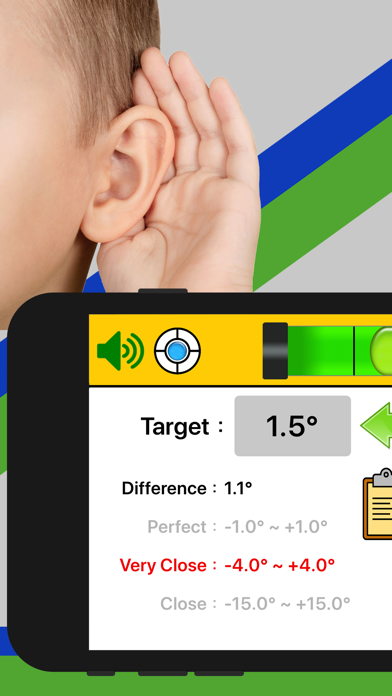
Description by Jia Hua Huang Written by the developer, not by AppBrain. Click to read.
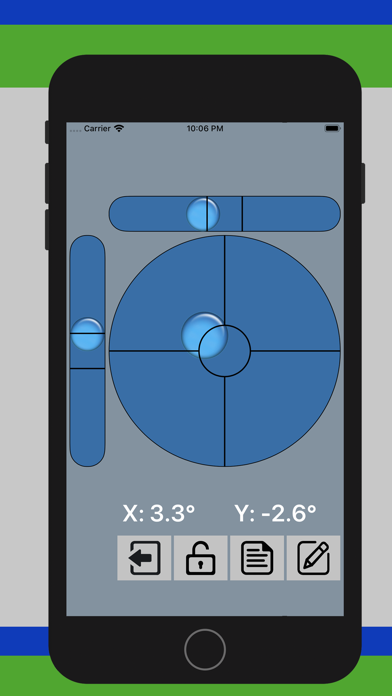
• Displays the angle of tilted surfaces in numbers, showing the difference from the desired angle.
• If the back of your device is not flat (such as a protruding lens or other accessories), you can put the screen face down to measure the angle.
• Can lock the current measurement as the target angle (can use the VOLUME UP button on the device or button on screen to lock the angle).
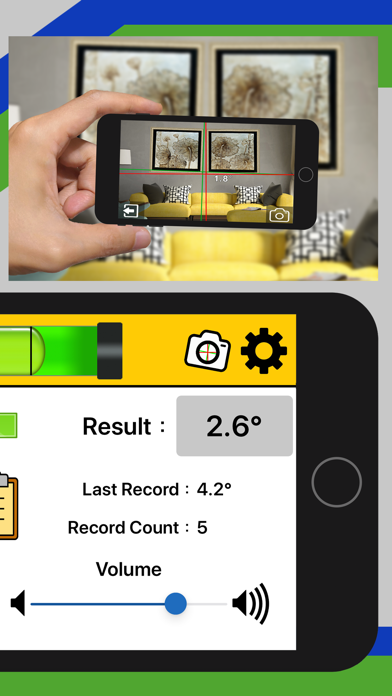
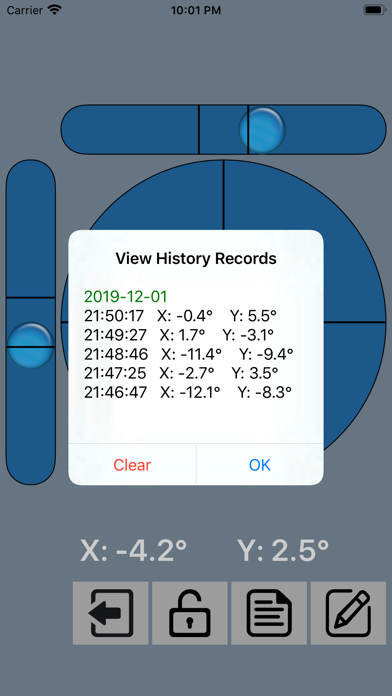
• Can save the current measurement as the history record (can use the VOLUME DOWN button on the device or button on screen to save the record).
• Can save up to 20 history records for your review
• With Calibration function
• Laser Level. You can preview and take photos for leveling by camera, just like laser leveling.
• Can set the degree of error for each applicable angle range
• Can set the measurement frequency (1 second to 3 seconds)
• Optional mute or audible mode
• Easy to use
• Support languages: English, French, German, Portuguese, Russian, Spanish, Japanese, Korean, Traditional Chinese, Simplified Chinese