

LocationWise
LocationWise is made and published by Hashbrown Systems Pvt. Ltd. AppBrain is an independent app data site and isn't affiliated with Hashbrown Systems Pvt. Ltd. The app name, icon, screenshots and description belong to Hashbrown Systems Pvt. Ltd. and are shown as published on the App Store.
AppBrain's verdict
- Last updated
- January 17, 2024
Rankings
App Store top chartsApp Store Rankings for LocationWise
Competitors
Similar apps and more from Hashbrown Systems Pvt. Ltd.Alternatives to LocationWise






More from Hashbrown Systems Pvt. Ltd.


Releases
Updates seen on the App Store- Version
- 4.5
- Launched
- June 2017
No changelog data
User feedback
Ratings and reviews on the App StoreComments on LocationWise for iOS
We don't have enough comments to show example comments. Please check back later.
Technology
Found in the app by AppBrain- Price
- $0.99
- App size
- 27.5 MB
- Content rating
- Everyone
Technologies used by LocationWise
About the app and developer
About LocationWise
LocationWise is a photo & video app developed by Hashbrown Systems Pvt. Ltd.
User Ratings
The app has no ratings yet.
App Information
LocationWise costs $0.99. The app size is 27.48 MB. The latest version available is 4.5. The last update was on January 17, 2024.
Technical Requirements
The app has a content rating of Everyone. The app has been available on the App Store since June 2017.
Developer information for Hashbrown Systems Pvt. Ltd.
Address:
Store listing
By Hashbrown Systems Pvt. Ltd., from the App Store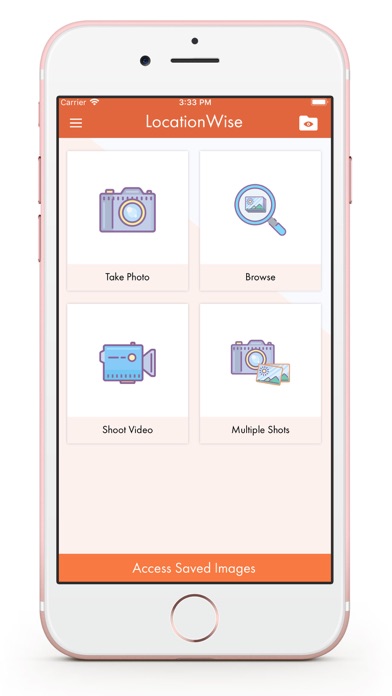

Description by Hashbrown Systems Pvt. Ltd. Written by the developer, not by AppBrain. Click to read.
Use the ‘Watermark’ feature to add a logo or text as a watermark on photos and videos and protect them from getting misused. This is how LocationWise brings in more accuracy to field reporting.
Get evidence in any of the four ways:
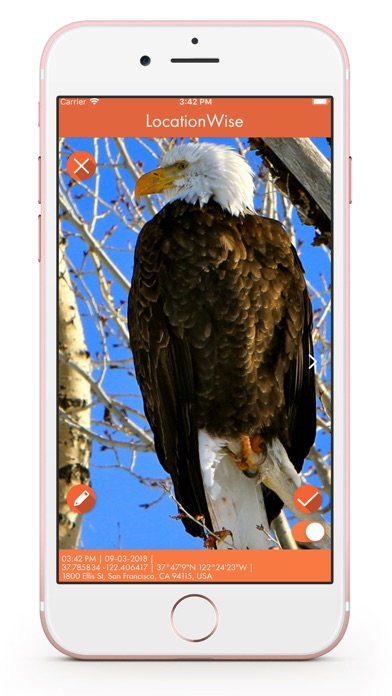
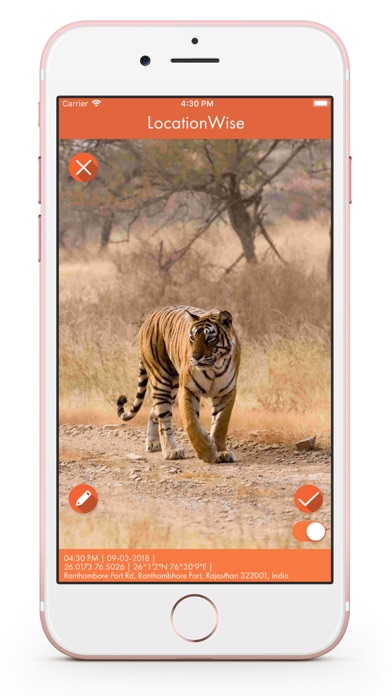
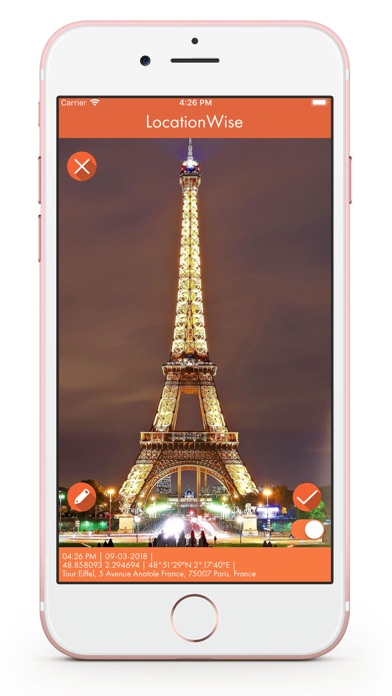
1. Tap the ‘Take Photo’ section to capture photos through the app itself. Once clicked, you will find the photo footer containing GPS coordinates, street address, and time/date stamps.
2. Choose ‘Shoot Video’ to record evidence in the form of videos having date, time, and GPS stamps.
3. Click on ‘Multiple Shots’ to take several shots of any place or object in one go, so that every minute detail is precisely captured.
4. You can also ‘Browse’ through the photo gallery in your device and get date, time, and GPS coordinates attached to the image, for you to keep it as a proof.
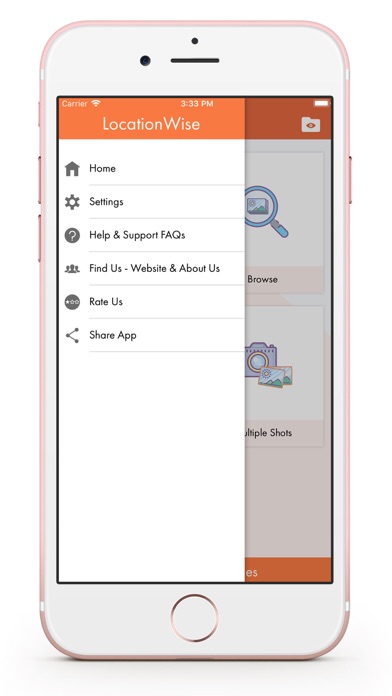
Still not sure how to use the app? Simply click on Settings >> Guided tour, be informed, and get going.
Learn More -
https://hashbrown.com/services/location-intelligence