

Loopman is made and published by Youngjoon Koh. AppBrain is an independent app data site and isn't affiliated with Youngjoon Koh. The app name, icon, screenshots and description belong to Youngjoon Koh and are shown as published on the App Store.
AppBrain's verdict
- Last updated
- October 20, 2026
Rankings
App Store top chartsApp Store Rankings for Loopman
Competitors
Similar apps and more from Youngjoon KohMore from Youngjoon Koh

Releases
Updates seen on the App Store- Version
- 2.8.13
- Launched
- May 2017
No changelog data
User feedback
Ratings and reviews on the App StoreComments on Loopman for iOS
We don't have enough comments to show example comments. Please check back later.
Technology
Found in the app by AppBrain- Price
- Free
- App size
- 11.1 MB
- Content rating
- Everyone
Technologies used by Loopman
About the app and developer
About Loopman
Loopman is a music app developed by Youngjoon Koh.
User Ratings
The app has no ratings yet.
App Information
Loopman is freely available from the App Store. The app size is 11.14 MB. The latest version available is 2.8.13. The last update was on October 20, 2026.
Technical Requirements
The app has a content rating of Everyone. The app has been available on the App Store since May 2017.
Developer information for Youngjoon Koh
Address:
Frequently asked questions about Loopman
Is Loopman free?
Yes. Loopman is free on the App Store.
Is Loopman still available?
Yes. Loopman is on the App Store, and the last update we saw was on October 20, 2026.
How large is Loopman?
Loopman is 11.14 MB.
Is Loopman suitable for children?
App Store rates the content of Loopman as suitable for everyone.
Who made Loopman?
Loopman was developed by Youngjoon Koh. It is listed in the music category on the App Store.
Store listing
By Youngjoon Koh, from the App Store





Description by Youngjoon Koh Written by the developer, not by AppBrain. Click to read.
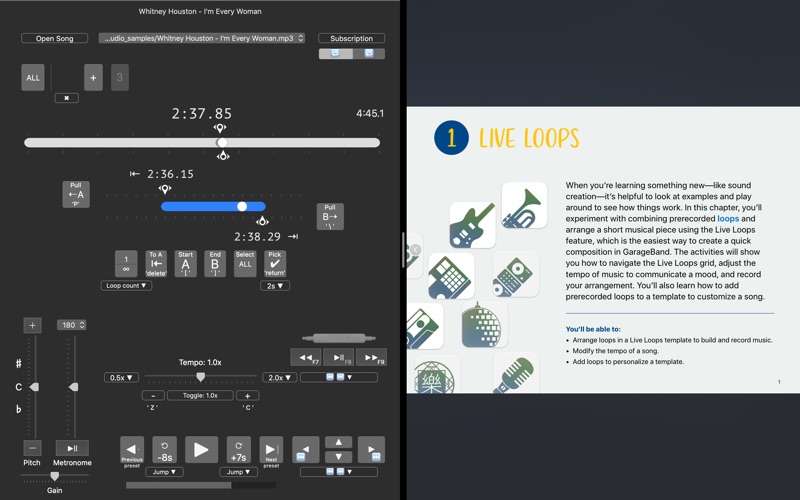
Loopman helps language learners and musicians work through the audio they want to understand, one short section at a time.
FOR LANGUAGE LEARNERS
Repeat a sentence for listening practice, dictation, or shadowing. Slow down difficult passages, then practice again at a pace that feels comfortable.
FOR MUSICIANS
Listen closely to melodies, solos, and rhythms. Repeat challenging sections, adjust playback speed, and change pitch to support your practice. Loopman is a listening and practice tool; it does not automatically transcribe speech or create sheet music.
FOCUSED PRACTICE
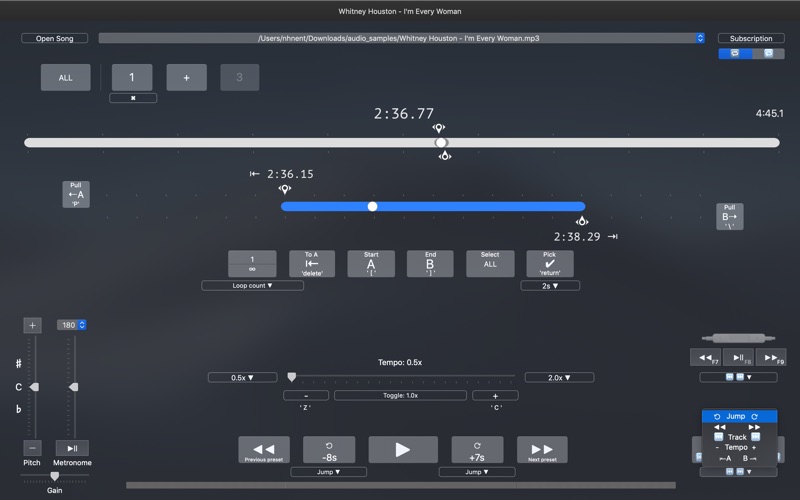
• Set A and B points to repeat a chosen section.
• Adjust speed and pitch for your practice.
• Save useful sections as presets and organize your audio in playlists.
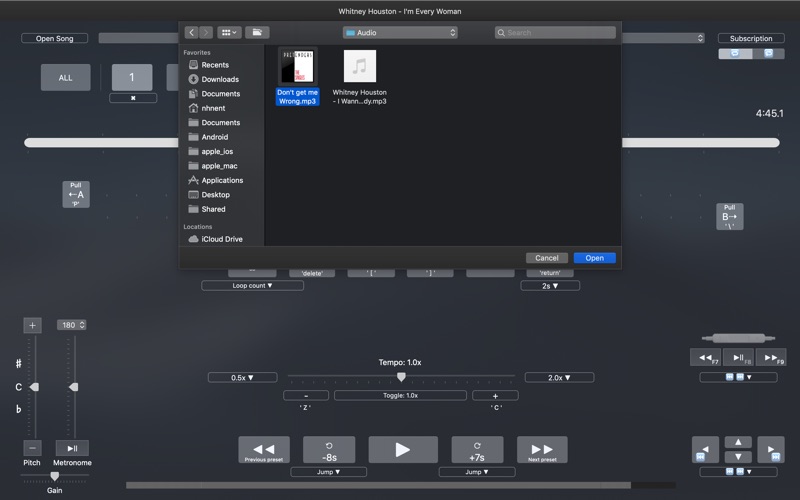
• Open supported audio files you already have.
FILE COMPATIBILITY
DRM-protected audio, including protected Apple Music subscription downloads, cannot be played. Streaming-service subscriptions do not give Loopman access to their protected songs.
FREE USE & OPTIONAL SUBSCRIPTIONS
The free Mac version has usage limits. Optional 3-month and 12-month auto-renewing Full Access subscriptions are available.
Check the price, billing period, and any eligible trial shown before purchase. Payment is charged to your Apple Account. Subscriptions renew automatically unless canceled at least 24 hours before the current period ends. Manage or cancel your subscription in your Apple Account settings.
App interface languages may differ from the languages available in this store description.
Questions or feedback: dolgoraesoft@gmail.com
Terms of Use: https://bayliner1978.blogspot.kr/2017/05/loopman-terms-and-use.html
Privacy Policy: https://bayliner1978.blogspot.kr/2017/05/privacy-policy.html