

LoudScript: Text to Speech
LoudScript: Text to Speech is made and published by Ho Ye Lam. AppBrain is an independent app data site and isn't affiliated with Ho Ye Lam. The app name, icon, screenshots and description belong to Ho Ye Lam and are shown as published on the App Store.
AppBrain's verdict
- Rating on App Store
- 5.00
- 2 ratings
- Last updated
- October 27, 2026
It doesn't have enough ratings yet to judge what users think.
Rankings
App Store top chartsApp Store Rankings for LoudScript: Text to Speech
Competitors
Similar apps and more from Ho Ye LamMore from Ho Ye Lam


Releases
Updates seen on the App Store- Version
- 2026.13
- Launched
- July 2025
No changelog data
User feedback
Ratings and reviews on the App StoreComments on LoudScript: Text to Speech for iOS
We don't have enough comments to show example comments. Please check back later.
Technology
Found in the app by AppBrain- Price
- Free
- App size
- 68.6 MB
- Content rating
- Everyone
Technologies used by LoudScript: Text to Speech
About the app and developer
About LoudScript: Text to Speech
LoudScript: Text to Speech is a productivity app developed by Ho Ye Lam.
User Ratings
LoudScript: Text to Speech is rated 5.00 out of 5 stars. The rating is based on 2 ratings.
App Information
LoudScript: Text to Speech is freely available from the App Store. The app size is 68.58 MB. The latest version available is 2026.13. The last update was on October 27, 2026.
Technical Requirements
The app has a content rating of Everyone. The app has been available on the App Store since July 2025.
Developer information for Ho Ye Lam
Address:
Store listing
By Ho Ye Lam, from the App Store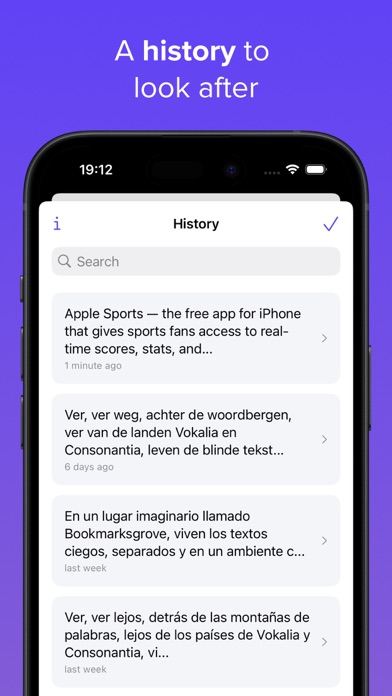



Description by Ho Ye Lam Written by the developer, not by AppBrain. Click to read.
Type or paste text, choose a speaking speed, and follow along with sentence highlighting. LoudScript automatically detects the language and selects a suitable voice.
BETTER VOICES ON YOUR DEVICE
- Download Supertonic voices for on-device speech
- Generate speech directly on your device
- Keep text out of an online speech service during Supertonic playback
- Fall back to Apple Voices when Supertonic is unavailable or does not support the detected language
WAYS TO ADD TEXT
- Type text directly
- Paste text from the clipboard
- Extract plain text from one photo using OCR
- Extract plain text from a PDF using OCR
LISTEN YOUR WAY
- Adjust speaking speed from 0.5x to 2x
- Follow sentence highlighting during playback
- Move through the text with the progress slider
- Reopen saved entries from history
PREMIUM
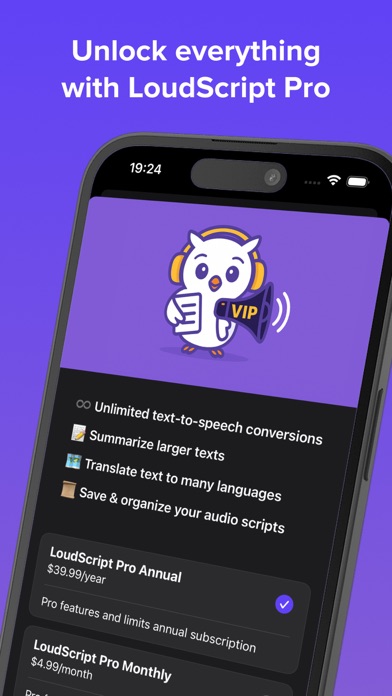
- Remove the 2,000-character limit
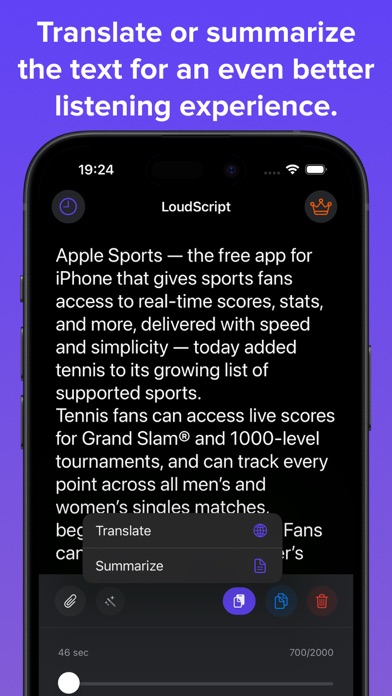
- Translate text online
- Summarize text online
No account is required.
Photo and PDF import extracts plain text before playback. Translation and summarization require an internet connection.
Terms of Use: https://loudscript.app/tos.html