

LVM Track is made and published by LVM Tech Inc. AppBrain is an independent app data site and isn't affiliated with LVM Tech Inc. The app name, icon, screenshots and description belong to LVM Tech Inc. and are shown as published on the App Store.
AppBrain's verdict
- Last updated
- September 30, 2026
Rankings
App Store top chartsApp Store Rankings for LVM Track
Competitors
Similar apps and more from LVM Tech Inc.





Releases
Updates seen on the App Store- Version
- 2.22.26
- Launched
- June 2016
No changelog data
User feedback
Ratings and reviews on the App StoreComments on LVM Track for iOS
We don't have enough comments to show example comments. Please check back later.
Technology
Found in the app by AppBrain- Price
- Free
- App size
- 121.2 MB
- Content rating
- Everyone
Technologies used by LVM Track
About the app and developer
About LVM Track
LVM Track is an utilities app developed by LVM Tech Inc.
User Ratings
The app has no ratings yet.
App Information
LVM Track is freely available from the App Store. The app size is 121.25 MB. The latest version available is 2.22.26. The last update was on September 30, 2026.
Technical Requirements
The app has a content rating of Everyone. The app has been available on the App Store since June 2016.
Developer information for LVM Tech Inc.
Address:
Frequently asked questions about LVM Track
Is LVM Track free?
Yes. LVM Track is free on the App Store.
Is LVM Track still available?
Yes. LVM Track is on the App Store, and the last update we saw was on September 30, 2026.
How large is LVM Track?
LVM Track is 121.25 MB.
Is LVM Track suitable for children?
App Store rates the content of LVM Track as suitable for everyone.
Who made LVM Track?
LVM Track was developed by LVM Tech Inc. It is listed in the utilities category on the App Store.
What are the best alternatives to LVM Track?
People looking at LVM Track also look at these utilities apps: Astreon Manager, FT Vision, kite Mobility, TFTBLE, SmartHome4U.
Store listing
By LVM Tech Inc., from the App Store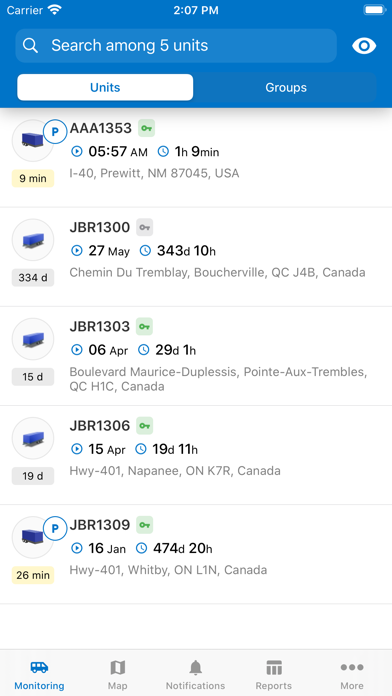
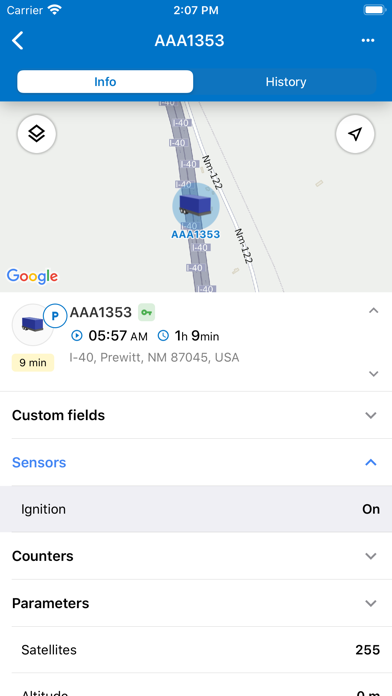
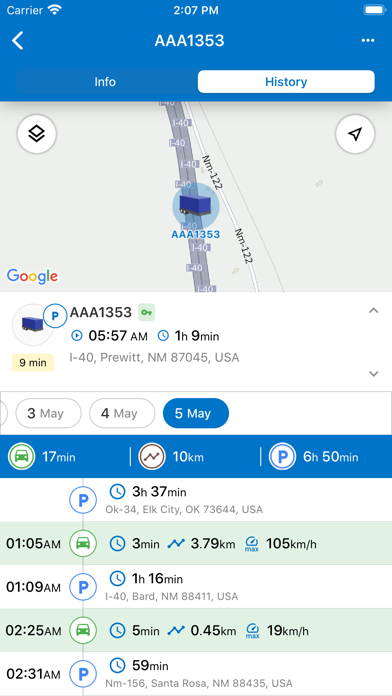
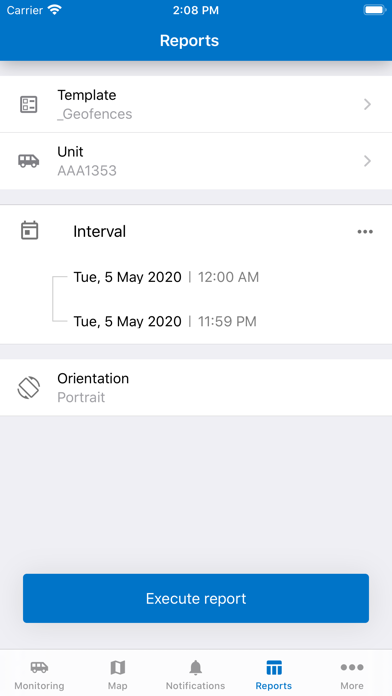
Description by LVM Tech Inc. Written by the developer, not by AppBrain. Click to read.
You will be able to appreciate the adaptive design and convenient display of various asset properties, which all adds to the user-friendly and handy mobile interface.
The drag and drop menu will get you the vehicle data in a manageable and custom manner.
Push-notifications will bring you the latest information over the vehicle’s speed violations and geofence trespassing, whereas commands will provide you better tools to manage your assets properly.
For further convenience of using a mobile LVM Track, the rapid switch from the menu to the Dashboard app has been implemented, bringing the key vehicle KPIs to your fingertips.