

MailKit-mail filter
MailKit-mail filter is made and published by Seimitsusakufu LLC. AppBrain is an independent app data site and isn't affiliated with Seimitsusakufu LLC. The app name, icon, screenshots and description belong to Seimitsusakufu LLC and are shown as published on the App Store.
AppBrain's verdict
Established- Rating on App Store
- 1.00
- 1 ratings
- Last updated
- November 25, 2025
It doesn't have enough ratings yet to judge what users think.
Rankings
App Store top chartsApp Store Rankings for MailKit-mail filter
Competitors
Similar apps and more from Seimitsusakufu LLCAlternatives to MailKit-mail filter








More from Seimitsusakufu LLC


Releases
Updates seen on the App Store- Version
- 1.7.0
- Launched
- August 2012
No changelog data
User feedback
Ratings and reviews on the App StoreComments on MailKit-mail filter for iOS
We don't have enough comments to show example comments. Please check back later.
Technology
Found in the app by AppBrain- Price
- $1.99
- App size
- 3.60 MB
- Content rating
- Everyone
Technologies used by MailKit-mail filter
About the app and developer
About MailKit-mail filter
MailKit-mail filter is an utilities app developed by Seimitsusakufu LLC.
User Ratings
MailKit-mail filter is rated 1.00 out of 5 stars. The rating is based on one rating ratings.
App Information
MailKit-mail filter costs $1.99. The app size is 3.60 MB. The latest version available is 1.7.0. The last update was on November 25, 2025.
Technical Requirements
The app has a content rating of Everyone. The app has been available on the App Store since August 2012.
Developer information for Seimitsusakufu LLC
Address:
Store listing
By Seimitsusakufu LLC, from the App Store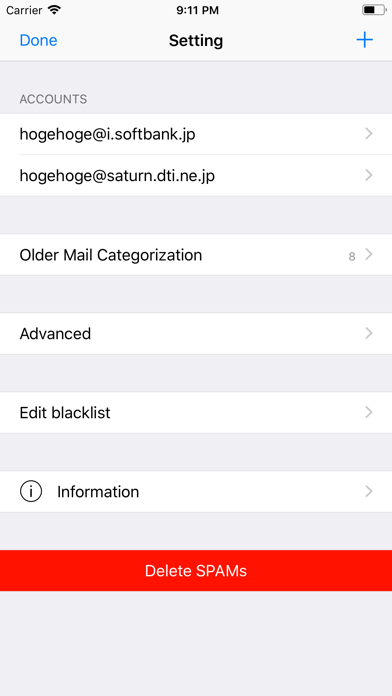
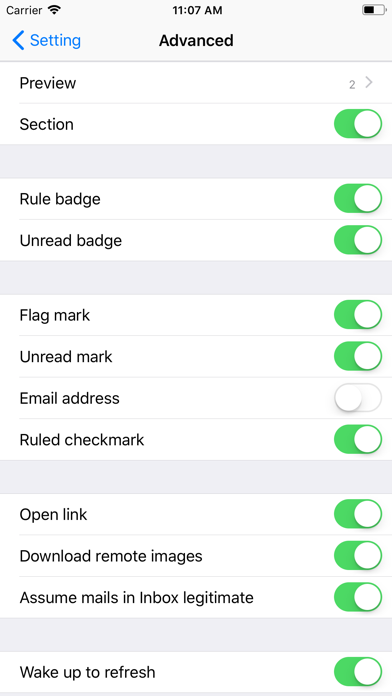
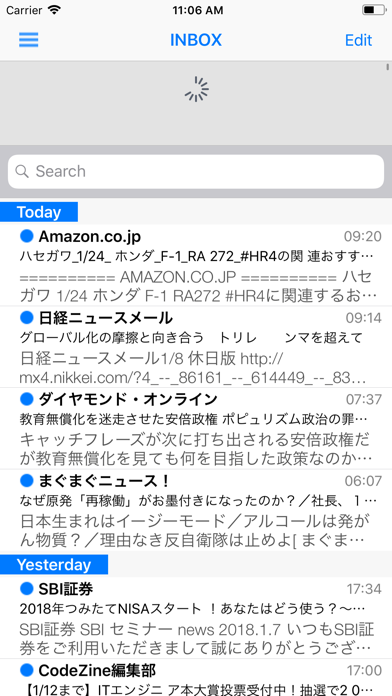
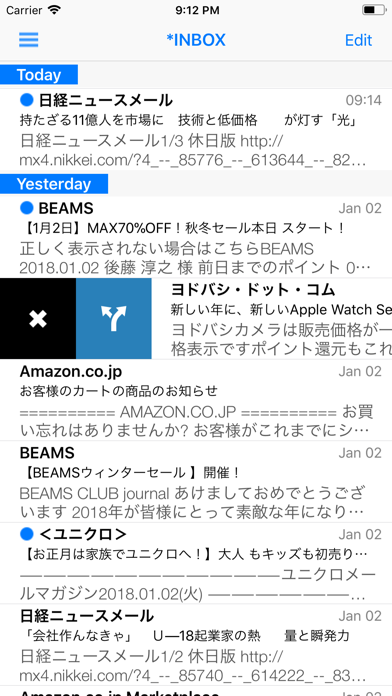
Description by Seimitsusakufu LLC Written by the developer, not by AppBrain. Click to read.
MailKit has no mail sending facility and has only support for IMAP.
POP/SMS/MMS are not supported.
■How to connect to an IMAP mail server:
To connect an IMAP mail server,
just specify your full email address as your login name(username) and the password you log in to your account.
If you don't know your login name/password, contact an organization or personnel in charge of the IMAP mail server to get a hostname, user id(name), password.
■Basic operation:
* Pull down to Refresh/Long Press to reload&spam filtering
* Push up to download older mails at the bottom of message lists
*Tap/Swipe to switch accounts
Tapping/Swiping the navigation bar of the Mailbox list switches the account if multiple accounts are available.
* Tap/Swipe to move around mailboxes (among 'Quick View List')
* Move/Delete/Mark mail messages by the toolbar on the navigation bar
* Tap/Swipe the navigation bar to turn over mail messages
* Add a mail to the blacklist by swiping
* Tap a Tab bar to switch the rule view.
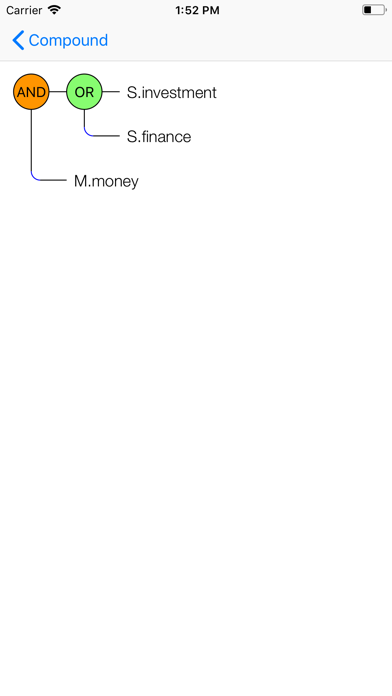
There are 4 views to show the rules for ‘Sender’, ’Subject’, ‘Message’, ‘Compound’.
■Mail Rules:
There are 4 conditional fields for mail rules --- sender, subject, message, compound.
Mail rules are only applied for 'INBOX'.
To edit or create a mail rule, tap 'Edit' button on the Mailbox list. The selection menu appears, choose 'Rule'. Mail rules for ‘Sender’ will appear.
Tap a Tab bar to switch a view.
■Support:
To get a further support , contact through the following mail address.
support_seimitsu@jcom.home.ne.jp