

MathBoard Addition
MathBoard Addition is made and published by PalaSoftware Inc. AppBrain is an independent app data site and isn't affiliated with PalaSoftware Inc. The app name, icon, screenshots and description belong to PalaSoftware Inc. and are shown as published on the App Store.
AppBrain's verdict
EstablishedWell rated- Rating on App Store
- 4.39
- 119 ratings
- Last updated
- September 20, 2025
Users rate it well: 4.4 stars from 119 ratings.
Rankings
App Store top chartsApp Store Rankings for MathBoard Addition
Competitors
Similar apps and more from PalaSoftware Inc.Alternatives to MathBoard Addition






More from PalaSoftware Inc.







Releases
Updates seen on the App Store- Version
- 3.8
- Launched
- July 2010
No changelog data
User feedback
Ratings and reviews on the App StoreComments on MathBoard Addition for iOS
We don't have enough comments to show example comments. Please check back later.
Technology
Found in the app by AppBrain- Price
- Free
- App size
- 10.7 MB
- Content rating
- Everyone
Technologies used by MathBoard Addition
About the app and developer
About MathBoard Addition
MathBoard Addition is an education app developed by PalaSoftware Inc.
What is the rating of MathBoard Addition?
MathBoard Addition is rated 4.39 out of 5 stars, based on 120 ratings.
Is MathBoard Addition free?
MathBoard Addition is free. The app size is 10.74 MB. The latest version available is 3.8. The last update was on September 20, 2025.
What are the requirements for MathBoard Addition?
The app has a content rating of Everyone. The app has been available on the App Store since July 2010.
Developer information for PalaSoftware Inc.
Address:
Frequently asked questions about MathBoard Addition
Is MathBoard Addition free?
Yes. MathBoard Addition is free on the App Store.
Is MathBoard Addition still available?
Yes. MathBoard Addition is on the App Store, and the last update we saw was on September 20, 2025.
How large is MathBoard Addition?
MathBoard Addition is 10.74 MB.
Is MathBoard Addition suitable for children?
App Store rates the content of MathBoard Addition as suitable for everyone.
How do people rate MathBoard Addition?
MathBoard Addition scores 4.39 out of 5 stars, from 119 ratings on the App Store.
Who made MathBoard Addition?
MathBoard Addition was developed by PalaSoftware Inc. It is listed in the education category on the App Store.
What are the best alternatives to MathBoard Addition?
People looking at MathBoard Addition also look at these education apps: Math Drills Lite, Math Animations (Grades 1-8), Math In A Flash (lite), Number Frames, by MLC, Number Rack, by MLC.
Store listing
By PalaSoftware Inc., from the App Store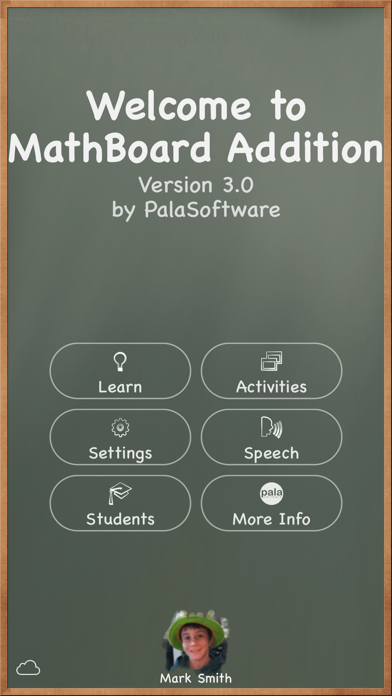
Description by PalaSoftware Inc. Written by the developer, not by AppBrain. Click to read.
MathBoard® Addition is the FREE “addition only” version of the award-winning MathBoard app, designed to help students of all ages learn to solve math problems—not just memorize answers.
This highly configurable app adapts to each student’s skill level, from early learners beginning with single-digit addition to more advanced students tackling algebra-style equations. Whether at home or in the classroom, MathBoard Addition provides a supportive, hands-on learning environment that promotes true comprehension.
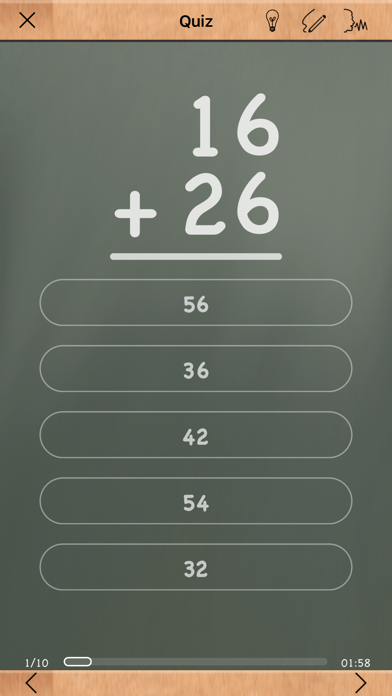
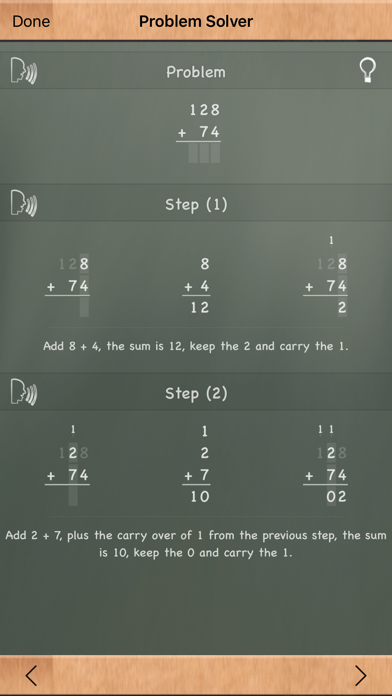
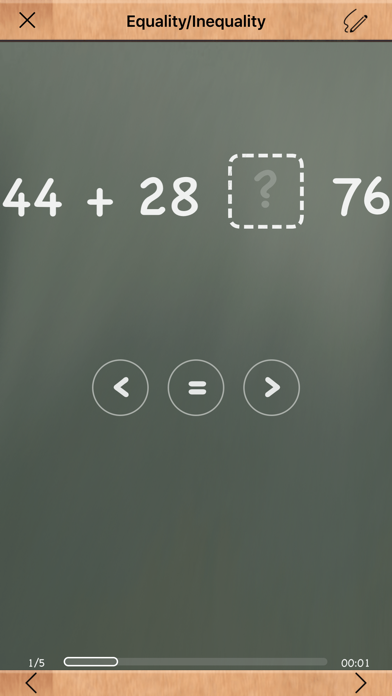
Students can solve problems using a built-in scratchboard, get help through the step-by-step Problem Solver, and engage with learning activities like Find the Sign, Equality/Inequality, and Match Math (a memory game). Best of all, the app grows with your learner—difficulty settings, question styles, and number ranges are all customizable.
Key Features
• Configurable number ranges and digit formats (e.g., two-digit over one-digit)
• Smart “wrong answer” generation to reduce guessing
• Algebra-style equation support (e.g., 6 + x = 12)
• Multiple answer formats: multiple choice and fill-in-the-blank
• Built-in Problem Solver teaches step-by-step solutions
• Built-in scratchboard for working out problems
• Quick reference tables for counting and addition
• Timed activities with countdown or stopwatch options
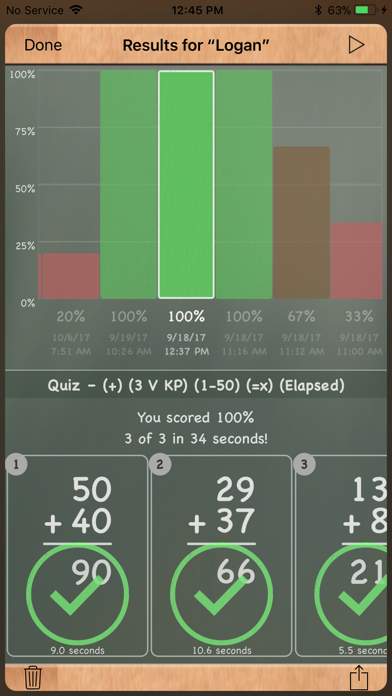
• Save and share equation settings or student results
• Support for multiple student profiles
Optimized for the Latest Apple Tech
• iCloud Syncing across devices
• Apple Pencil and Magic Keyboard support
• Speech Input and Text to Speech
• iPadOS 26 windowing for multitasking
Whether you’re teaching in the classroom or practicing at the kitchen table, MathBoard Addition offers a focused and engaging way to build math confidence—one equation at a time.