

Meijer - Delivery & Pickup
Meijer - Delivery & Pickup is made and published by Meijer, Inc. AppBrain is an independent app data site and isn't affiliated with Meijer, Inc. The app name, icon, screenshots and description belong to Meijer, Inc. and are shown as published on the App Store.
AppBrain's verdict
EstablishedLoved by users- Rating on App Store
- 4.60
- 141,753 ratings
- Last updated
- September 14, 2026
Users love it: 4.6 stars from 141,753 ratings.
Rankings
App Store top chartsApp Store Rankings for Meijer - Delivery & Pickup
Competitors
Similar apps and more from Meijer, Inc.Alternatives to Meijer - Delivery & Pickup


More from Meijer, Inc.


Releases
Updates seen on the App Store- Version
- 10.73.0
- Launched
- January 2013
No changelog data
User feedback
Ratings and reviews on the App StoreComments on Meijer - Delivery & Pickup for iOS
We don't have enough comments to show example comments. Please check back later.
Technology
Found in the app by AppBrain- Price
- Free
- App size
- 208.4 MB
- Content rating
- Everyone
Technologies used by Meijer - Delivery & Pickup
About the app and developer
About Meijer - Delivery & Pickup
Meijer - Delivery & Pickup is a shopping app developed by Meijer, Inc.
User Ratings
Meijer - Delivery & Pickup is rated 4.60 out of 5 stars. The rating is based on 140 thousand ratings.
App Information
Meijer - Delivery & Pickup is freely available from the App Store. The app size is 208.37 MB. The latest version available is 10.73.0. The last update was on September 14, 2026.
Technical Requirements
The app has a content rating of Everyone. The app has been available on the App Store since January 2013.
Developer information for Meijer, Inc.
Address:
Store listing
By Meijer, Inc., from the App Store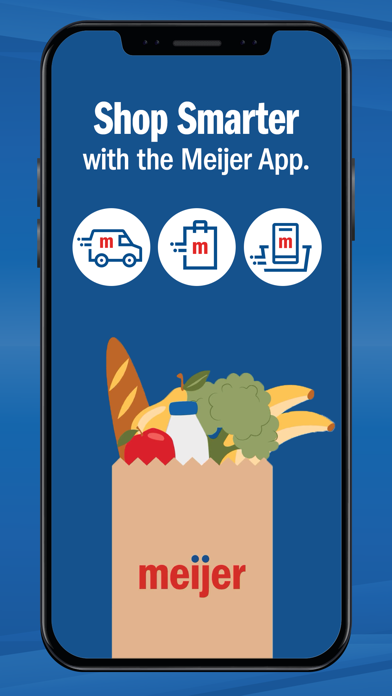
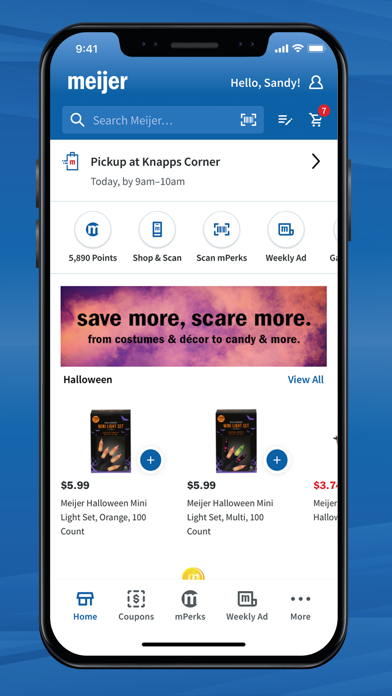
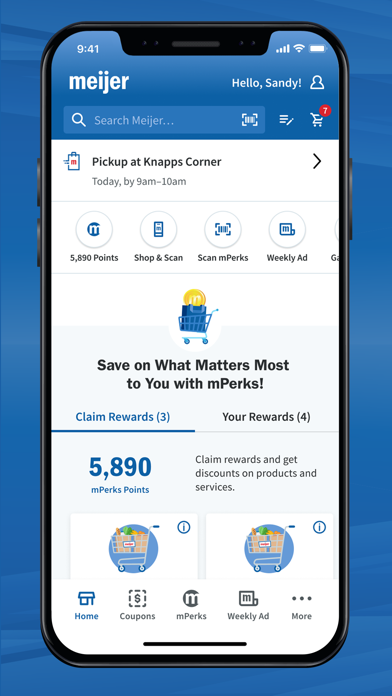
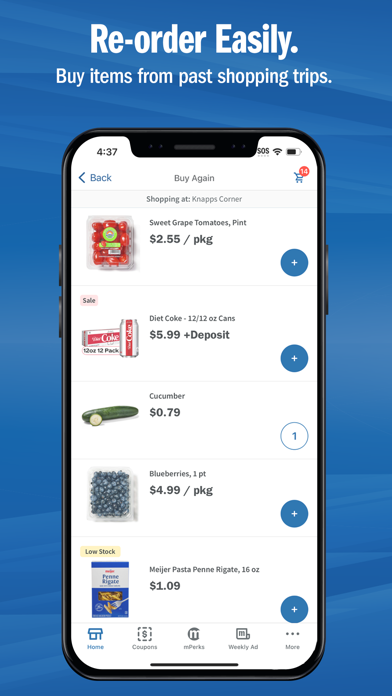
Description by Meijer, Inc. Written by the developer, not by AppBrain. Click to read.
GROCERY DELIVERY and PICKUP
– Shop online & place an order for pickup or home delivery to skip the trip inside the store!
– To get started, select pickup or delivery from your home screen and use your personalized grocery & shopping lists to start building your cart.
– No membership required, no markup on products, and you can use your mPerks coupons and rewards!
– All your order details are in the Orders section, where you can review, edit, or cancel your order.
IN-STORE SHOPPING
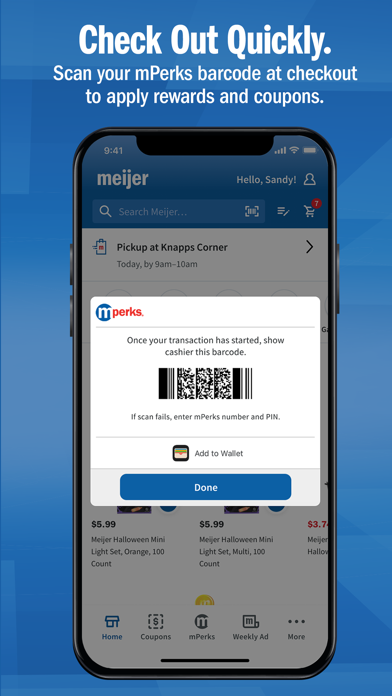
– If you're grocery shopping in-store, remember to scan your mPerks barcode at checkout or link your mPerks to your credit card in the Accounts section so you never have to worry about it.
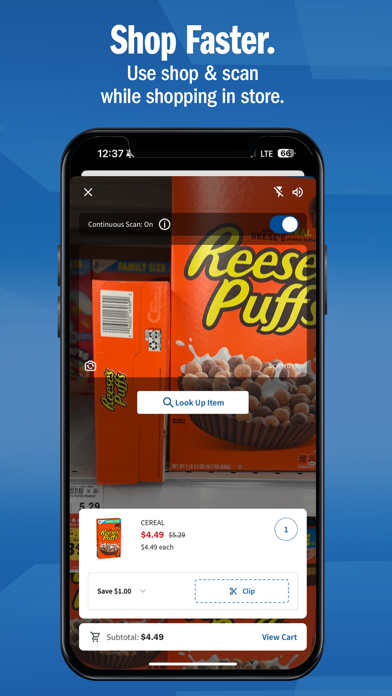
– Use Shop & Scan to scan items to add them to your cart, clip associated coupons, and skip the checkout line!
– Get organized for making a trip to the store by using the shopping list.
FIND YOUR FAVORITE PRODUCTS
– Explore our selection of grocery products, such as fresh produce, meats, dairy and more.
– Shop our seasonal and holiday collections.
– Stock up on everyday essentials including household items, snacks and more!
REWARDS
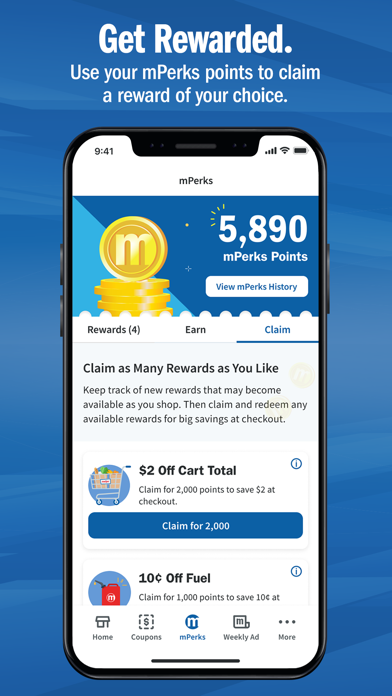
– Creating an account automatically signs you up for our mPerks rewards program!
– If you qualify for a reward, we'll start it for you!
– Track your reward progress in the Rewards section and stay up-to-date by opting in to email or push notifications.
COUPONS
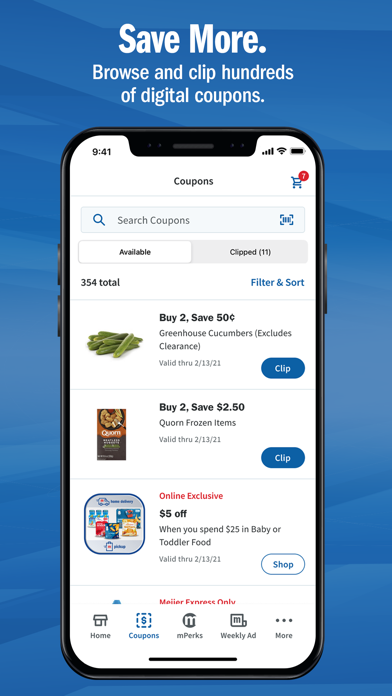
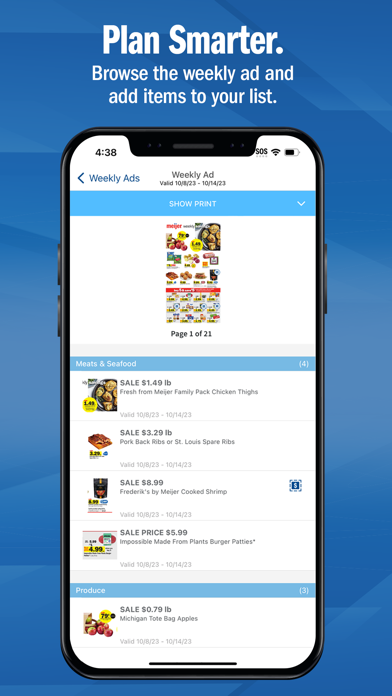
– Browse coupons in the coupons section or easily find them as you're building your cart. Find deals in our weekly ad and apply coupons.
– Clip coupons to redeem in store when you enter your mPerks ID at checkout or to have them apply to your pickup/delivery order.