

Metanote-notes,docs,agenda
Metanote-notes,docs,agenda is made and published by 雪双 陈. AppBrain is an independent app data site and isn't affiliated with 雪双 陈. The app name, icon, screenshots and description belong to 雪双 陈 and are shown as published on the App Store.
AppBrain's verdict
- Rating on App Store
- 4.33
- 15 ratings
- Last updated
- July 16, 2025
It doesn't have enough ratings yet to judge what users think.
Rankings
App Store top chartsApp Store Rankings for Metanote-notes,docs,agenda
Competitors
Similar apps and more from 雪双 陈Alternatives to Metanote-notes,docs,agenda








Releases
Updates seen on the App Store- Version
- 0.26.2
- Launched
- July 2023
No changelog data
User feedback
Ratings and reviews on the App StoreComments on Metanote-notes,docs,agenda for iOS
We don't have enough comments to show example comments. Please check back later.
Technology
Found in the app by AppBrain- Price
- Free
- App size
- 15.9 MB
- Content rating
- Everyone
Technologies used by Metanote-notes,docs,agenda
About the app and developer
About Metanote-notes,docs,agenda
Metanote-notes,docs,agenda is a productivity app developed by 雪双 陈.
What is the rating of Metanote-notes,docs,agenda?
Metanote-notes,docs,agenda is rated 4.33 out of 5 stars, based on 15 ratings.
Is Metanote-notes,docs,agenda free?
Metanote-notes,docs,agenda is free. The app size is 15.86 MB. The latest version available is 0.26.2. The last update was on July 16, 2025.
What are the requirements for Metanote-notes,docs,agenda?
The app has a content rating of Everyone. The app has been available on the App Store since July 2023.
Developer information for 雪双 陈
Address:
Store listing
By 雪双 陈, from the App Store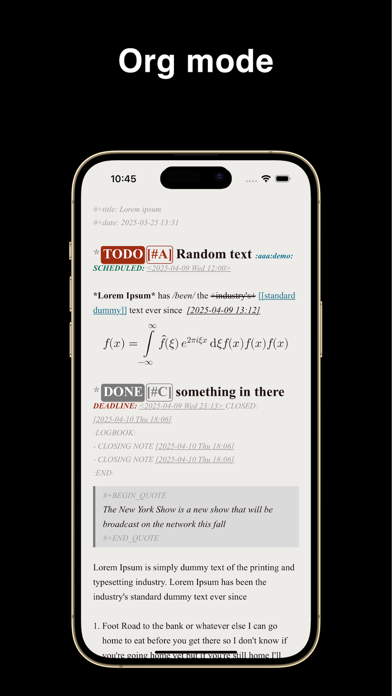



Description by 雪双 陈 Written by the developer, not by AppBrain. Click to read.
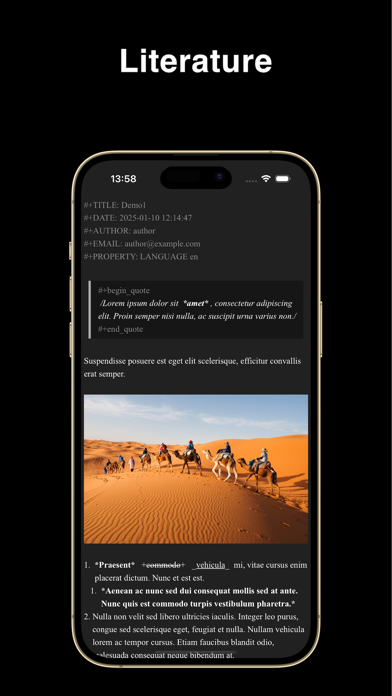
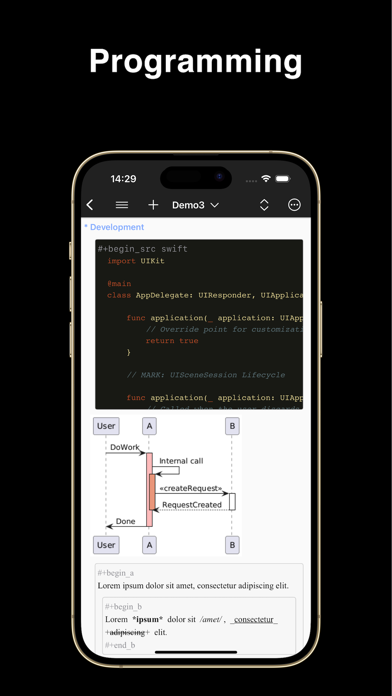
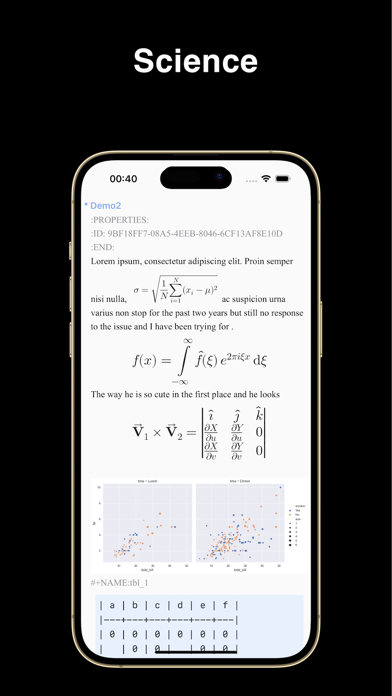
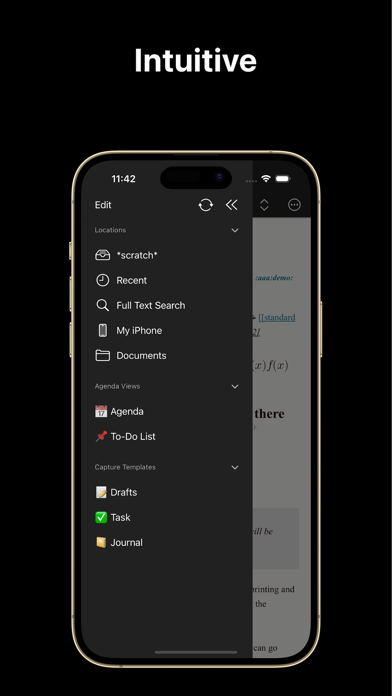
Supports real-time editing and rendering of images, hyperlinks, tables, Latex mathematical formulas, source code blocks, attachments and other rich content with the text markup language 'org mode'.
Literary creation, academic papers, literary programming, task management, knowledge wiki and other usage scenarios can be easily handled.
*** Freedom & Private
100% work offline, no account required, no network required, no private document formats, no data collection, your data and privacy are completely under your control.
*** Writing every where
Whether on the go or in your bedroom, you can create, view and edit your documents anytime, anywhere, and with built-in synchronization, everything will be there when you return to your desk.
*** A silky-smooth editing experience
Pure native development, lightweight and smooth, rejecting any lag, even for large files!
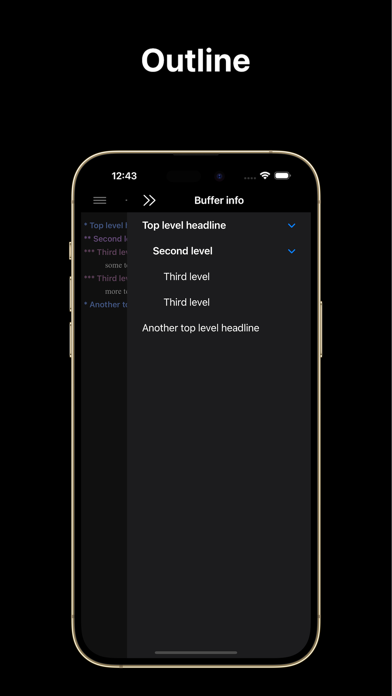
*** Thinking better
Through the structured editing function, ideas come to life on screen. It is not only a beautiful outline, but also efficient thinking.
*** Never miss a thing
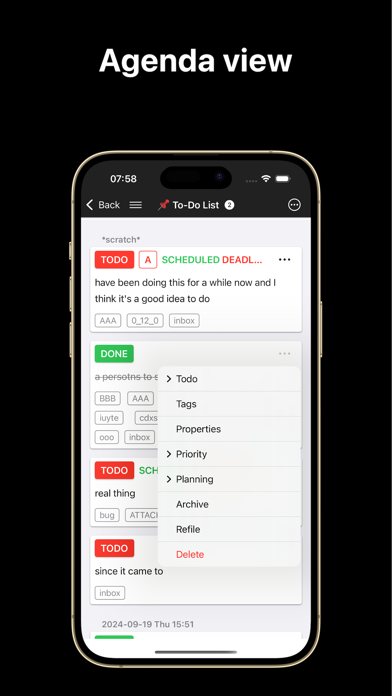
There is no more free task management system than this. Notes are to-dos, and to-dos are notes. Everything is plain-text and everything can be edited. Capture inspiration on the go with 'capture' and keep everything in sight with 'agenda view's.
*** Org mode
Metanote fully supports org mode 9.3.6 syntax, including features like Capture and Agenda View, allowing for a perfect and even enhanced org mode experience on smartphones.
- An incredibly smooth editing experience.
- Sync using WebDAV(Apache WebDAV Server, ownCloud, Yandex.disk, etc.), Dropbox, OneDrive, Git, iCloud.
- Support for adding Obsidian and Logseq working directories, integrating and managing them in a unified manner
- Supports full-text search.
- Support images, tables and LaTeX.
- Support hyperlinks and attachments.
1. Supports internal links and external links.
2. Click on the attachment link to preview and edit, the following types are supported:
1. iWork and Microsoft Office documents
2. Images
3. Live Photos
4. Text files
5. PDFs
6. Audio and video files
- Supports multi-window editing.
- Customizable startup page
- Supports mini buffer.
- Compatible with org mode version 9.3.6
- Todo notifications support
- View agenda views by year, month, and day
- Customizable workflows
- Support for custom capture, custom agenda view, refile, log note, and other features.
Terms of Use: https://www.apple.com/legal/internet-services/itunes/dev/stdeula/