

MEXC Authenticator
MEXC Authenticator is made and published by Onechain Technology Ltd. AppBrain is an independent app data site and isn't affiliated with Onechain Technology Ltd. The app name, icon, screenshots and description belong to Onechain Technology Ltd and are shown as published on the App Store.
AppBrain's verdict
- Rating on App Store
- 5.00
- 3 ratings
- Last updated
- April 27, 2023
It doesn't have enough ratings yet to judge what users think.
Rankings
App Store top chartsApp Store Rankings for MEXC Authenticator
Competitors
Similar apps and more from Onechain Technology LtdAlternatives to MEXC Authenticator


More from Onechain Technology Ltd

Releases
Updates seen on the App Store- Version
- 2.0.4
- Launched
- January 2022
No changelog data
User feedback
Ratings and reviews on the App StoreComments on MEXC Authenticator for iOS
We don't have enough comments to show example comments. Please check back later.
Technology
Found in the app by AppBrain- Price
- Free
- App size
- 28.4 MB
- Content rating
- Everyone
Technologies used by MEXC Authenticator
About the app and developer
About MEXC Authenticator
MEXC Authenticator is an utilities app developed by Onechain Technology Ltd.
User Ratings
MEXC Authenticator is rated 5.00 out of 5 stars. The rating is based on 3 ratings.
App Information
MEXC Authenticator is freely available from the App Store. The app size is 28.42 MB. The latest version available is 2.0.4. The last update was on April 27, 2023.
Technical Requirements
The app has a content rating of Everyone. The app has been available on the App Store since January 2022.
Developer information for Onechain Technology Ltd
Address:
Store listing
By Onechain Technology Ltd, from the App Store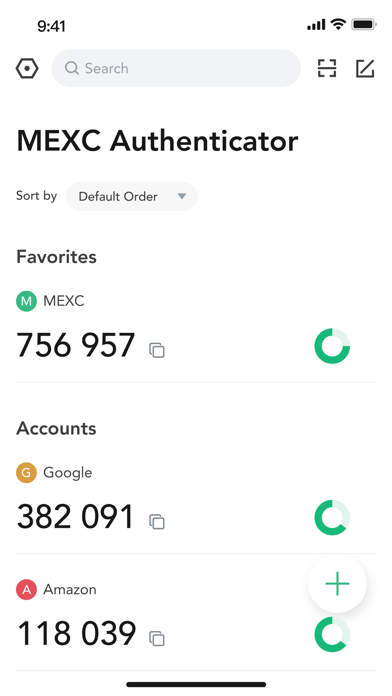
Description by Onechain Technology Ltd Written by the developer, not by AppBrain. Click to read.
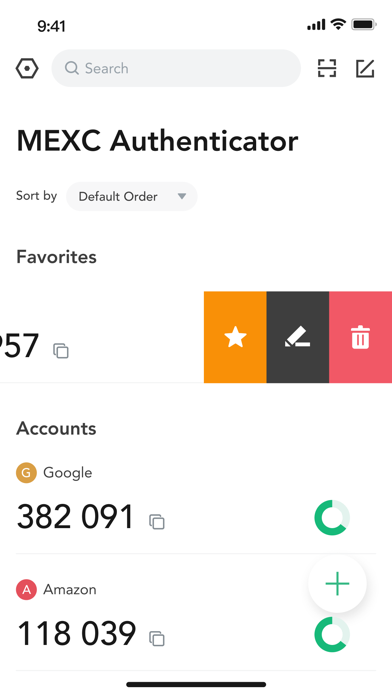
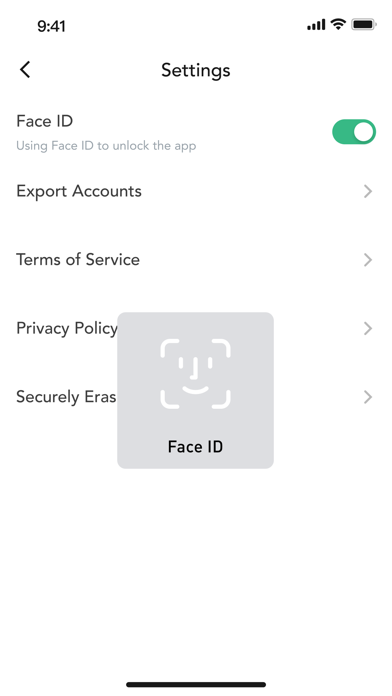
The MEXC Authenticator is the official authenticator application for the MEXC platform (www.mexc.com). Apart from MEXC, the MEXC Authenticator app can also be used to generate verification codes for a variety of other applications which support two-step verification across both web and mobile platforms. Two-step verification, also known as two-factor authentication, requires users to log in with both their password and a temporary verification code. For increased security, you may also configure Face ID on the MEXC Authenticator to prevent unauthorised code generation.
Features:
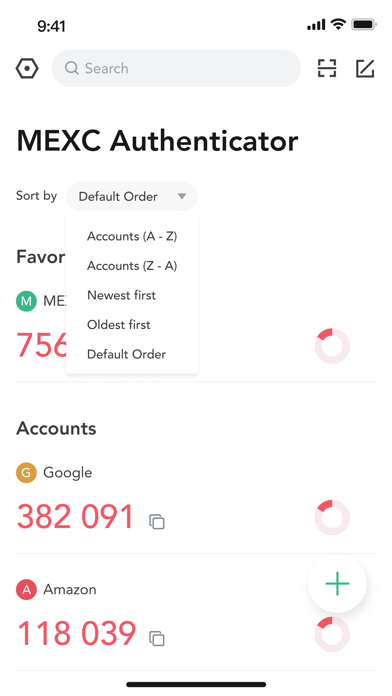
- Multi-application support (Facebook, Google, Amazon)
- Provides both time-based and counter-based verification codes
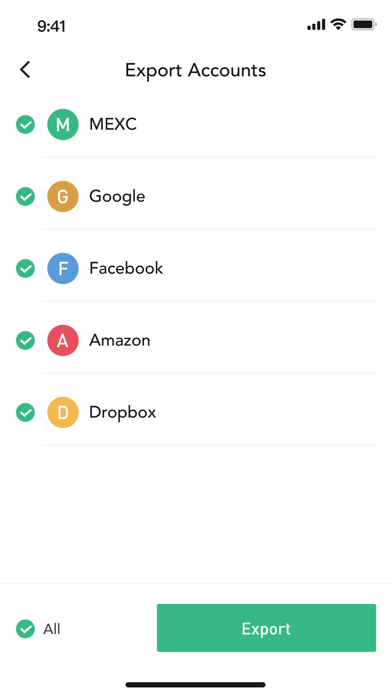
- Fuss-free QR code based account transfers between devices
- Allows generation of verification codes offline
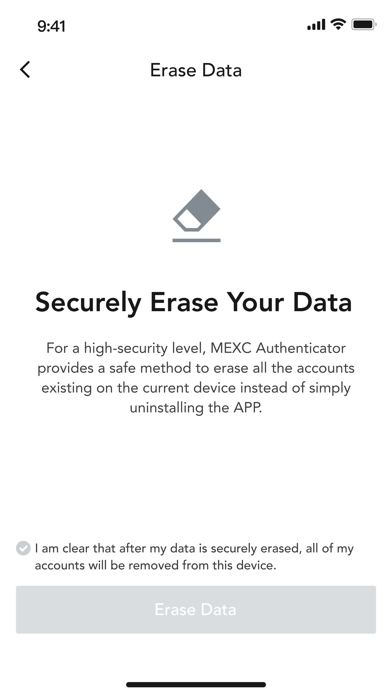
- Supports secure data deletion
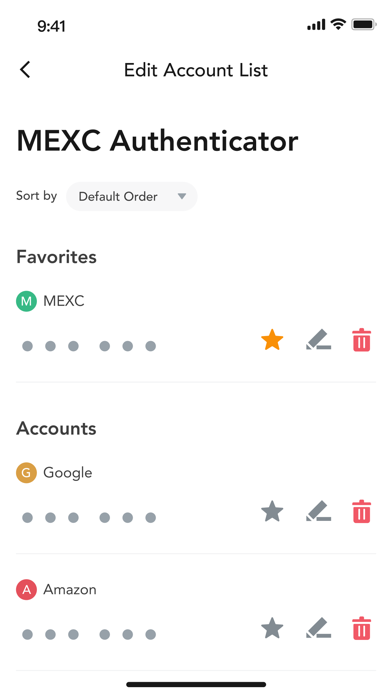
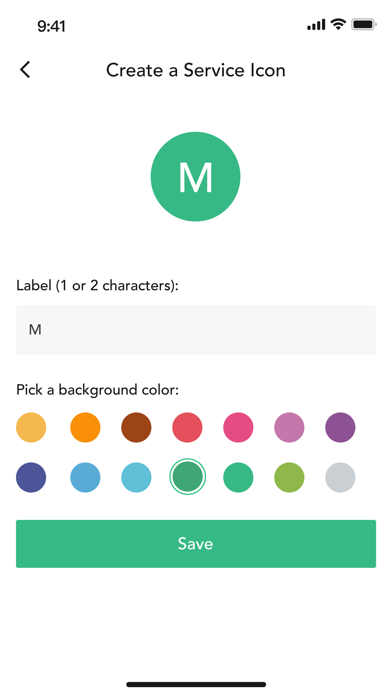
- Supports icon customization for ease of reference
- Search function allows users to search for accounts by name
- Group function helps users to better organize their accounts
To use the MEXC Authenticator with the MEXC platform, 2-Step Verification must first be enabled in your MEXC account.