

micro:bit
micro:bit is made and published by Micro:bit Educational Foundation. AppBrain is an independent app data site and isn't affiliated with Micro:bit Educational Foundation. The app name, icon, screenshots and description belong to Micro:bit Educational Foundation and are shown as published on the App Store.
AppBrain's verdict
Established- Rating on App Store
- 3.31
- 90 ratings
- Last updated
- February 13, 2025
- Size
- 59.3 MB
It doesn't have enough ratings yet to judge what users think.
User feedback
Ratings and reviews on the App StoreComments on micro:bit for iOS
We don't have enough comments to show example comments. Please check back later.
Store listing
By Micro:bit Educational Foundation, from the App Store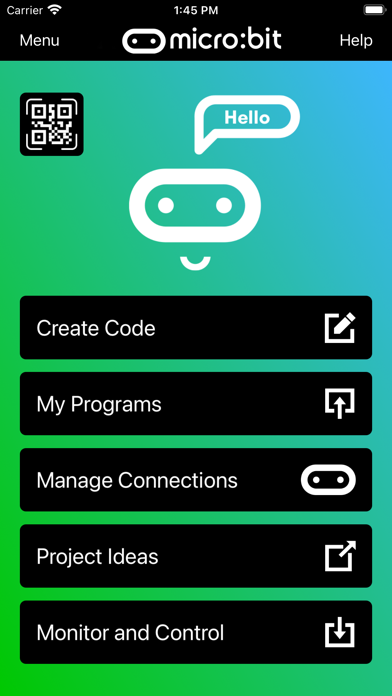
Description by Micro:bit Educational Foundation Written by the developer, not by AppBrain. Click to read.
Compared with previous versions, the micro:bit app Version 3.1 contains these additional features:
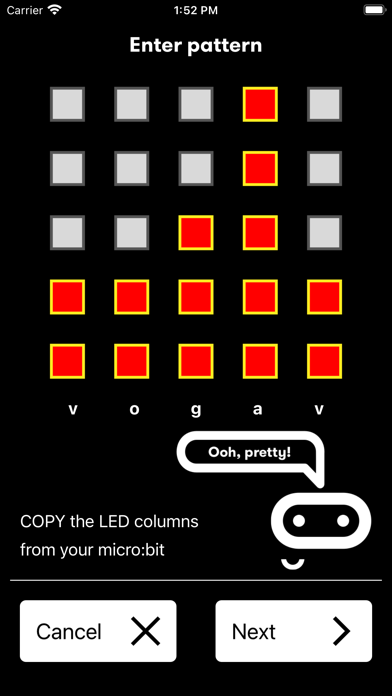
• A simpler pairing and micro:bit discovery flow
• The micro:bit V2 can be put into pairing mode by triple-tapping the reset button
• Retrieval of the micro:bit data log files from off your micro:bit
• Pair with any number of micro:bits
• Choose which micro:bit is currently connected
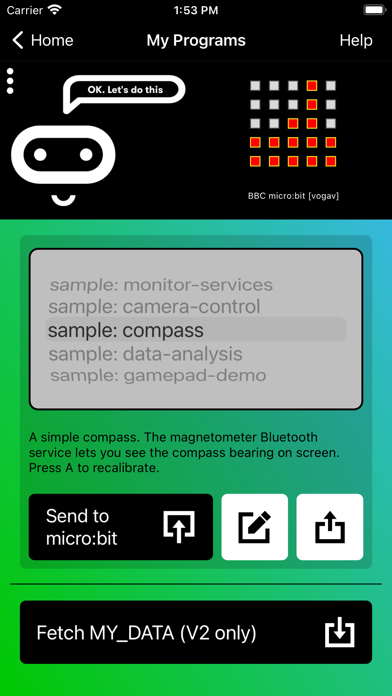
• Store HEX files in the app
• Choose a HEX file for flashing
• Export and delete HEX files
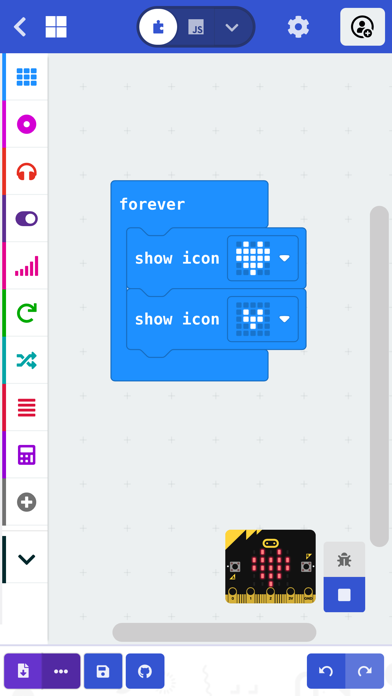
• Import stored HEX files directly into JavaScript Blocks editor
• Rapid download from JavaScript Blocks editor
• Monitor data detected by micro:bit sensors
• Use the range of micro:bit Bluetooth services in real time
• Display messages on the micro:bit LEDs
• Send control commands to the micro:bit buttons and pins
• De-bug your program code while it is running in the micro:bit
• Use a simulated gamepad to send commands to the micro:bit
• View camera images ready for taking photos or video
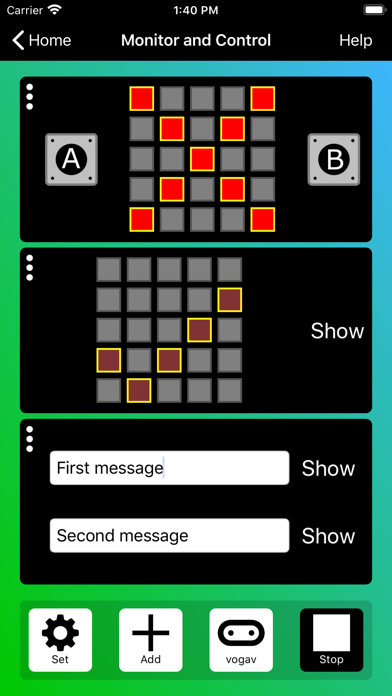
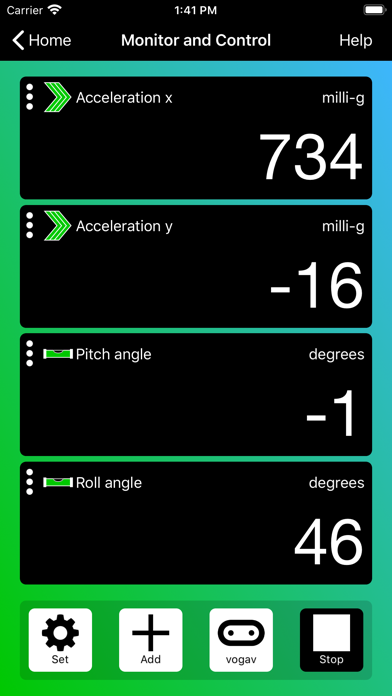
As well as providing more flexible handling of your program scripts and HEX files, a major addition in Version 3 is the Monitor and Control page. This lets you observe real-time data from the micro:bit sensors, send messages directly to the LEDs and control the micro:bit buttons and pins from your iPad or iPhone. Monitor is ideal for exploiting Bluetooth services in real time, and for de-bugging your program code while it is running in the micro:bit.
The MakeCode code editor now requires iOS 13 or later.
Safety and technology
Found in the app by AppBrain- Price
- Free
- App size
- 59.3 MB
- Content rating
- Everyone
Technologies used by micro:bit
Releases
Updates seen on the App Store- Version
- 3.1.1
- Launched
- March 2016
No changelog data
Alternatives
Similar apps and more from Micro:bit Educational FoundationAlternatives to micro:bit








More from Micro:bit Educational Foundation

Rankings
App Store top chartsApp Store Rankings for micro:bit
About the app and developer
About micro:bit
micro:bit is an education app developed by Micro:bit Educational Foundation.
User Ratings
micro:bit is rated 3.31 out of 5 stars. The rating is based on 90 ratings.
App Information
micro:bit is freely available from the App Store. The app size is 59.31 MB. The latest version available is 3.1.1. The last update was on February 13, 2025.
Technical Requirements
The app has a content rating of Everyone. The app has been available on the App Store since March 2016.
Developer information for Micro:bit Educational Foundation
Micro:bit Educational Foundation
Address: