

MINDALA is made and published by Ophir Paz. AppBrain is an independent app data site and isn't affiliated with Ophir Paz. The app name, icon, screenshots and description belong to Ophir Paz and are shown as published on the App Store.
AppBrain's verdict
Established- Rating on App Store
- 5.00
- 6 ratings
- Last updated
- January 29, 2025
It doesn't have enough ratings yet to judge what users think.
Rankings
App Store top chartsApp Store Rankings for MINDALA
Competitors
Similar apps and more from Ophir Paz









Releases
Updates seen on the App Store- Version
- 2.0.2
- Launched
- April 2020
No changelog data
User feedback
Ratings and reviews on the App StoreComments on MINDALA for iOS
We don't have enough comments to show example comments. Please check back later.
Technology
Found in the app by AppBrain- Price
- Free
- App size
- 32.5 MB
- Content rating
- Everyone
Technologies used by MINDALA
About the app and developer
About MINDALA
MINDALA is a health & fitness app developed by Ophir Paz.
What is the rating of MINDALA?
MINDALA is rated 5.00 out of 5 stars, based on 6 ratings.
Is MINDALA free?
MINDALA is free. The app size is 32.48 MB. The latest version available is 2.0.2. The last update was on January 29, 2025.
What are the requirements for MINDALA?
The app has a content rating of Everyone. The app has been available on the App Store since April 2020.
Developer information for Ophir Paz
Address:
Store listing
By Ophir Paz, from the App Store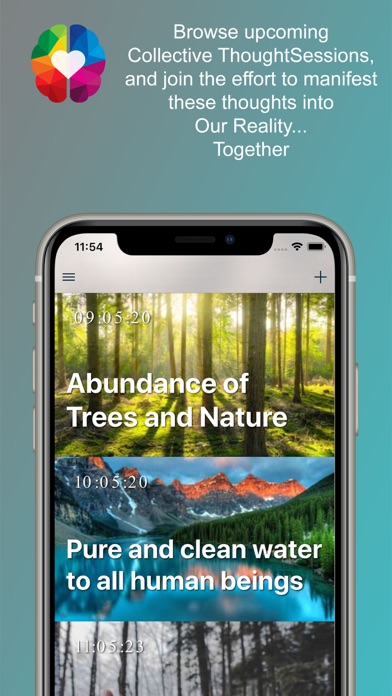

Description by Ophir Paz Written by the developer, not by AppBrain. Click to read.
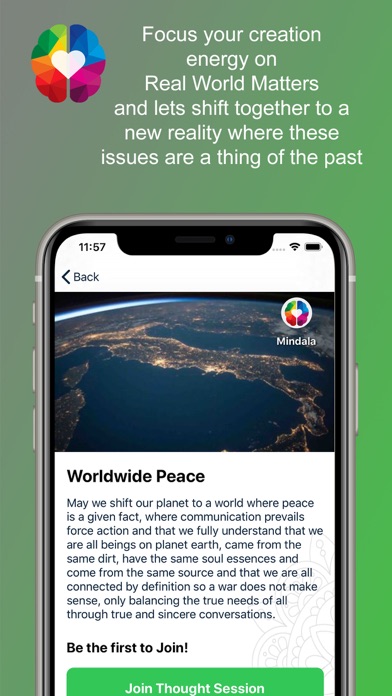
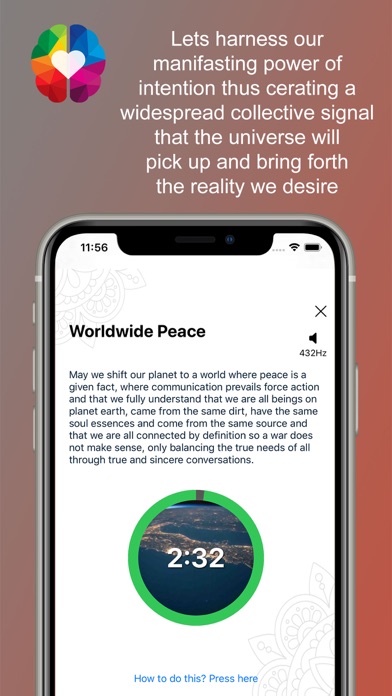
Mindala is a Circle of Minds allows us all, to suggest, create and manifest our purest and deepest passions for the universe into a reality, Together.
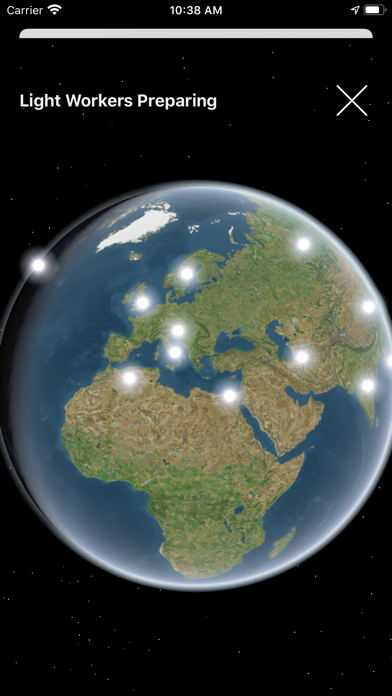
It's a Collective Reality Manifestation platform that taps into our ability to think, feel, imagine a reality and bring it into existence and in this case together creating a stronger signal.
Suggest Your own thoughts to the platform:
You may suggest any thought, our team will go through the suggested thought and see if it is suitable. You will be notified once your suggested thought has entered the Thoughts Sessions List.
How it works?
1. Browse through the list of upcoming "Thought Sessions" that will take place in the near future.
2. Press Join if you feel related to the thought and able to join when it starts.
3. You will be notified before a "Thought Session" begins and open the app for joining the thought session.