

miniDSP control App
miniDSP control App is made and published by miniDSP Ltd. AppBrain is an independent app data site and isn't affiliated with miniDSP Ltd. The app name, icon, screenshots and description belong to miniDSP Ltd and are shown as published on the App Store.
AppBrain's verdict
Established- Rating on App Store
- 2.11
- 9 ratings
- Last updated
- February 2, 2025
It doesn't have enough ratings yet to judge what users think.
Rankings
App Store top chartsApp Store Rankings for miniDSP control App
Competitors
Similar apps and more from miniDSP LtdAlternatives to miniDSP control App








More from miniDSP Ltd

Releases
Updates seen on the App Store- Version
- 1.0.11
- Launched
- May 2015
No changelog data
User feedback
Ratings and reviews on the App StoreComments on miniDSP control App for iOS
We don't have enough comments to show example comments. Please check back later.
Technology
Found in the app by AppBrain- Price
- Free
- App size
- 14.0 MB
- Content rating
- Everyone
Technologies used by miniDSP control App
About the app and developer
About miniDSP control App
miniDSP control App is an utilities app developed by miniDSP Ltd.
User Ratings
miniDSP control App is rated 2.11 out of 5 stars. The rating is based on 9 ratings.
App Information
miniDSP control App is freely available from the App Store. The app size is 13.98 MB. The latest version available is 1.0.11. The last update was on February 2, 2025.
Technical Requirements
The app has a content rating of Everyone. The app has been available on the App Store since May 2015.
Developer information for miniDSP Ltd
Address:
Store listing
By miniDSP Ltd, from the App Store
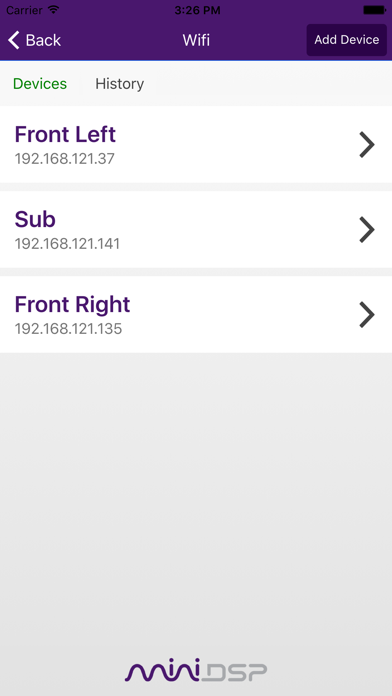
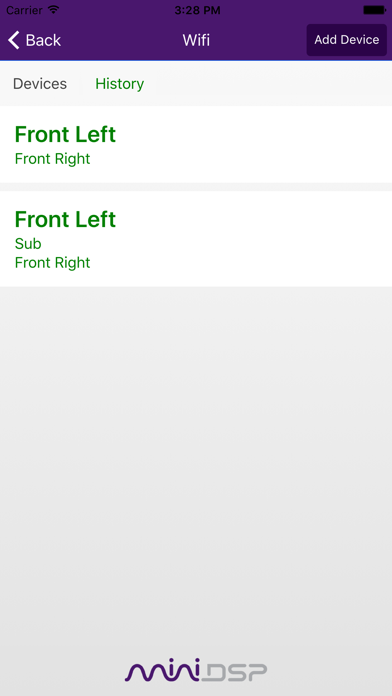
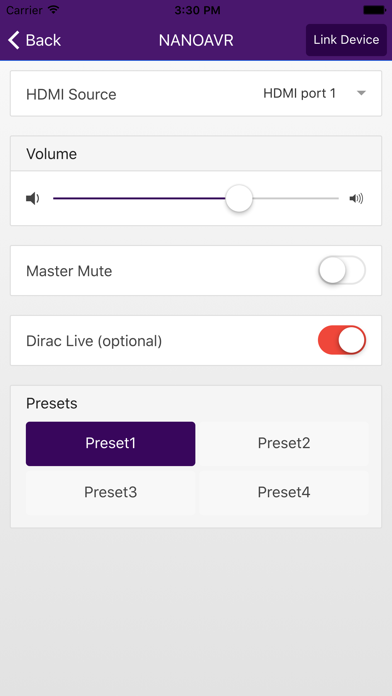
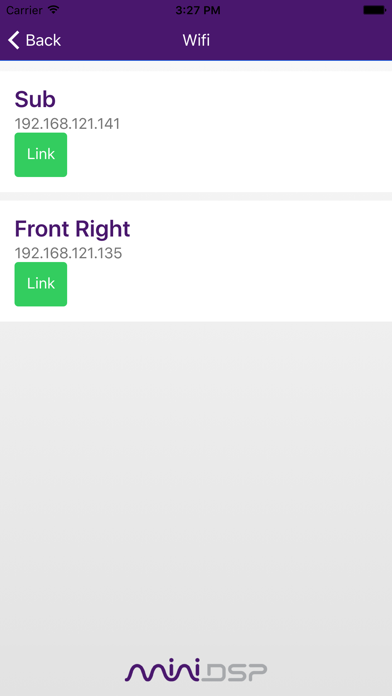
Description by miniDSP Ltd Written by the developer, not by AppBrain. Click to read.
• Self discovery of minidsp products on the networks
• Source selection
• Master volume control
• Master mute
• Recall of preset (1-4)
• New Link Device feature: Duplicates setting changes to one or more linked device(s)
• Link History: Previously linked devices are saved in history tab for easy recall
• Dirac Live Bypass
Important Notes:
The Master Volume control function for PWR-ICE is available in firmware v3.2 or above. Please select "Remote Mode" radio button near the upper-right corner of the PWR-ICE plugin software (please use software version 1.4 or above) to enable this function. If the device firmware is v3.1 or below, please connect the device to the PWR-ICE2 plugin software and from the menu bar at the top, select "Restore" -> "Upgrade Firmware" to update the device firmware to v3.2 or above. Please consult firmware upgrade manual (included in software download package) for details of updating the firmware.