

Mirror to Smart TVs
Mirror to Smart TVs is made and published by Denk Alexandru. AppBrain is an independent app data site and isn't affiliated with Denk Alexandru. The app name, icon, screenshots and description belong to Denk Alexandru and are shown as published on the App Store.
AppBrain's verdict
- Last updated
- October 15, 2026
Rankings
App Store top chartsApp Store Rankings for Mirror to Smart TVs
Competitors
Similar apps and more from Denk AlexandruMore from Denk Alexandru




Releases
Updates seen on the App Store- Version
- 7.2.3
- Launched
- January 2019
No changelog data
User feedback
Ratings and reviews on the App StoreComments on Mirror to Smart TVs for iOS
We don't have enough comments to show example comments. Please check back later.
Technology
Found in the app by AppBrain- Price
- Free
- App size
- 29.6 MB
- Content rating
- Everyone
Technologies used by Mirror to Smart TVs
About the app and developer
About Mirror to Smart TVs
Mirror to Smart TVs is an utilities app developed by Denk Alexandru.
User Ratings
The app has no ratings yet.
App Information
Mirror to Smart TVs is freely available from the App Store. The app size is 29.60 MB. The latest version available is 7.2.3. The last update was on October 15, 2026.
Technical Requirements
The app has a content rating of Everyone. The app has been available on the App Store since January 2019.
Developer information for Denk Alexandru
Address:
Store listing
By Denk Alexandru, from the App Store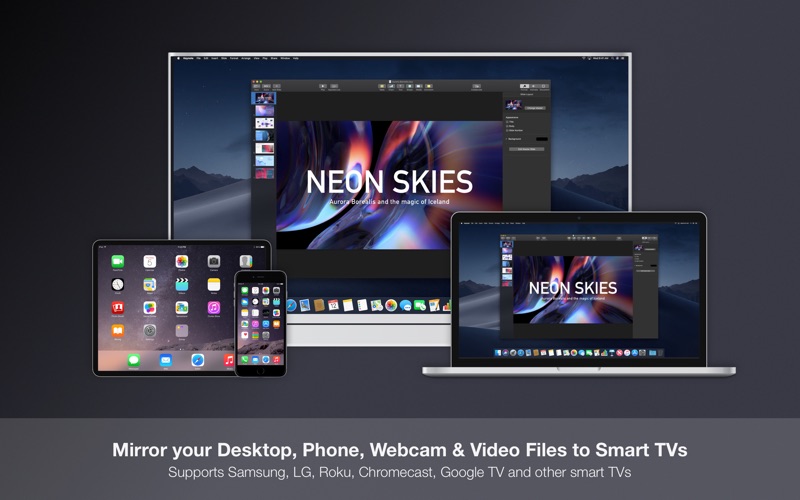
Description by Denk Alexandru Written by the developer, not by AppBrain. Click to read.
Share presentations, watch movies, view photos, check documents, work, navigate the web, and do much more on big TV screens.
Use it at home, in your office, in the classroom, or anywhere you need to beam your computer or mobile display.
WHAT CAN YOU MIRROR
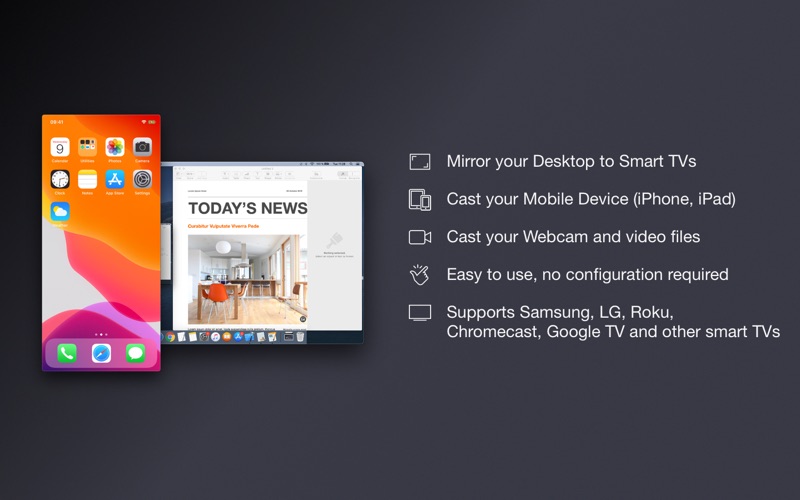
• Your Mac desktop, including connected external displays
• Your iPhone or iPad screen (connect your device to your Mac using a compatible cable)
• Your built-in or external webcam
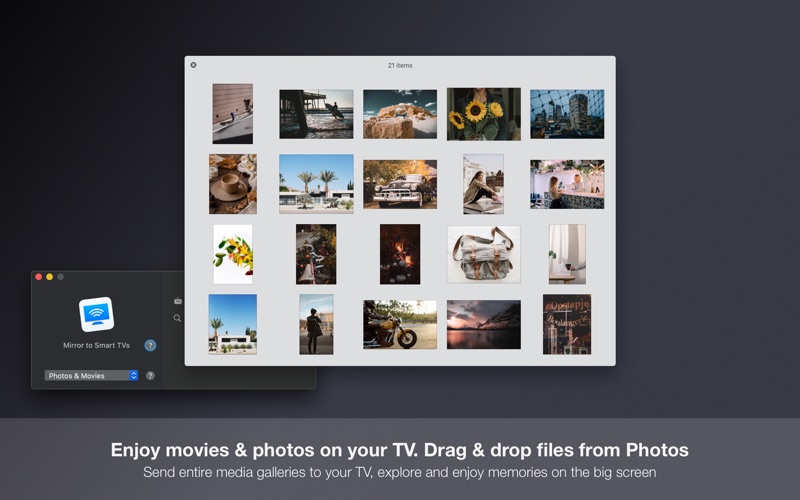
• Enjoy photos and movies on your TV. Send entire media galleries to your big screen
This is perfect for presentations, movie nights, conferences, communication or camera surveillance.
JUST PLUG AND PLAY
Cast your Mac screen or webcam to your smart TV without a video cable or extra apps. To mirror your iPhone or iPad, connect it to your Mac using a compatible cable.
SUPPORTED DEVICES
• Any smart TV with a web browser
• Samsung TV (produced after 2014)
• LG TV (produced after 2014)
• Roku-enabled TV sets
• Chromecast or Google TV-enabled devices (all versions, including Nvidia Shield, Sony Bravia, and many more)
SUPPORT
We read your support emails every day, day by day.
Write with confidence any question, feedback, or complaint, and you will receive an answer in a very short period of time.
We offer two auto-renewing subscriptions and a one-time purchase:
• Monthly Subscription: renews every month
• Annual Subscription: renews every 12 months
• Lifetime Access: one-time payment only
Prices may vary by location.
Subscriptions will auto-renew unless canceled.
• Payment will be charged to the iTunes Account at confirmation of purchase
• Subscription may be managed by the user, and auto-renewal may be turned off by going to the user’s Account Settings after purchase.
• Subscription automatically renews unless auto-renewal is turned off at least 24 hours before the end of the current period.
• Your account will be charged for renewal for the amount of your current subscription within 24 hours prior to the end of the current period.
Privacy Policy
https://alexdenk.eu/subscriptions-privacy-policy.html
Terms of Use
https://alexdenk.eu/subscriptions-terms-of-use.html