

Mobile Presenter™
Mobile Presenter™ is made and published by Ndili Technologies, Inc. AppBrain is an independent app data site and isn't affiliated with Ndili Technologies, Inc. The app name, icon, screenshots and description belong to Ndili Technologies, Inc. and are shown as published on the App Store.
AppBrain's verdict
Established- Best rank
- #64
- Top Paid, Finland
- Rating on App Store
- 1.00
- 1 ratings
- Last updated
- June 1, 2026
It doesn't have enough ratings yet to judge what users think. Its best ranking is #64 in Top Paid, Business in Finland.
Rankings
App Store top charts- Highest rank
- #64
- Chart
- Top Paid
- Business
- Country
- Finland
Competitors
Similar apps and more from Ndili Technologies, Inc.Alternatives to Mobile Presenter™








More from Ndili Technologies, Inc.






Releases
Updates seen on the App Store- Version
- 5.3
- Launched
- February 2010
No changelog data
User feedback
Ratings and reviews on the App StoreComments on Mobile Presenter™ for iOS
We don't have enough comments to show example comments. Please check back later.
Technology
Found in the app by AppBrain- Price
- $3.99
- App size
- 171.8 MB
- Content rating
- High
Technologies used by Mobile Presenter™
About the app and developer
About Mobile Presenter™
Mobile Presenter™ is a business app developed by Ndili Technologies, Inc.
What is the rating of Mobile Presenter™?
Mobile Presenter™ is rated 1.00 out of 5 stars, based on one rating ratings.
Is Mobile Presenter™ free?
Mobile Presenter™ costs $3.99. The app size is 171.81 MB. The latest version available is 5.3. The last update was on June 1, 2026.
What are the requirements for Mobile Presenter™?
The app has a content rating of High Maturity. The app has been available on the App Store since February 2010.
Developer information for Ndili Technologies, Inc.
Address:
Frequently asked questions about Mobile Presenter™
Is Mobile Presenter™ free?
No. Mobile Presenter™ costs $3.99 on the App Store.
Is Mobile Presenter™ still available?
Yes. Mobile Presenter™ is on the App Store, and the last update we saw was on June 1, 2026.
How large is Mobile Presenter™?
Mobile Presenter™ is 171.81 MB.
Is Mobile Presenter™ suitable for children?
App Store gives Mobile Presenter™ a high maturity rating. It is meant for adults.
How do people rate Mobile Presenter™?
Mobile Presenter™ has one rating of 1.00 stars on the App Store.
Who made Mobile Presenter™?
Mobile Presenter™ was developed by Ndili Technologies, Inc. It is listed in the business category on the App Store.
What are the best alternatives to Mobile Presenter™?
People looking at Mobile Presenter™ also look at these business apps: Vai Phone, Scanner+:PDF Document OCR, Fax from iPhone: Send Easy Fax, Better Fax App, FAX online - Send FAX online.
Store listing
By Ndili Technologies, Inc., from the App Store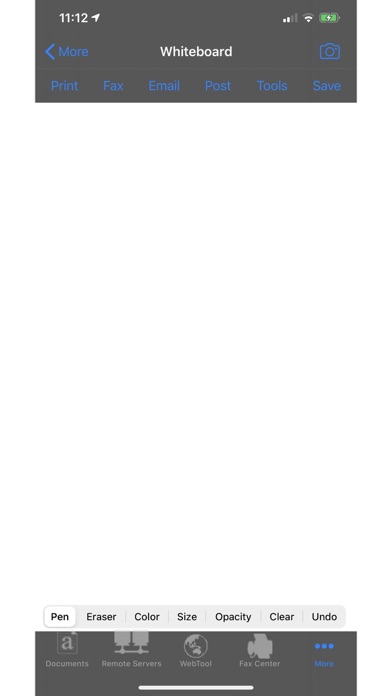
Description by Ndili Technologies, Inc. Written by the developer, not by AppBrain. Click to read.
"I bought this app thinking it would only help me present in my business. It is way way more!...utterly indispensable." - A, Oct 6, 2011
USAGE
Import the file(s) you want to screencast first. For help with importing files into this app, see the Quick Start Guide in the user guide
TO SCREENCAST TO A COMPUTER:
1. Put your iPad/iPhone and computer on the same wi-fi network
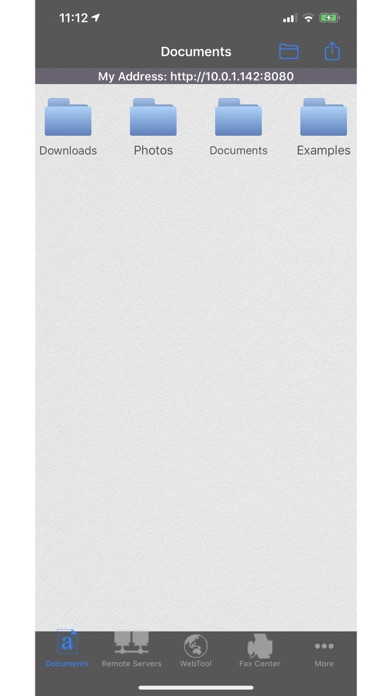
2. On your iPad/iPhone, start this app, and open the Documents module. Make a note of the URL that is displayed at the top of the Documents menu
3. On the computer, open a web browser, and enter the full URL of this app from the previous step. For example, http://x.y.z.a:8080
4. On your iPad/iPhone, using this app, open the document/whiteboard/photo/webpage you want to screencast. You must open it with this app. If you want the ability to annotate the image you load, use the Whiteboard module to open that image
TO SCREENCAST TO ANOTHER DEVICE RUNNING THIS APP:
1. Put your iPad/iPhone and the "watching" device on the same shared wi-fi network.
2. On your iPad/iPhone, start this app. Then, using this app, open the document/whiteboard/photo/webpage you want to screencast. You must open it with this app. If you want the ability to annotate the image you load, use the Whiteboard module to open that image
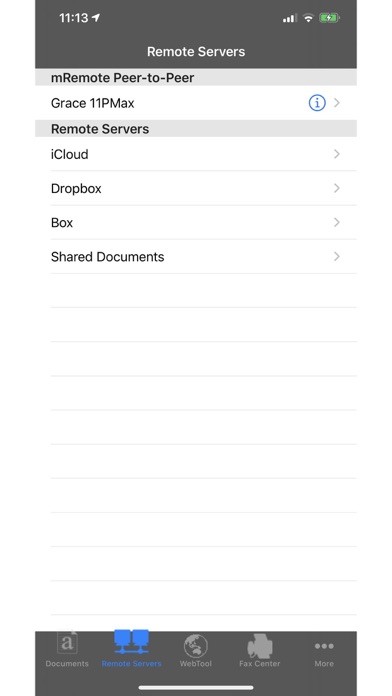
3. On the "watching" device, start this app. Open the mRemote module. Devices found with active mRemote modules are listed under "mRemote Peer-to-Peer". Choose the "screencaster" device by tapping its blue tip. Important: If you tap the row itself instead of the blue tip, you'll launch "file sharing" instead of "screen sharing" mode
FEATURES
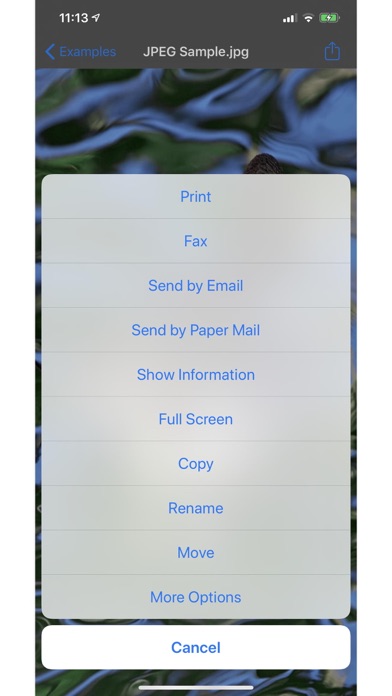
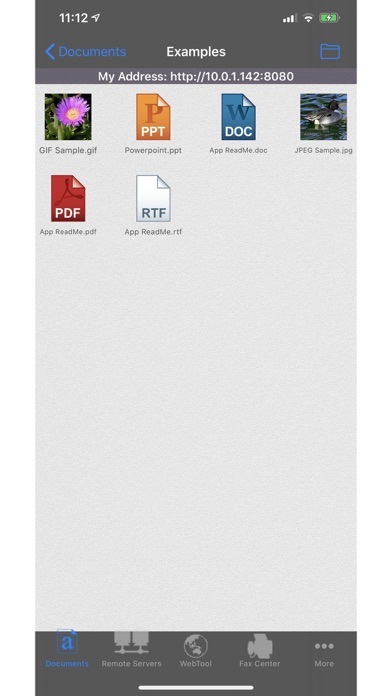
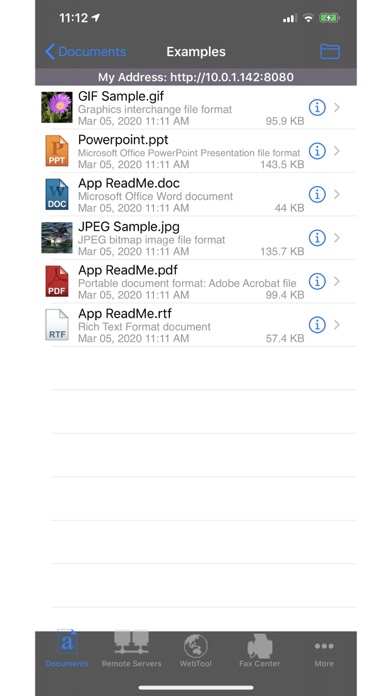
• View/print many document types, including PDF, Word, Excel, text, HTML, and images
• Create new text documents
• Use a web browser to transfer files between your computer and this app.
• Print to networked or shared printers. No additional software is necessary. This app includes support for over 1,400 printers from HP, Epson, Canon, Samsung, Brother, Lexmark, Xerox, Ricoh, Oki, Kyocera, Infotec, NRG, Lanier, and many more!
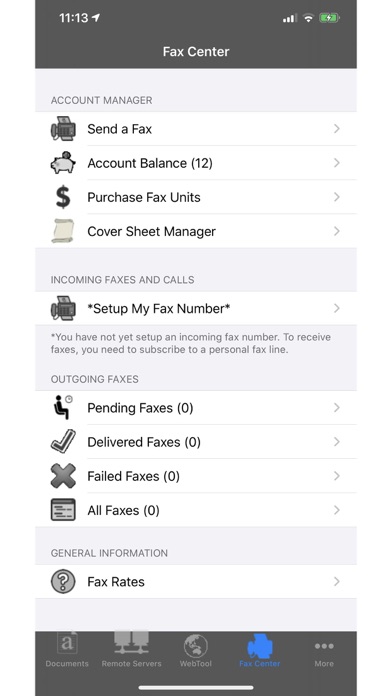
• Send faxes to over 220 countries and territories worldwide - no subscription required![1]
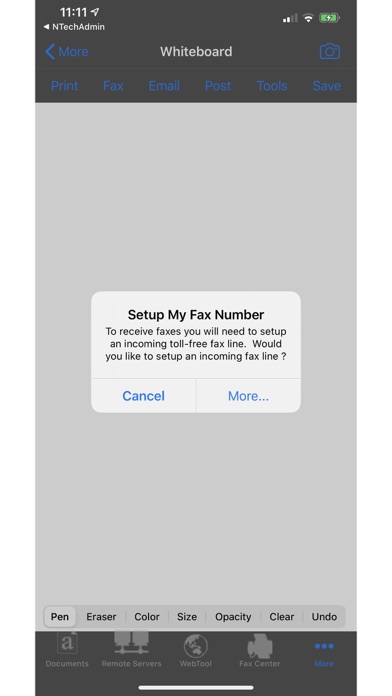
• Get a professional USA-based toll-free number for your incoming faxes and voicemail[2]
• Send postcards and letters via USPS (postal mail)
• Access remote files on MobileMe, Box.net, or Dropbox
• Screencast this app onto other devices running this app or onto a computer. View another user's screencast of this app
• Share files between two iPads/iPhones that are running this app
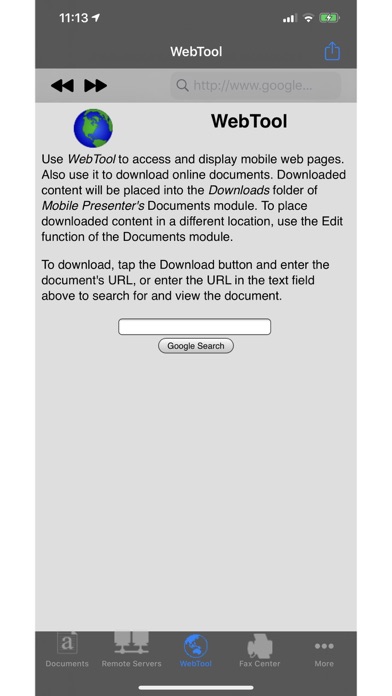
• Print web-based files or download them into this app
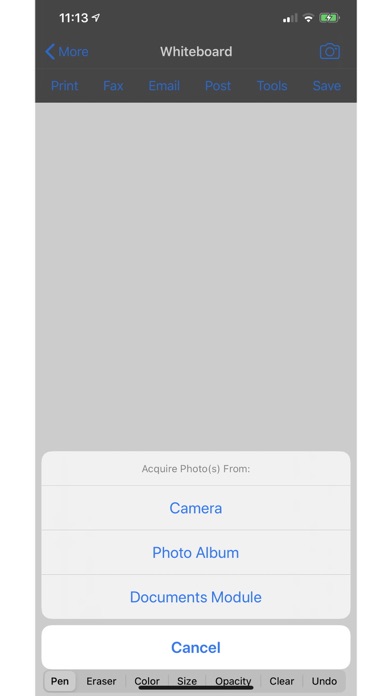
• Scribble on a white background or on a photo, in a variety of colors, brush sizes and opacities
• Import and annotate images
Subscription Notes:
• Length of subscription: 1,3, 6 or 12 month options
• Subscription automatically renews unless auto-renew is turned off at least 24-hours before the end of the current period
• Account will be charged for renewal within 24-hours prior to the end of the current period
• Terms Of Use: https://n1.ndili.com/termsofuse.html
• Privacy Policy: http://www.ndilitechnologies.com/privacy
[1] Each fax unit purchases a one-page fax that can be sent in 60 seconds or less to a destination in the US or Canada. Other country rates are listed within this app. Longer transmission time (for example, a page containing high resolution graphics) consumes additional fax units.
[2] To receive voicemail or faxes, you must setup an incoming toll-free phone number. The toll-free phone number requires a monthly subscription. 60 minutes/month are included free with subscription. Toll-free numbers are USA-based numbers and are accessible in the United States only.