

ModTest Pro
ModTest Pro is made and published by Dohmann Engineering Services. AppBrain is an independent app data site and isn't affiliated with Dohmann Engineering Services. The app name, icon, screenshots and description belong to Dohmann Engineering Services and are shown as published on the App Store.
AppBrain's verdict
- Last updated
- June 7, 2023
- Size
- 26.1 MB
User feedback
Ratings and reviews on the App StoreComments on ModTest Pro for iOS
We don't have enough comments to show example comments. Please check back later.
Store listing
By Dohmann Engineering Services, from the App Store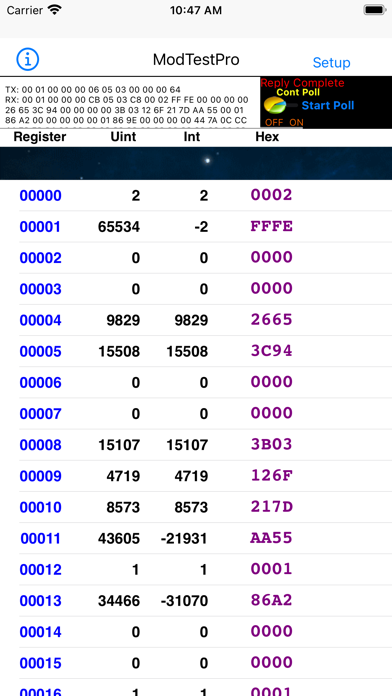
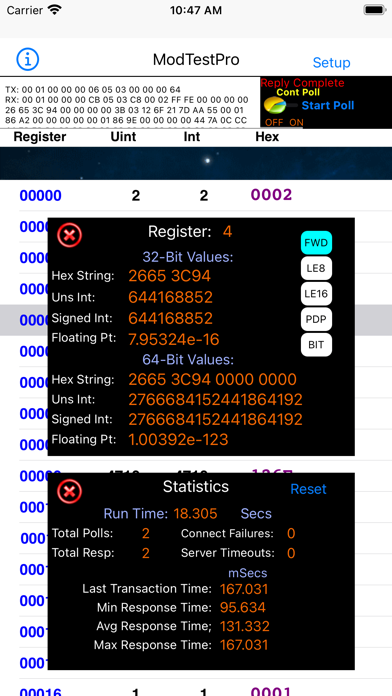
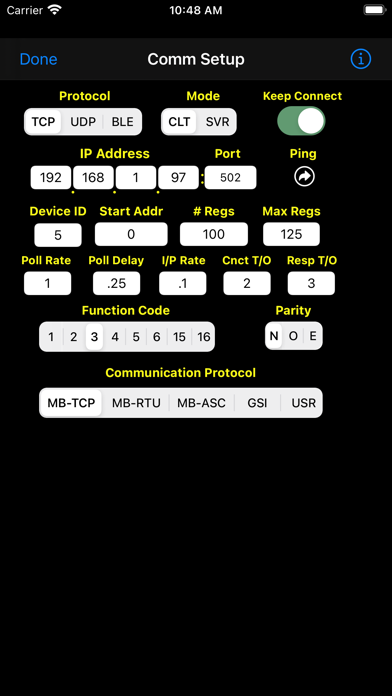
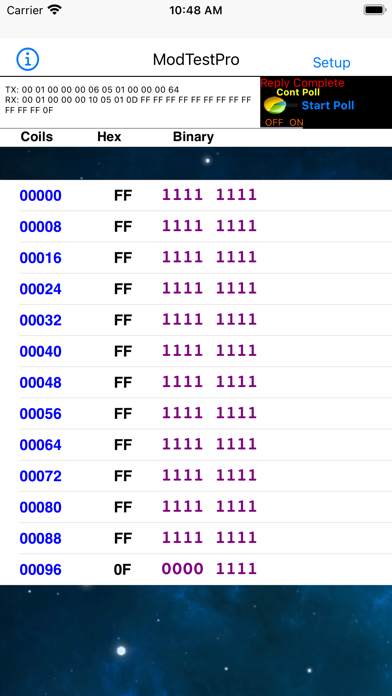
Description by Dohmann Engineering Services Written by the developer, not by AppBrain. Click to read.
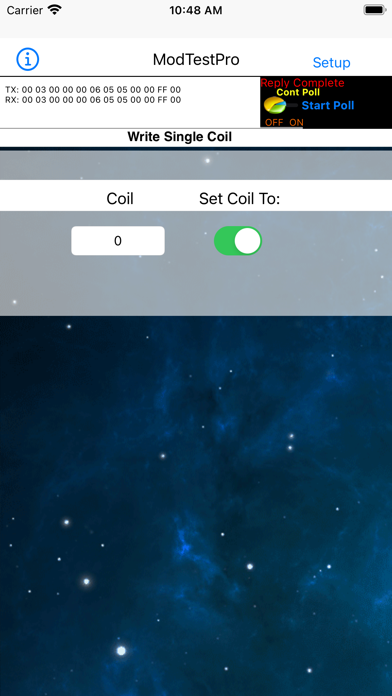
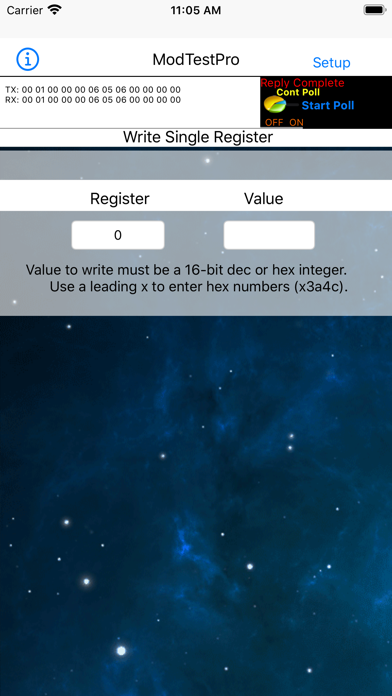
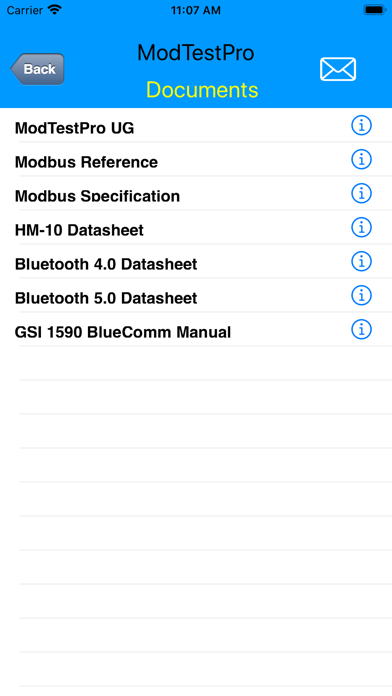
Tap the Setup button to enter the appropriate parameters for your device. Return to the main display to send your poll and view the data (when in client mode) or accept and respond to data requests from a master device (when in server mode).
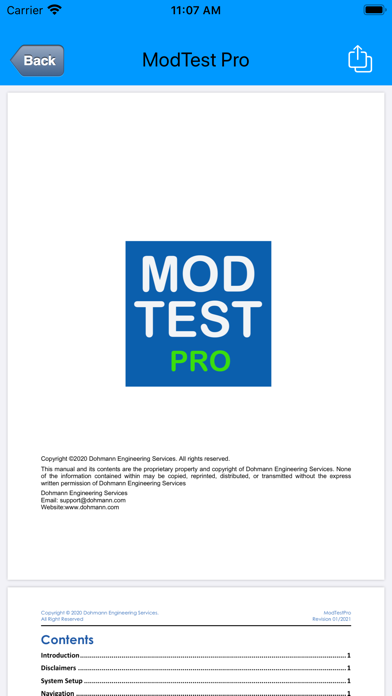
The Comm Setup view allows a number of addressing, timing, and communication mode parameters to be configured. Besides a comprehensive user guide, the app also has extensive built-in help. Tap on any yellow label or info button for a description of that parameter.
The app supports MODBUS-TCP, -RTU, and -ASCII protocols, and they can all be transmitted via TCP, UDP, or Bluetooth. It also supports the GSI protocol which was developed in 1985 and was the first tank gauging protocol to use standard RS232/RS485 serial data communication. The app also features a User Data Mode that allows you to enter a complete poll string independent of any particular protocol. This allows transmission of special ASCII data polls or any MODBUS command that is not natively supported by the app.
The following MODBUS function codes are supported:
1 – Read Coils
2 – Read Discrete Inputs
3 – Read Holding Registers
4 – Read Input Registers
5 – Write Single Coil
6 – Write Single Register
7 – Read Exception Status
15 – Write Multiple Coils
16 – Write Multiple Registers
17 – Report Server ID
Addresses must be entered in standard MODBUS format (0-65535). If you are accustomed to specifying register addresses in "Modicon format", simply subtract 1 from the Modicon Address and delete the prefix number. For example, Modicon Holding Register 40101 is equivalent to MODBUS address 100.
The app supports a wide range of data representations including:
Unsigned Integer: 16 bit, 32 bit, and 64 bit
Signed Integer: 16 bit, 32 bit, and 64 bit
Floating Point: 32-bit, and 64-bit using IEEE-754 specifications
Hex Data Strings: 16-bit, 32 bit, and 64-bit
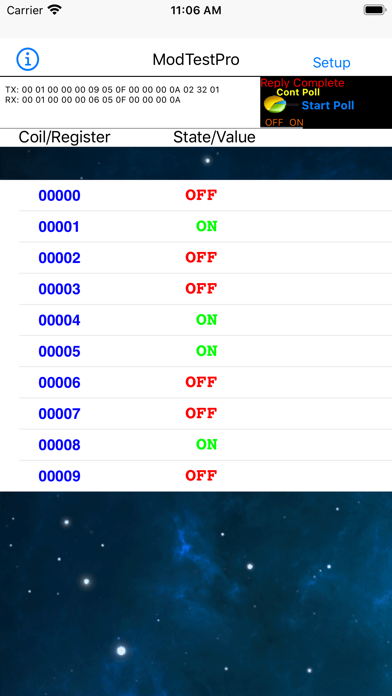
Bit and Byte Representations for Coils & Discrete Inputs
The app also supports the following "reverse modes" of floating point data storage:
Atomic 8-bit Little Endian
Atomic 16-bit Little Endian
PDP Endian
Bit Reversal
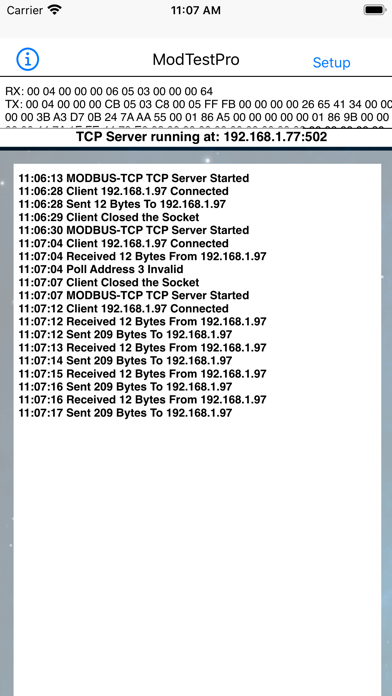
When you exit the Comm Setup page, WiFi connections will be established automatically; however, a manual scan must be initiated to find and select a BLE module within range in order to establish a Bluetooth connection. After a successful Wifi or BLE connection, simply tap the Start Poll button to send your poll command (when in client mode). Continuous polling is also supported. When in server mode, the app will wait for and respond to poll requests from a master device once a WiFi or BLE connection is made. The app scans for UART Service & TX/RX Characteristic UUIDs from BLE devices by a number of manufacturers. The UUIDs that are supported are detailed in the app User Guide.
A communication status window will show the raw byte strings that are sent to and received from a remote device. Received data will also be shown in tabular form when in client mode and communication events will be shown when in server mode. The app also tracks a number of communication statistics.
When using WiFi your device must be on the network as the device that you want to test. Be sure to use the Settings app to configure your network settings before using the app or you will surely get socket connection errors.
The app contains no ads or in-app purchases and we will never nag you for reviews, although we do appreciate them. If you have any issues with the app, please send us a message before posting a negative review and give us a chance to address your concerns.
Safety and technology
Found in the app by AppBrain- Price
- $9.99
- App size
- 26.1 MB
- Content rating
- Everyone
Technologies used by ModTest Pro
Releases
Updates seen on the App Store- Version
- 1.06
- Launched
- June 2021
No changelog data
Alternatives
Similar apps and more from Dohmann Engineering ServicesAlternatives to ModTest Pro







More from Dohmann Engineering Services







Rankings
App Store top chartsApp Store Rankings for ModTest Pro
About the app and developer
About ModTest Pro
ModTest Pro is a productivity app developed by Dohmann Engineering Services.
User Ratings
The app has no ratings yet.
App Information
ModTest Pro costs $9.99. The app size is 26.15 MB. The latest version available is 1.06. The last update was on June 7, 2023.
Technical Requirements
The app has a content rating of Everyone. The app has been available on the App Store since June 2021.
Developer information for Dohmann Engineering Services
Address: