

Moon Calendar - Moony
Moon Calendar - Moony is made and published by Freckled OG. AppBrain is an independent app data site and isn't affiliated with Freckled OG. The app name, icon, screenshots and description belong to Freckled OG and are shown as published on the App Store.
AppBrain's verdict
EstablishedLoved by users- Rating on App Store
- 4.81
- 123 ratings
- Last updated
- October 11, 2026
Users love it: 4.8 stars from 123 ratings.
Rankings
App Store top chartsApp Store Rankings for Moon Calendar - Moony
Competitors
Similar apps and more from Freckled OGAlternatives to Moon Calendar - Moony



Releases
Updates seen on the App Store- Version
- 2.5
- Launched
- November 2018
No changelog data
User feedback
Ratings and reviews on the App StoreComments on Moon Calendar - Moony for iOS
We don't have enough comments to show example comments. Please check back later.
Technology
Found in the app by AppBrain- Price
- Free
- App size
- 12.5 MB
- Content rating
- Everyone
Technologies used by Moon Calendar - Moony
About the app and developer
About Moon Calendar - Moony
Moon Calendar - Moony is a lifestyle app developed by Freckled OG.
What is the rating of Moon Calendar - Moony?
Moon Calendar - Moony is rated 4.81 out of 5 stars, based on 120 ratings.
Is Moon Calendar - Moony free?
Moon Calendar - Moony is free. The app size is 12.54 MB. The latest version available is 2.5. The last update was on October 11, 2026.
What are the requirements for Moon Calendar - Moony?
The app has a content rating of Everyone. The app has been available on the App Store since November 2018.
Developer information for Freckled OG
Address:
Store listing
By Freckled OG, from the App Store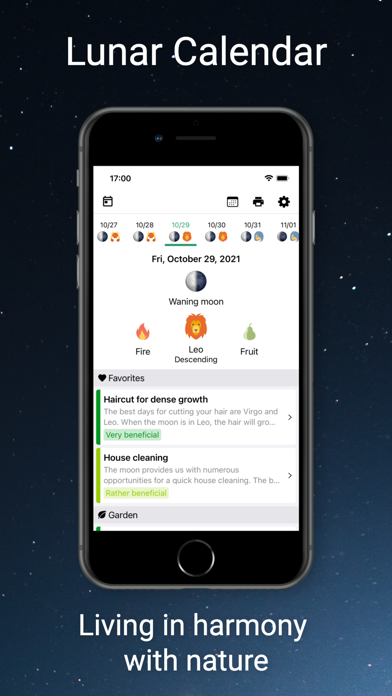
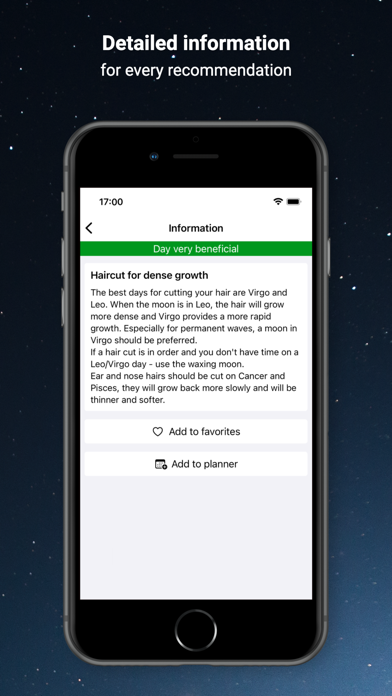
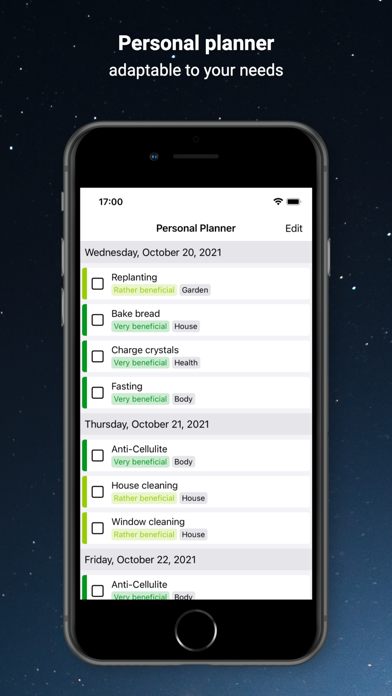
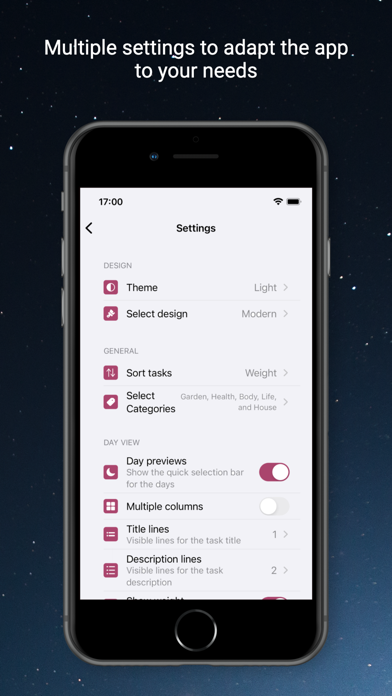
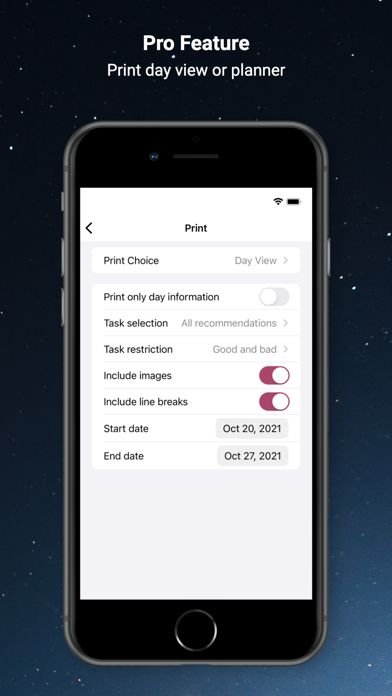
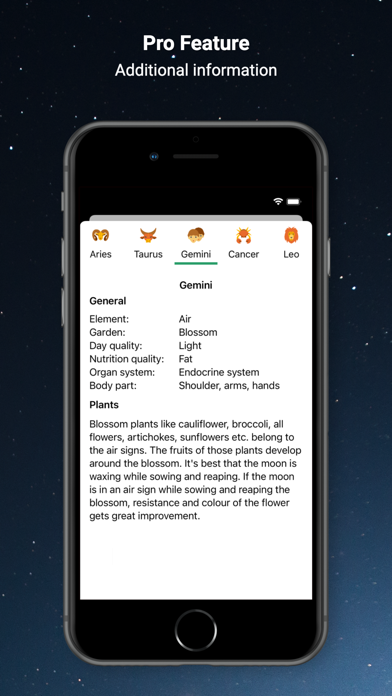
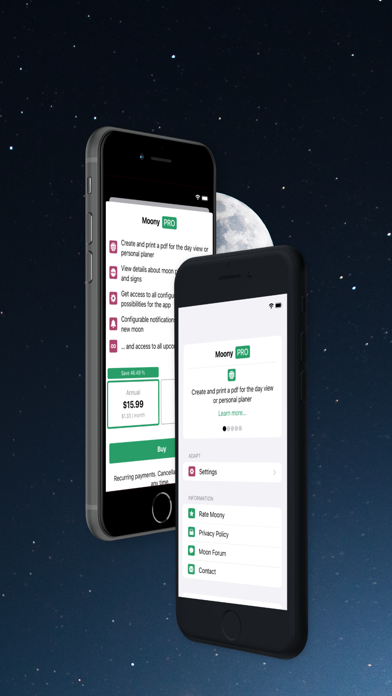
Description by Freckled OG Written by the developer, not by AppBrain. Click to read.
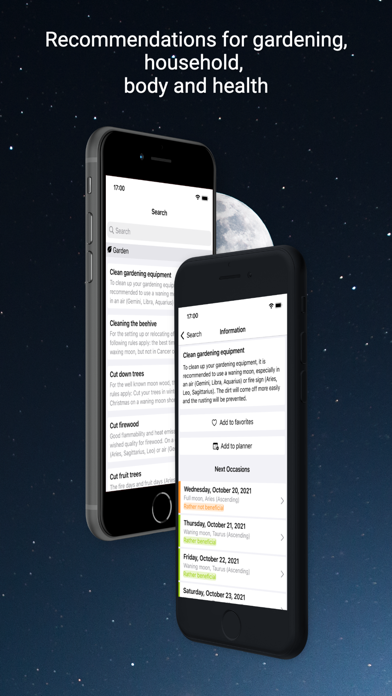
The lunar calendar offers detailed tips and recommendations based on ancient knowledge.
You would like to know when you should cut or dye your hair?
You have problems cutting your fruit trees?
The house cleaning should be as quick as possible?
Moony offers you a well-arranged overview for the desired information!
Customize the app according to your needs. You can:
- choose favorite tasks
- configure a personal planner
- customize the day view
- disable categories in which you are not interested
- change the sort order
- choose a custom time for the notifications
Have fun!
Manu and Markus