

Motionblinds Bridge
Motionblinds Bridge is made and published by Coulisse B.V. AppBrain is an independent app data site and isn't affiliated with Coulisse B.V. The app name, icon, screenshots and description belong to Coulisse B.V. and are shown as published on the App Store.
AppBrain's verdict
Established- Rating on App Store
- 1.87
- 30 ratings
- Last updated
- February 8, 2024
It doesn't have enough ratings yet to judge what users think.
Rankings
App Store top chartsApp Store Rankings for Motionblinds Bridge
Competitors
Similar apps and more from Coulisse B.V.


Releases
Updates seen on the App Store- Version
- 1.1.4
- Launched
- September 2018
No changelog data
User feedback
Ratings and reviews on the App StoreComments on Motionblinds Bridge for iOS
We don't have enough comments to show example comments. Please check back later.
Technology
Found in the app by AppBrain- Price
- Free
- App size
- 82.7 MB
- Content rating
- Everyone
Technologies used by Motionblinds Bridge
About the app and developer
About Motionblinds Bridge
Motionblinds Bridge is a lifestyle app developed by Coulisse B.V.
User Ratings
Motionblinds Bridge is rated 1.87 out of 5 stars. The rating is based on 30 ratings.
App Information
Motionblinds Bridge is freely available from the App Store. The app size is 82.72 MB. The latest version available is 1.1.4. The last update was on February 8, 2024.
Technical Requirements
The app has a content rating of Everyone. The app has been available on the App Store since September 2018.
Developer information for Coulisse B.V.
Address:
Store listing
By Coulisse B.V., from the App Store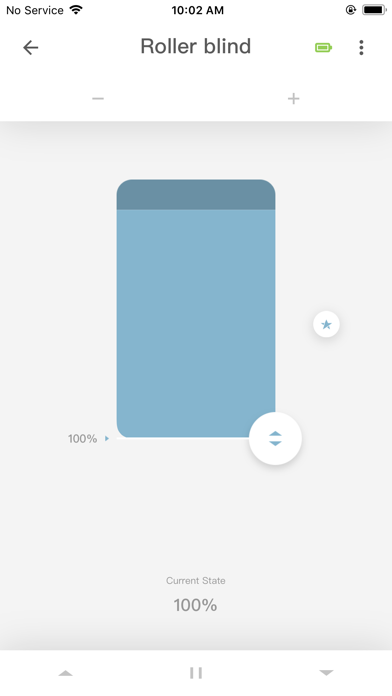
Description by Coulisse B.V. Written by the developer, not by AppBrain. Click to read.
The Motionblinds bridge needs to be installed to:
Control Motionblinds motors away from home with your smartphone
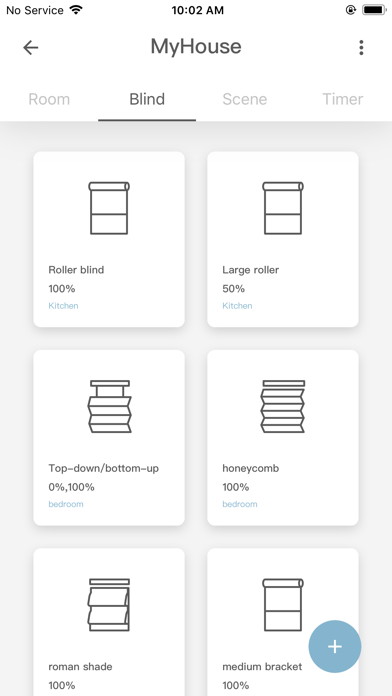
Operate multiple blinds at once by creating rooms and scenes
Connect Motionblinds to smart home platforms to make the blinds work together with other devices in the home, for example, the lighting or thermostat
SET UP
The Motionblinds bridge is an additional device that is added to your home and needs to be paired with the blinds to control the blinds. Set up and operation of the MotionBinds Wi-Fi bridge must be done with the Motionblinds Bridge app. How-to set up Motionblinds Bridge:
Buy the Motionblinds Wi-Fi Bridge and download the Motionblinds Bridge app.
Open the app to create your Motionblinds account and login to your account.
Install the bridge and follow the steps in the app to connect the bridge to your home Wi-Fi network.
Pair your blinds with the bridge in the app.
Connect the bridge to your smart home platform in the app.
CONTROL
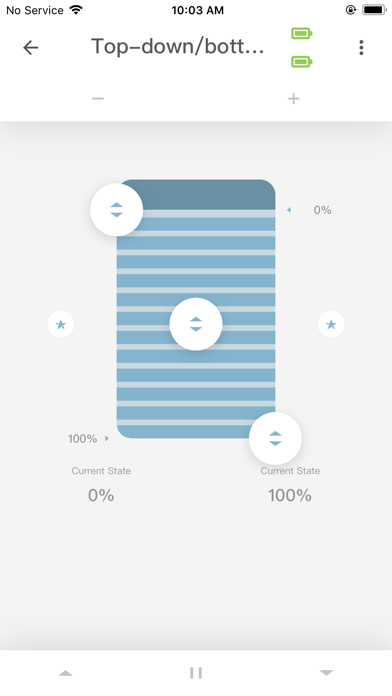
Once your blinds are paired with the Wi-Fi bridge, you can use the Motionblinds Bridge app to control and automate the blinds from anywhere in the world using your smartphone:
Open and close your blinds from work or on holiday.
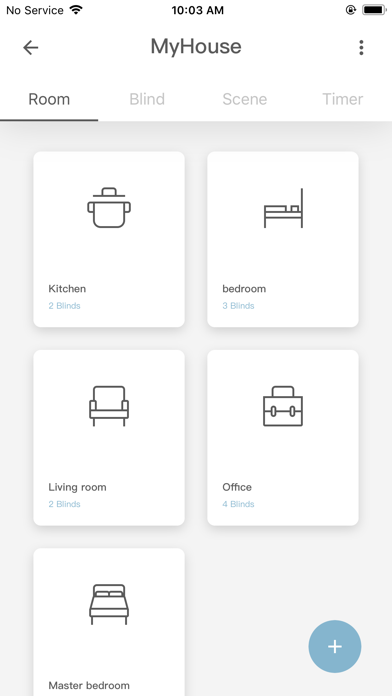
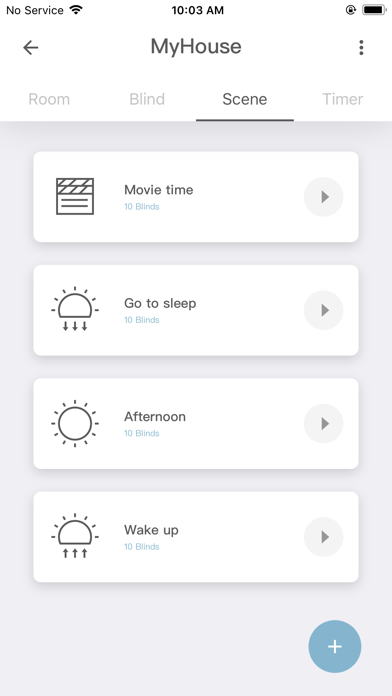
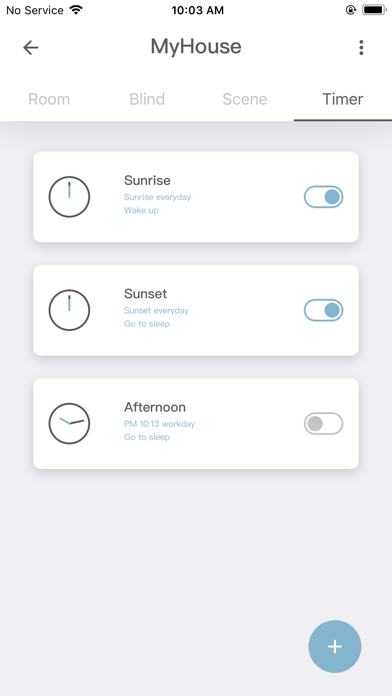
Automate your blinds by creating rooms, scenes and timers which are programmed into the bridge from the Motionblinds bridge app.
For example:
Set a timer called ‘good morning’ and your living room, dining room, hallway and kitchen blinds will open to 30% at 8.30am on weekdays.
Per bridge up to 30 blinds can be connected and up to 20 scenes and 20 timers can be programmed into the bridge using the Motionblinds bridge app.
The home can be operated by more than one person. By sharing your home with family or friends from the Motionblinds Bridge app, you can provide access to your Motionblinds bridge settings to your family members.
CONNECTIVITY
Yes - after connecting the bridge to, for example, Google, Alexa, or SmartThings, you can control Motionblinds from your favourite smart home platform. Here you can make the blinds work together with other smart devices. This also enables voice control through smart assistants.
No – Motionblinds Bridge does not work with Apple HomeKit.
PROS
+ Control your blinds by app at home and away from home
+ Automate your blinds by creating rooms, scenes and timers
+ Automate your blinds to sunrise/sunset (location based)
+ Works with Google, Alexa, SmartThings, and other smart home platforms
CONS
- Needs installation and setup of the bridge
- Requires an account and registration
- Does not work with Apple HomeKit
Need support? For videos, manuals and frequently asked questions please visit support.motionblinds.com.