MP3Converter-Video2MP3 & Tools is an overall app developed by 翠珠 马.
Download Statistics
User Ratings
MP3Converter-Video2MP3 & Tools is rated 4.86 out of 5 stars. The rating is based on 14 ratings.
App Information
MP3Converter-Video2MP3 & Tools is FREE to download. The APK download size is 352.65 MB. The latest version available is 1.5.2. The last update was on June 7, 2026.
Technical Requirements
The app has a content rating of Everyone. The app has been available on Google Play January 2022.
Description
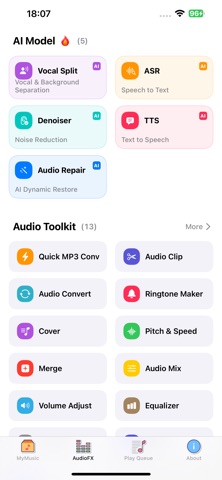
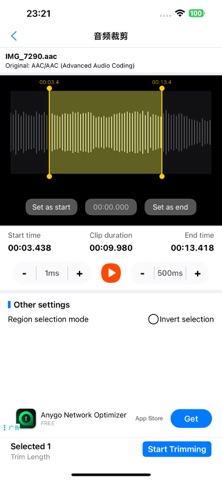
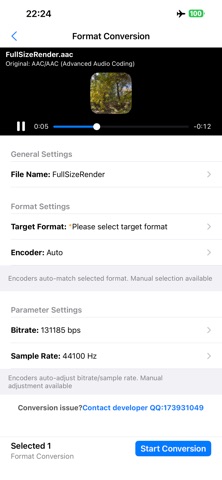
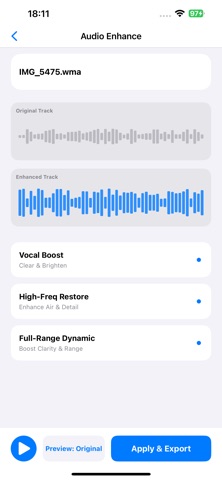
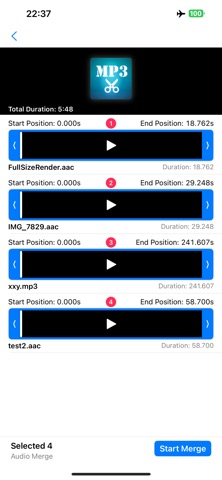
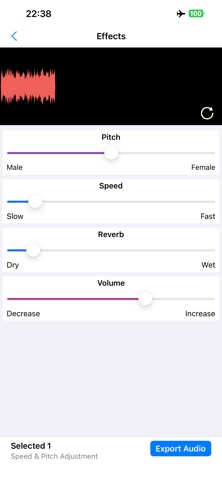
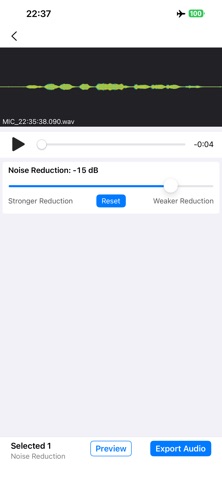
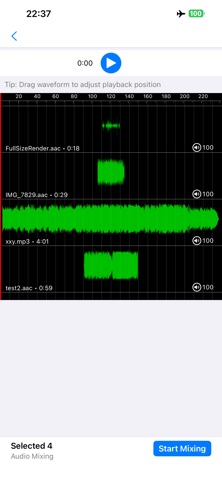
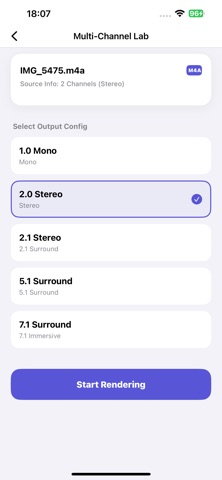
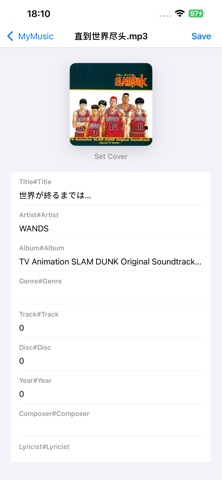
* Supports transcoding of various audio formats, including (aac/m4a, mp3, wav, amr, ac3, wma, flac, ogg, caf, opus) * Supports text-to-speech and speech-to-text * Supports vocal and background audio separation * Supports ringtone making * Supports audio extraction from various videos * Supports reverse audio playback * Supports multi-channel settings * Supports real-time audio rendering to preview effects instantly (male to female voice change, KTV sound effects, fast/slow playback) * Supports audio cropping * Supports audio merging * Supports audio mixing * Supports audio noise reduction * Supports microphone recording * Supports extraction from the photo album * Supports extraction from iCloud * Supports importing and extracting from PC
[Subscription Service Description] Subscription service: [Audio Converter] VIP continuous monthly subscription (1 month), continuous yearly subscription (12 months), lifetime membership (one-time purchase for permanent use). Subscription price: The continuous monthly product is [Price: 8 RMB/month], the continuous yearly product is [Price: 58 RMB/year], and the lifetime membership product is [Price: 128 RMB, one-time charge]. Payment: Credited to the iTunes account after the user confirms the purchase and makes the payment. Auto-renewal: The Apple iTunes account will be charged within 24 hours before expiration. Upon successful deduction, the subscription period will be extended by one subscription cycle. Turn off service: You can go to "Settings" on your iPhone --> enter "iTunes Store and App Store" --> tap "Apple ID", select "View Apple ID", enter the "Account Settings" page, tap "Subscriptions", and manage the automatic subscription service. If you need to cancel, just turn it off 24 hours before the end of each billing cycle. No charges will be made within 24 hours before expiration.
[Terms and Agreements] https://htmlpreview.github.io/?https://github.com/gunner2014/Docs/blob/main/eula-en.html https://htmlpreview.github.io/?https://github.com/gunner2014/Docs/blob/main/privacy-en.html
Each subscription will automatically renew 3 days before the expiration date for
the same time period. Subscriptions can be cancelled at any time before the renewal.