

MTC is made and published by Fortra, LLC. AppBrain is an independent app data site and isn't affiliated with Fortra, LLC. The app name, icon, screenshots and description belong to Fortra, LLC and are shown as published on the App Store.
AppBrain's verdict
Established- Rating on App Store
- 4.00
- 4 ratings
- Last updated
- June 29, 2022
It doesn't have enough ratings yet to judge what users think.
Rankings
App Store top chartsApp Store Rankings for MTC
Competitors
Similar apps and more from Fortra, LLC







Releases
Updates seen on the App Store- Version
- 1.3.1
- Launched
- March 2014
No changelog data
User feedback
Ratings and reviews on the App StoreComments on MTC for iOS
We don't have enough comments to show example comments. Please check back later.
Technology
Found in the app by AppBrain- Price
- Free
- App size
- 152.8 MB
- Content rating
- Everyone
Technologies used by MTC
About the app and developer
About MTC
MTC is a productivity app developed by Fortra, LLC.
User Ratings
MTC is rated 4.00 out of 5 stars. The rating is based on 4 ratings.
App Information
MTC is freely available from the App Store. The app size is 152.79 MB. The latest version available is 1.3.1. The last update was on June 29, 2022.
Technical Requirements
The app has a content rating of Everyone. The app has been available on the App Store since March 2014.
Developer information for Fortra, LLC
Address:
Store listing
By Fortra, LLC, from the App Store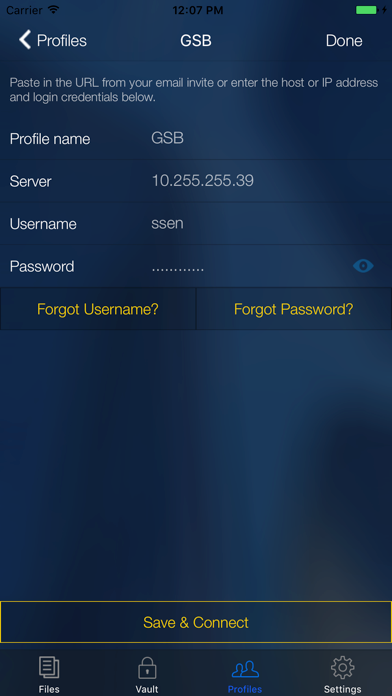

Description by Fortra, LLC Written by the developer, not by AppBrain. Click to read.
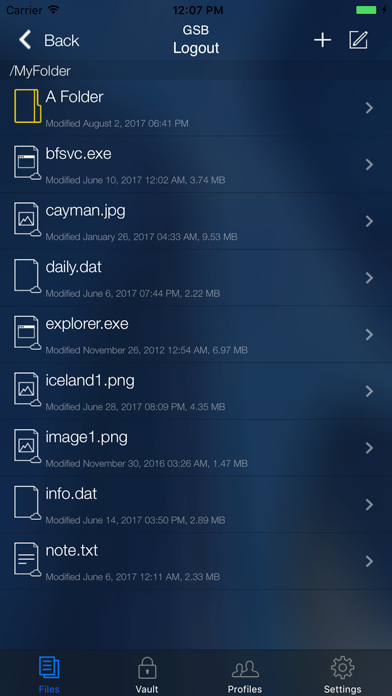
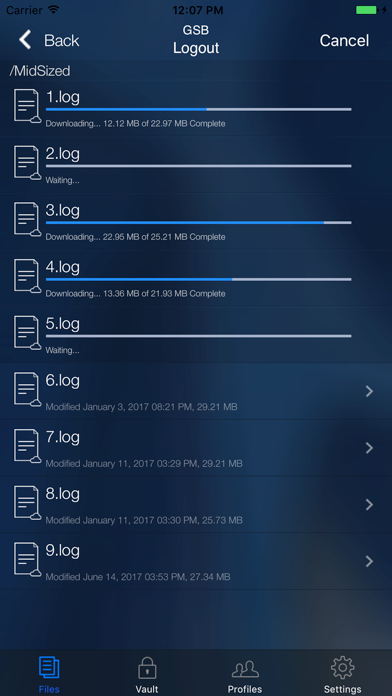
The Mobile Transfer Client app lets end-users:
- Securely browse, upload, send, and share files and folders on the go
- Access enterprise content storage securely without VPN
- View certain file types inside the internal viewer without those files leaving the app
- Use mobile contacts for sending files and sharing folders through links in email
- Edit files in other apps and then upload modified versions to the server
EFT allows configuration of security access controls for enterprise content, including the ability to:
- Create login credentials for MTC users
- Enable users to communicate and transfer securely over HTTPS
- Onboard new users with a single click or tap
- Allow users to save their profile password
- Allow users to save files to the MTC vault
- Allow users to share files as email attachments
- Allow users to open files in third-party applications
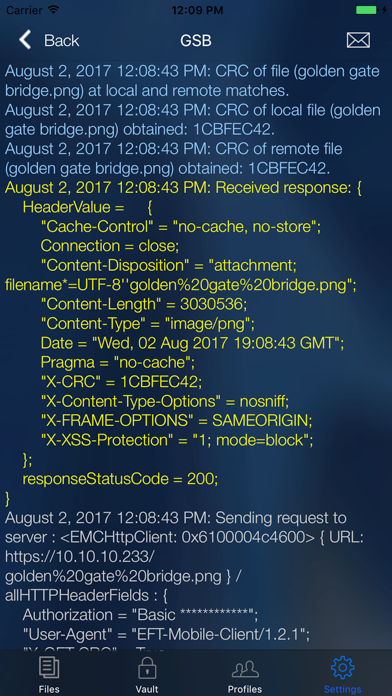
- Log usage/activity and provide audit trails and logs
- Manage policies in one location
If you do not have an EFT solution, please visit http://www.globalscape.com/mft for more information.