

MultiTimer: Multiple timers
MultiTimer: Multiple timers is made and published by Sergey Astakhov. AppBrain is an independent app data site and isn't affiliated with Sergey Astakhov. The app name, icon, screenshots and description belong to Sergey Astakhov and are shown as published on the App Store.
AppBrain's verdict
EstablishedLoved by users- Rating on App Store
- 4.74
- 15,641 ratings
- Last updated
- October 12, 2026
Users love it: 4.7 stars from 15,641 ratings.
Rankings
App Store top chartsApp Store Rankings for MultiTimer: Multiple timers
Competitors
Similar apps and more from Sergey AstakhovAlternatives to MultiTimer: Multiple timers







More from Sergey Astakhov


Releases
Updates seen on the App Store- Version
- 7.9.2
- Launched
- May 2015
No changelog data
User feedback
Ratings and reviews on the App StoreComments on MultiTimer: Multiple timers for iOS
We don't have enough comments to show example comments. Please check back later.
Technology
Found in the app by AppBrain- Price
- Free
- App size
- 95.5 MB
- Content rating
- Everyone
Technologies used by MultiTimer: Multiple timers
About the app and developer
About MultiTimer: Multiple timers
MultiTimer: Multiple timers is an utilities app developed by Sergey Astakhov.
What is the rating of MultiTimer: Multiple timers?
MultiTimer: Multiple timers is rated 4.74 out of 5 stars, based on 16 thousand ratings.
Is MultiTimer: Multiple timers free?
MultiTimer: Multiple timers is free. The app size is 95.52 MB. The latest version available is 7.9.2. The last update was on October 12, 2026.
What are the requirements for MultiTimer: Multiple timers?
The app has a content rating of Everyone. The app has been available on the App Store since May 2015.
Developer information for Sergey Astakhov
Address:
Frequently asked questions about MultiTimer: Multiple timers
Is MultiTimer: Multiple timers free?
Yes. MultiTimer: Multiple timers is free on the App Store.
Is MultiTimer: Multiple timers still available?
Yes. MultiTimer: Multiple timers is on the App Store, and the last update we saw was on October 12, 2026.
How large is MultiTimer: Multiple timers?
MultiTimer: Multiple timers is 95.52 MB.
Is MultiTimer: Multiple timers suitable for children?
App Store rates the content of MultiTimer: Multiple timers as suitable for everyone.
How do people rate MultiTimer: Multiple timers?
MultiTimer: Multiple timers scores 4.74 out of 5 stars, from 15,641 ratings on the App Store.
Who made MultiTimer: Multiple timers?
MultiTimer: Multiple timers was developed by Sergey Astakhov. It is listed in the utilities category on the App Store.
What are the best alternatives to MultiTimer: Multiple timers?
People looking at MultiTimer: Multiple timers also look at these utilities apps: Timer+ Countdown & Stopwatch, Repeat Timer: Interval Remind, Multi Timer: Utility, Repeat Timer, Stopwatch‰.
Store listing
By Sergey Astakhov, from the App Store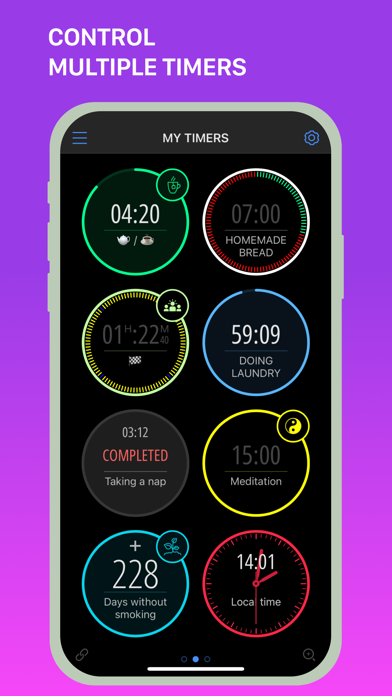
Description by Sergey Astakhov Written by the developer, not by AppBrain. Click to read.
Whether it’s daily tasks, cooking, studying, or workouts, MultiTimer offers customizable timers for any situation. With options like task timers, kitchen timers, Pomodoro timers, and many other features, you'll always be organized and efficient.
**VERSATILE TIMERS FOR ANY SITUATION
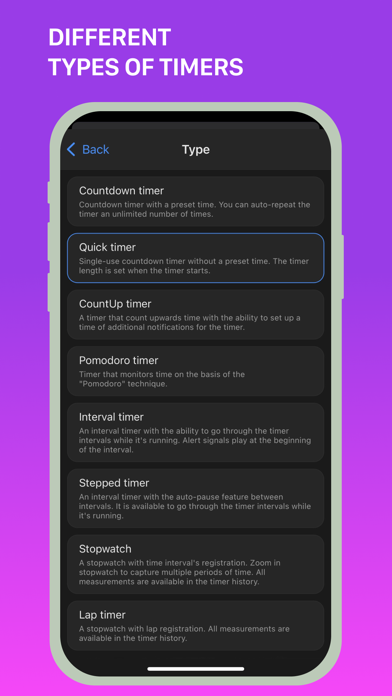
Create multiple timers for any purpose.
Choose from:
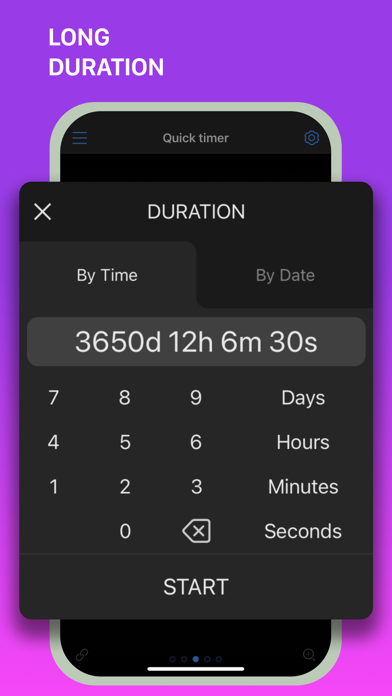
- Countdown
- Quick Start
- CountUp
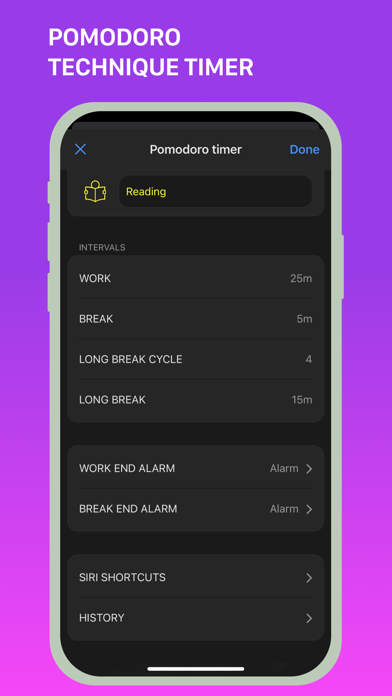
- Pomodoro
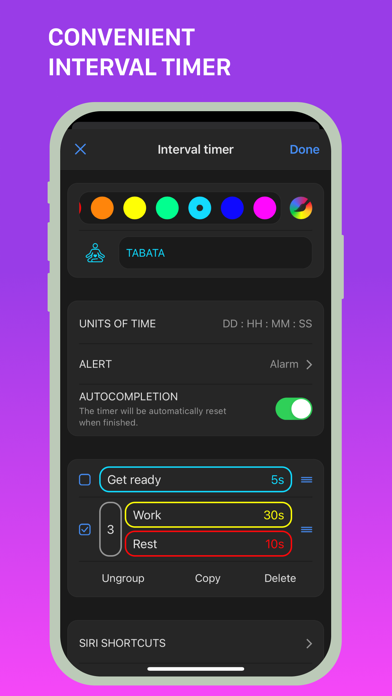
- Interval Timer
- Stopwatch
- Counter
- Clock
- Buttons
- Container
**FLEXIBLE LAYOUT FOR YOUR NEEDS
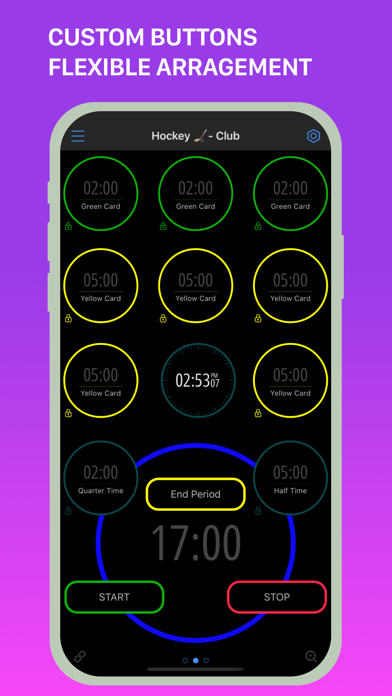
Customize timer boards the way you like.
Choose between adaptive and flexible layouts. Copy, delete, and move timers at your discretion. Create multiple boards to place different timers side by side and manage them effortlessly.
**PERSONALIZE YOUR TIME
Give your timers and counters a personal touch with numerous labels, colours, icons, alert styles, custom sounds, and notifications.
**MAXIMUM CONTROL & CUSTOMIZATION
Full control over your timers.
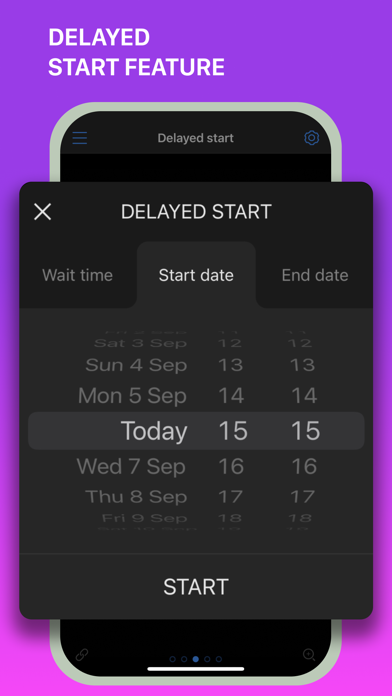
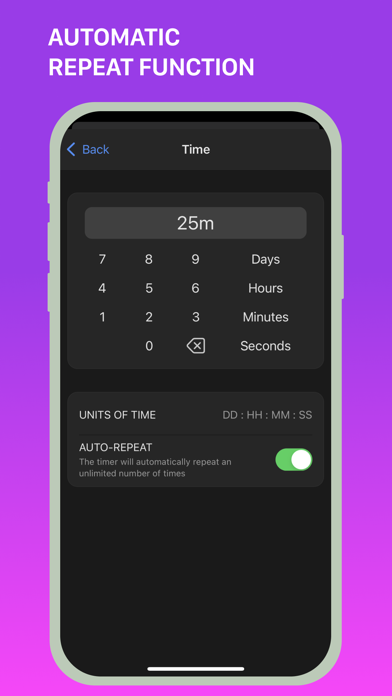
Set timer start delays, add or subtract time from running timers, and choose the "Auto-repeat" option for automatic timer restart.
**SAVE TIME WITH EASE
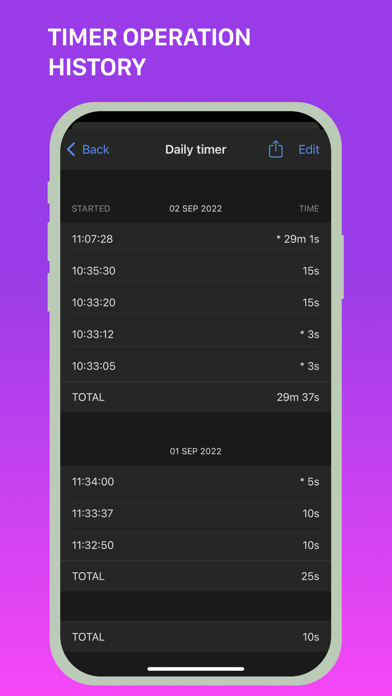
Track and save the entire history of your timers and counters.
**SHARE TIMERS
Use the web feature to share a link with friends, family, or colleagues to track ongoing or upcoming events or tasks.
**AND MANY OTHER GREAT FEATURES
- Place timers on separate screens (boards) or manage them in fullscreen mode.
- Sync timer data across devices using iCloud.
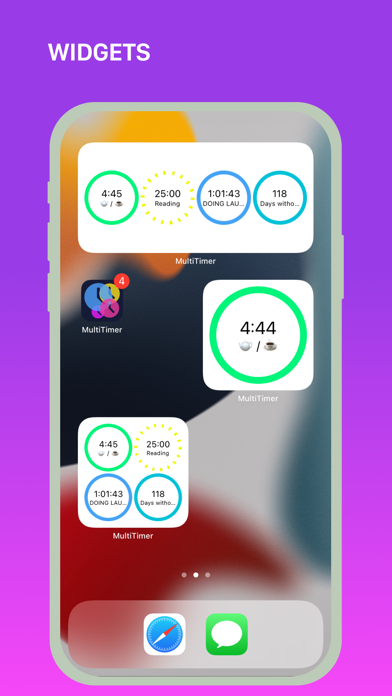
- Use all available types of widgets.
- Check out Siri integration, shortcuts, and x-callback-URL support.
- Try 3D Touch for quick timer management through the pop-up menu.
- Use MultiTimer on your Apple Watch.
- Export boards and timers to another device.
- Use the built-in tools to run and manage multiple timers at the same time.
MultiTimer is your indispensable assistant, whether in the kitchen, gym, at work, or in the office. Focus on what really matters with quick timer settings, optimize your time management, and achieve your goals faster and more efficiently.
Download MultiTimer and start managing your time today with unlimited boards, timers, and various features (some features are part of the Pro upgrade).
We love feedback! Send your suggestions and ideas to support@persapps.com or use the "Feedback" option in the app settings.
**ADDITIONAL INFORMATION:
Terms of Use: http://persapps.com/terms/
Standard Agreement: https://www.apple.com/legal/internet-services/itunes/dev/stdeula/
Icons by icons8: https://icons8.com/