

Mumbhai is made and published by Rahul Rahate. AppBrain is an independent app data site and isn't affiliated with Rahul Rahate. The app name, icon, screenshots and description belong to Rahul Rahate and are shown as published on the App Store.
AppBrain's verdict
Established- Rating on App Store
- 5.00
- 13 ratings
- Last updated
- February 28, 2023
It doesn't have enough ratings yet to judge what users think.
Rankings
App Store top chartsApp Store Rankings for Mumbhai
Competitors
Similar apps and more from Rahul RahateAlternatives to Mumbhai








More from Rahul Rahate


Releases
Updates seen on the App Store- Version
- 3.0
- Launched
- March 2020
No changelog data
User feedback
Ratings and reviews on the App StoreComments on Mumbhai for iOS
We don't have enough comments to show example comments. Please check back later.
Technology
Found in the app by AppBrain- Price
- Free
- App size
- 11.8 MB
- Content rating
- Low
Technologies used by Mumbhai
About the app and developer
About Mumbhai
Mumbhai is a stickers app developed by Rahul Rahate.
User Ratings
Mumbhai is rated 5.00 out of 5 stars. The rating is based on 13 ratings.
App Information
Mumbhai is freely available from the App Store. The app size is 11.80 MB. The latest version available is 3.0. The last update was on February 28, 2023.
Technical Requirements
The app has a content rating of Low Maturity. The app has been available on the App Store since March 2020.
Developer information for Rahul Rahate
Address:
Store listing
By Rahul Rahate, from the App Store

Description by Rahul Rahate Written by the developer, not by AppBrain. Click to read.
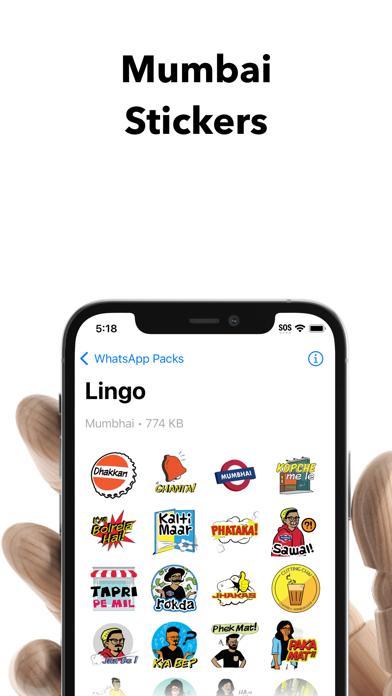
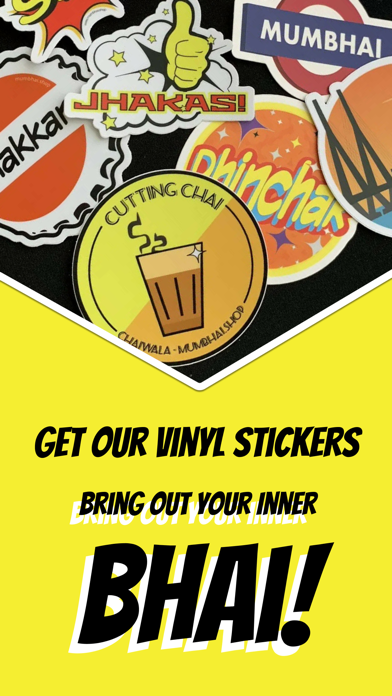
Get ready to express your emotions and moods with our unique collection of stickers that capture the essence of everyday life in Mumbai. Whether you want to show off your love for cutting chai or the street style lingo, we have got you covered. With Mumbhai, you can add a touch of bhai to your conversations and make them even more fun and exciting.
Stickers available for WhatsApp and iMessage
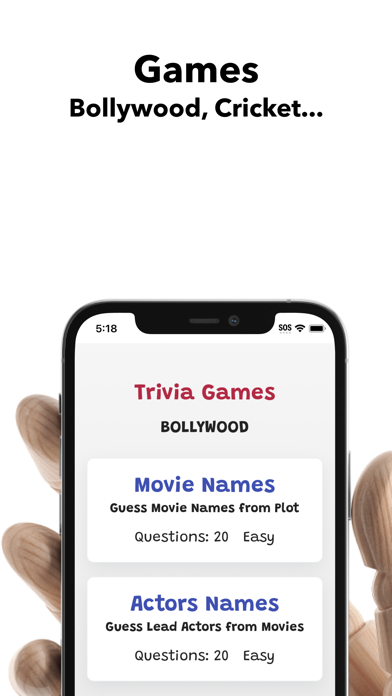
But that's not all - Mumbhai is also filled with games to test your Bollywood and Cricket Knowledge.
Games updated monthly
Using Stickers on iMessage:
1. Install the App
2. Navigate to iMessages, and open up a conversation.
3. If you don't see iMessage Apps -Tap on the "A" icon to the right of the Camera icon
4. When you see your existing iMessage Apps, scroll to the right to right to find MumbhaiStickers
Using the Stickers on WhatApp:
1. Install the App and open it
2.Tap the Add to Whatsapp Button
3. Tap "OK" to add the stickers to WhatsApp
4. In WhatApp, open a chat conversation. Tap on the smiley face, then Tap on the sticker icon at the bottom to see and use Mumbhai Stickers