

Munbyn Photo
Munbyn Photo is made and published by Guangzhou Munbyn Technology Co. Limited. AppBrain is an independent app data site and isn't affiliated with Guangzhou Munbyn Technology Co. Limited. The app name, icon, screenshots and description belong to Guangzhou Munbyn Technology Co. Limited and are shown as published on the App Store.
AppBrain's verdict
- Rating on App Store
- 5.00
- 1 ratings
- Last updated
- September 10, 2024
It doesn't have enough ratings yet to judge what users think.
Rankings
App Store top chartsApp Store Rankings for Munbyn Photo
Competitors
Similar apps and more from Guangzhou Munbyn Technology Co. LimitedAlternatives to Munbyn Photo



More from Guangzhou Munbyn Technology Co. Limited


Releases
Updates seen on the App Store- Version
- 1.0.1
- Launched
- July 2024
No changelog data
User feedback
Ratings and reviews on the App StoreComments on Munbyn Photo for iOS
We don't have enough comments to show example comments. Please check back later.
Technology
Found in the app by AppBrain- Price
- Free
- App size
- 113.9 MB
- Content rating
- High
Technologies used by Munbyn Photo
About the app and developer
About Munbyn Photo
Munbyn Photo is an entertainment app developed by Guangzhou Munbyn Technology Co. Limited.
What is the rating of Munbyn Photo?
Munbyn Photo is rated 5.00 out of 5 stars, based on one rating ratings.
Is Munbyn Photo free?
Munbyn Photo is free. The app size is 113.86 MB. The latest version available is 1.0.1. The last update was on September 10, 2024.
What are the requirements for Munbyn Photo?
The app has a content rating of High Maturity. The app has been available on the App Store since July 2024.
Developer information for Guangzhou Munbyn Technology Co. Limited
Store listing
By Guangzhou Munbyn Technology Co. Limited, from the App Store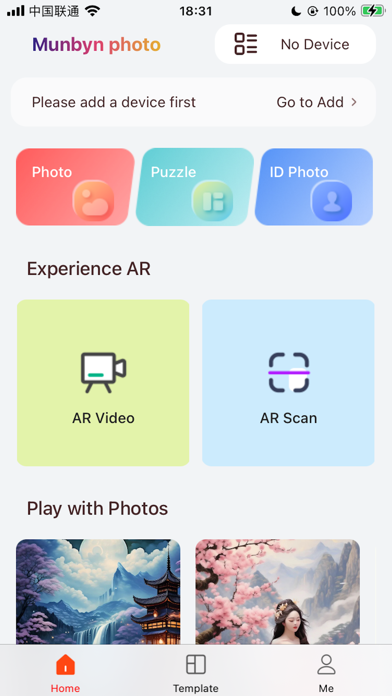
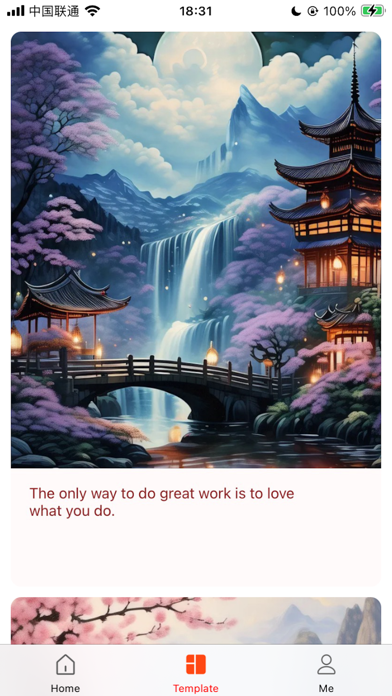
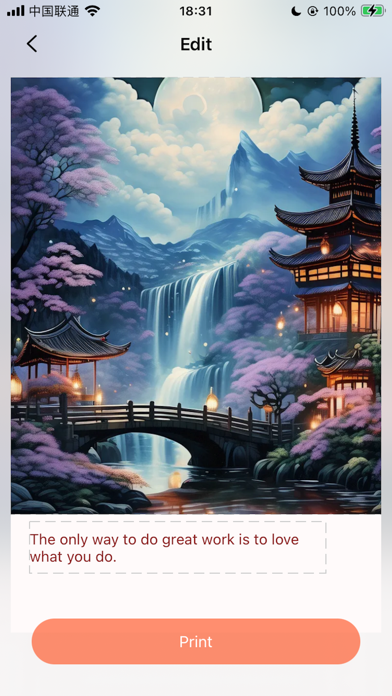
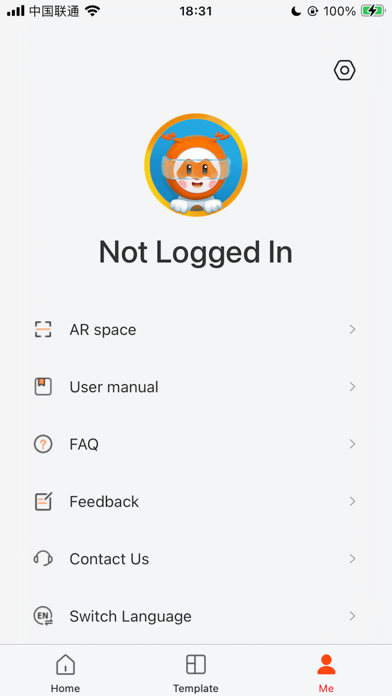
Description by Guangzhou Munbyn Technology Co. Limited Written by the developer, not by AppBrain. Click to read.
Supported Device:
MUNBYN 3 inch Photo Printer( PR3 )
MUNBYN 6 inch Photo Printer( PR6 )
Easily print amazing photos with MUNBYN Printer. The printer can be used to print images from smartphones by connecting Bluetooth via the device. You can take and edit pictures on smartphones or tablets. lt will meticulously print your precious moments !
How to Use
1. Read the user manual to know the usage guide of your printer.
2. Select an image from the Gallery or take a photo with your smartphone.
3. Once image has been selected, edit the image with your personal preference.
4. Now press print button to print when editing is completed.
Tips:
1. lt will take about one minute to fully print. Please do not pull the photo until it is completely printed.
2. To ensure your printer has the best print quality, please make sure your printer has been upgraded to the latest version.