

Music and Audio Compressor
Music and Audio Compressor is made and published by Ruchira Ramesh. AppBrain is an independent app data site and isn't affiliated with Ruchira Ramesh. The app name, icon, screenshots and description belong to Ruchira Ramesh and are shown as published on the App Store.
AppBrain's verdict
- Last updated
- July 4, 2022
Rankings
App Store top chartsApp Store Rankings for Music and Audio Compressor
Competitors
Similar apps and more from Ruchira RameshMore from Ruchira Ramesh







Releases
Updates seen on the App Store- Version
- 11.2
- Launched
- March 2018
No changelog data
User feedback
Ratings and reviews on the App StoreComments on Music and Audio Compressor for iOS
We don't have enough comments to show example comments. Please check back later.
Technology
Found in the app by AppBrain- Price
- $3.99
- App size
- 30.1 MB
- Content rating
- Everyone
Technologies used by Music and Audio Compressor
About the app and developer
About Music and Audio Compressor
Music and Audio Compressor is a music app developed by Ruchira Ramesh.
What is the rating of Music and Audio Compressor?
Music and Audio Compressor has no ratings yet.
Is Music and Audio Compressor free?
Music and Audio Compressor costs $3.99. The app size is 30.06 MB. The latest version available is 11.2. The last update was on July 4, 2022.
What are the requirements for Music and Audio Compressor?
The app has a content rating of Everyone. The app has been available on the App Store since March 2018.
Developer information for Ruchira Ramesh
Address:
Frequently asked questions about Music and Audio Compressor
Is Music and Audio Compressor free?
No. Music and Audio Compressor costs $3.99 on the App Store.
Is Music and Audio Compressor still available?
Yes. Music and Audio Compressor is on the App Store, and the last update we saw was on July 4, 2022.
How large is Music and Audio Compressor?
Music and Audio Compressor is 30.06 MB.
Is Music and Audio Compressor suitable for children?
App Store rates the content of Music and Audio Compressor as suitable for everyone.
Who made Music and Audio Compressor?
Music and Audio Compressor was developed by Ruchira Ramesh. It is listed in the music category on the App Store.
Store listing
By Ruchira Ramesh, from the App Store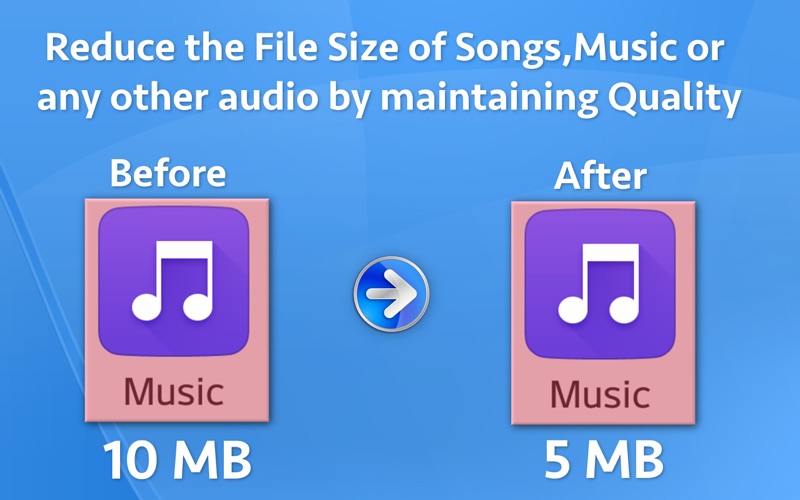

Description by Ruchira Ramesh Written by the developer, not by AppBrain. Click to read.
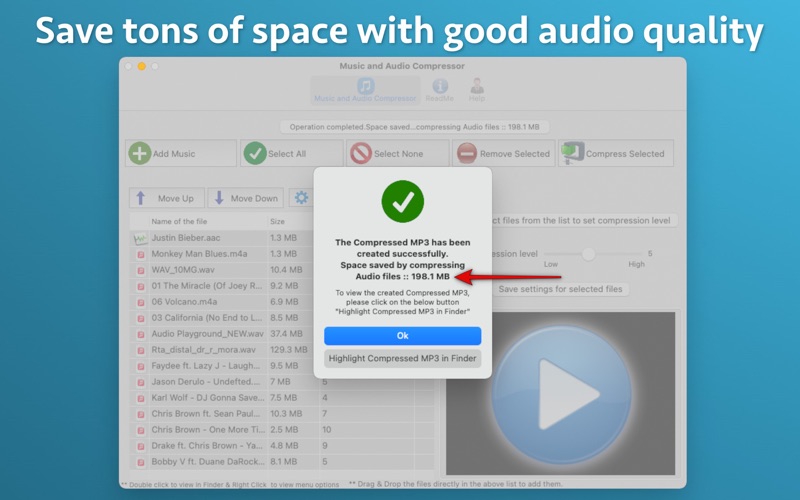
** Even after reducing the size, the audio quality will remain good. **
It will allow you to have more number of music, songs, audio files, audio books and etc stored on the devices like MacBook, iPhone, iPod or hard disks.
This will benefit you in many ways. For example : If you were able to fit only 300 songs into your iPad or iPhone, you will be able to fit more than 500 songs into those devices after compression.This will be possible because the compressed songs take lesser space.This will allow you to fit more songs in the devices.
Reduced file size will also allow you to burn more songs into the disc. It will also allow to store more songs in the same physical space of the Hard disk or the Pen Drive.
Such compressed songs or audio could be easily shared and distributed online as well.
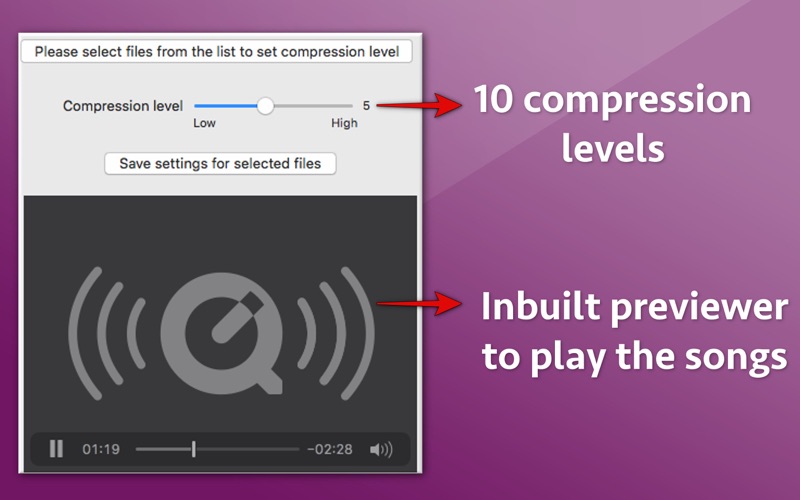
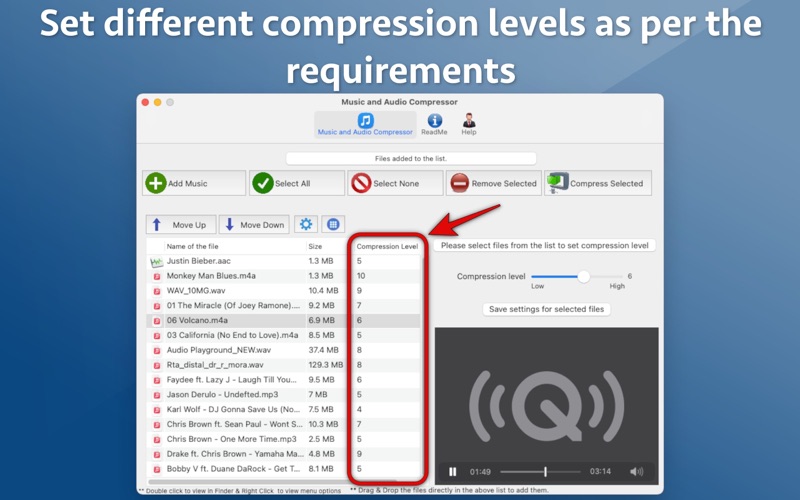
The application comes with 10 compression level.The value of the compression levels could be set between 1 to 10 depending on the requirements.10 is the maximum level of compression.By maintaining a compression level of 5 or 6 you could get a very nice quality audio with reduced size.
Depending on the requirements, you could set different compression levels of the songs. For example : One song can have compression level of 5 while the other one could have the compression level set to 8.
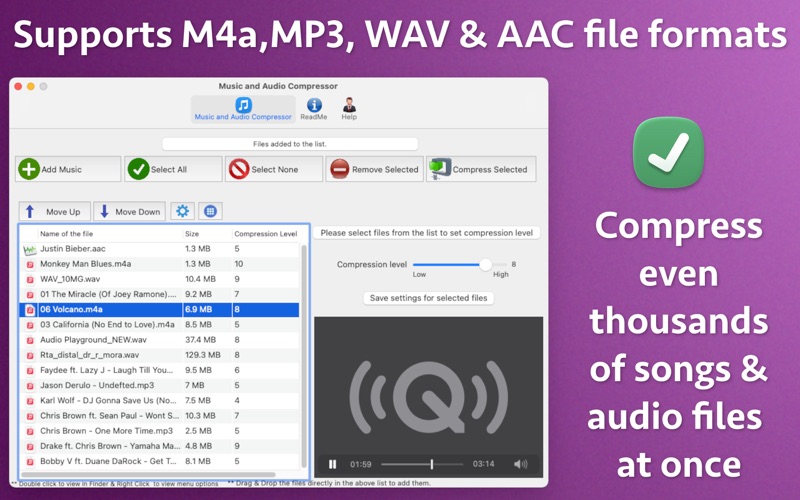
The application supports M4a, MP3, WAV and AAC file formats. The compressed songs are always created in MP3 format.The MP3 format is a universally supported format. Compressed songs in the MP3 format could be played universally across any device that supports MP3 format songs.
The compressed MP3 songs are created with all original Metadata. For example : The compressed songs will keep the Album information,Album image and etc from the original song file.
The application is very easy to use.In order to add the songs just drag them from iTunes or Finder. After this, select them using "Select All" button and click on "Compress Selected" button.