

Mute Video : Remove Sounds
Mute Video : Remove Sounds is made and published by Hardik Dhameliya. AppBrain is an independent app data site and isn't affiliated with Hardik Dhameliya. The app name, icon, screenshots and description belong to Hardik Dhameliya and are shown as published on the App Store.
AppBrain's verdict
- Rating on App Store
- 4.00
- 4 ratings
- Last updated
- May 30, 2026
It doesn't have enough ratings yet to judge what users think.
Rankings
App Store top chartsApp Store Rankings for Mute Video : Remove Sounds
Competitors
Similar apps and more from Hardik Dhameliya








Releases
Updates seen on the App Store- Version
- 4.3
- Launched
- August 2022
No changelog data
User feedback
Ratings and reviews on the App StoreComments on Mute Video : Remove Sounds for iOS
We don't have enough comments to show example comments. Please check back later.
Technology
Found in the app by AppBrain- Price
- Free
- App size
- 27.4 MB
- Content rating
- Everyone
Technologies used by Mute Video : Remove Sounds
About the app and developer
About Mute Video : Remove Sounds
Mute Video : Remove Sounds is a photo & video app developed by Hardik Dhameliya.
What is the rating of Mute Video : Remove Sounds?
Mute Video : Remove Sounds is rated 4.00 out of 5 stars, based on 4 ratings.
Is Mute Video : Remove Sounds free?
Mute Video : Remove Sounds is free. The app size is 27.44 MB. The latest version available is 4.3. The last update was on May 30, 2026.
What are the requirements for Mute Video : Remove Sounds?
The app has a content rating of Everyone. The app has been available on the App Store since August 2022.
Developer information for Hardik Dhameliya
Address:
Frequently asked questions about Mute Video : Remove Sounds
Is Mute Video : Remove Sounds free?
Yes. Mute Video : Remove Sounds is free on the App Store.
Is Mute Video : Remove Sounds still available?
Yes. Mute Video : Remove Sounds is on the App Store, and the last update we saw was on May 30, 2026.
How large is Mute Video : Remove Sounds?
Mute Video : Remove Sounds is 27.44 MB.
Is Mute Video : Remove Sounds suitable for children?
App Store rates the content of Mute Video : Remove Sounds as suitable for everyone.
How do people rate Mute Video : Remove Sounds?
Mute Video : Remove Sounds scores 4.00 out of 5 stars, from 4 ratings on the App Store.
Who made Mute Video : Remove Sounds?
Mute Video : Remove Sounds was developed by Hardik Dhameliya. It is listed in the photo & video category on the App Store.
What are the best alternatives to Mute Video : Remove Sounds?
People looking at Mute Video : Remove Sounds also look at these photo & video apps: Video Mute - Remove clip sound, Video Editor Crop and Mute, Video reverse & speed editor, Foto Collage Maker, AVM..
Store listing
By Hardik Dhameliya, from the App Store



Description by Hardik Dhameliya Written by the developer, not by AppBrain. Click to read.
Mute Video : Remove Sounds is a powerful yet easy-to-use video editor for iPhone designed to help you mute video, remove audio, trim clips, add music, and create stunning content like live wallpapers and GIFs. Whether you’re a content creator, vlogger, influencer, or everyday user, this app gives you fast, high-quality video editing tools in one place.
With just one tap, you can remove sound from video, preview the result, and save it directly to your Photos — no watermark, best quality output.
Mute Video & Remove Audio Instantly
Easily mute selected videos or remove unwanted audio from any video. Select videos from Camera, Photos, or Files, mute them in seconds, and save or share instantly.
- Remove sound from video
- Create silent videos
- Voice mute & audio remover
- One-tap mute video tool
Trim, Cut & Edit with Precision
Trim videos before muting or editing using frame-by-frame precision. Cut unwanted parts, adjust video length, and get perfect results every time.
- Trim & cut video
- Fast video cut & save
- Advanced frame-by-frame editor
Add Music & Customize Audio
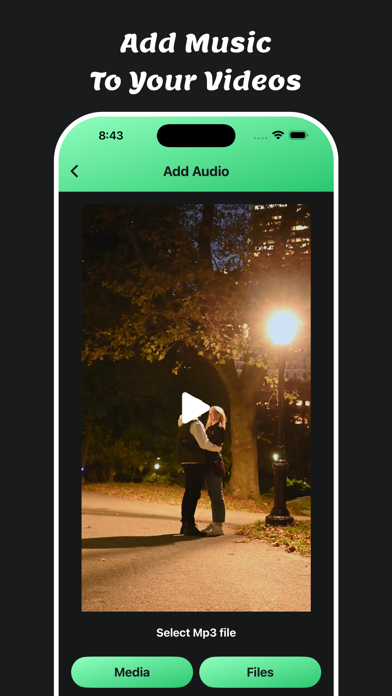
Want to replace audio instead of removing it? Add music to video from your library or record voiceovers to create engaging content.
- Add background music
- Replace video sound
- Music & voice recorder support
Powerful Video Editing Tools
This all-in-one iOS video editor includes advanced tools to enhance your videos:
- Crop video (1:1, 16:9, 9:16 & more)
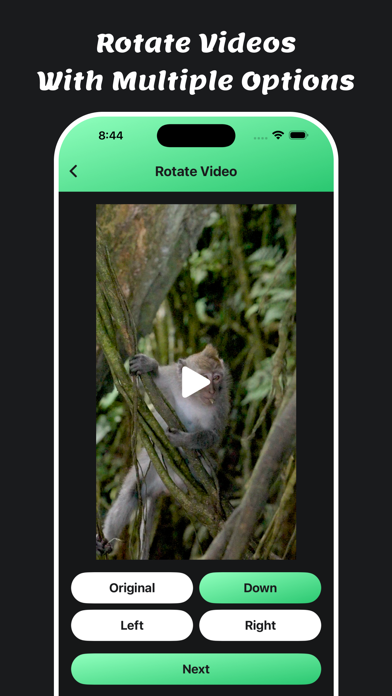
- Rotate & flip video
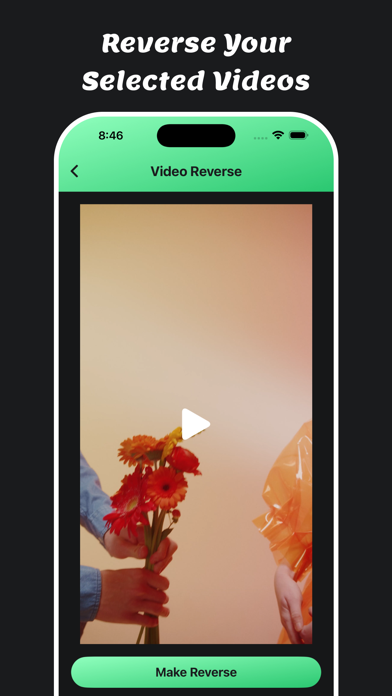
- Reverse video effects
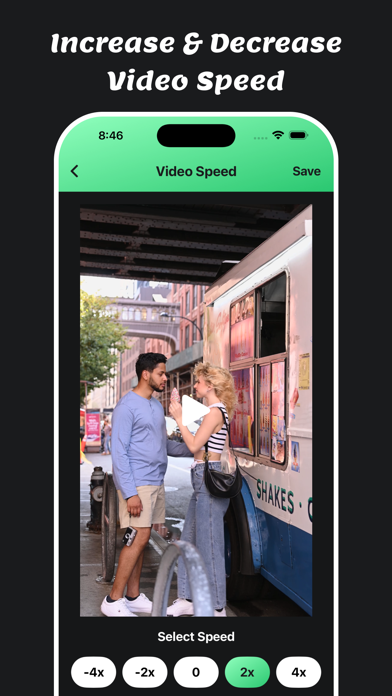
- Change video speed (slow motion & fast motion)
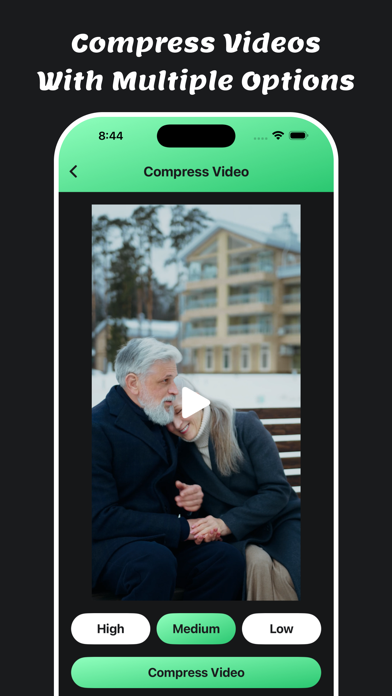
- Compress video without losing quality
- Video thumbnail generator
- Integrated video player
Live Wallpaper Maker & GIF Creator
Turn your favorite moments into creative visuals:
Live Wallpaper Maker
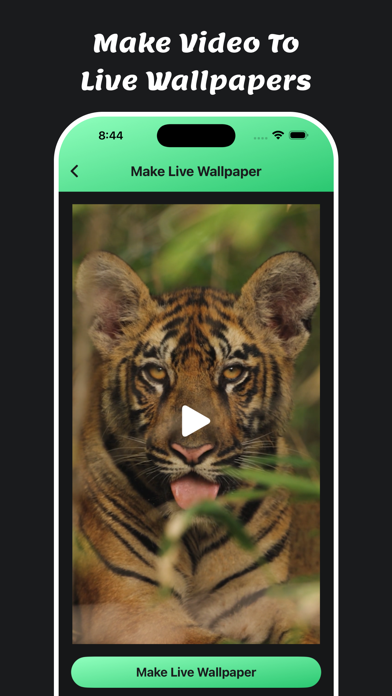
Convert any video into iOS Live Wallpapers for your lock screen or share with friends.
Video to GIF Converter
Create high-quality animated GIFs from video clips — perfect for memes, reactions, and social media.
Why Choose Mute Video : Remove Sounds?
- Best quality output
- Fast processing speed
- No watermark
- Save directly to your phone
- Easy sharing from saved folder
- Built-in camera for instant recording
- Simple, clean & user-friendly UI
All-in-One Video Editor for iPhone
Mute Video : Remove Sounds is perfect for: mute video, remove audio, trim crop video, add music, make live wallpaper, reverse video, compress HD video, slow fast motion, flip rotate video, create GIFs, live photo, reels editor, short video editor, iOS video converter, video effects app.
All Features :
- video editor for iPhone
- trim mute crop video
- add music
- make live wallpaper
- reverse video
- compress HD video
- slow fast motion video
- flip video
- rotate
- create gif
- live photo
- video effects app
- iOS video converter
- video editor
- reels editor
- short editor
Create silent videos, remove unwanted sound, and edit videos effortlessly with Mute Video : Remove Sounds.
Download now and experience the fastest way to mute video on iPhone!
Privacy Policy: https://softapps.in/App_Privacy.html
Terms of use: https://softapps.in/App_TOS.html