

My Bills++ is made and published by James Spencer. AppBrain is an independent app data site and isn't affiliated with James Spencer. The app name, icon, screenshots and description belong to James Spencer and are shown as published on the App Store.
AppBrain's verdict
EstablishedWell rated- Rating on App Store
- 4.34
- 2,622 ratings
- Last updated
- September 25, 2026
Users rate it well: 4.3 stars from 2,622 ratings.
Rankings
App Store top chartsApp Store Rankings for My Bills++
Competitors
Similar apps and more from James SpencerAlternatives to My Bills++




More from James Spencer






Releases
Updates seen on the App Store- Version
- 1.5.0
- Launched
- September 2017
No changelog data
User feedback
Ratings and reviews on the App StoreComments on My Bills++ for iOS
We don't have enough comments to show example comments. Please check back later.
Technology
Found in the app by AppBrain- Price
- Free
- App size
- 18.1 MB
- Content rating
- Everyone
Technologies used by My Bills++
About the app and developer
About My Bills++
My Bills++ is a finance app developed by James Spencer.
User Ratings
My Bills++ is rated 4.34 out of 5 stars. The rating is based on 2.6 thousand ratings.
App Information
My Bills++ is freely available from the App Store. The app size is 18.12 MB. The latest version available is 1.5.0. The last update was on September 25, 2026.
Technical Requirements
The app has a content rating of Everyone. The app has been available on the App Store since September 2017.
Developer information for James Spencer
Address:
Store listing
By James Spencer, from the App Store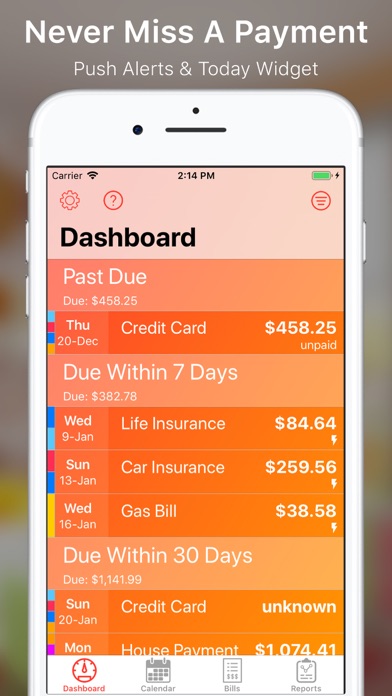
Description by James Spencer Written by the developer, not by AppBrain. Click to read.
My Bills++ is the only app you need to track all your bills, when they are due and to notify you ahead of when they are due. There is no need to miss a payment or pay a late fee. Let My Bills++ do the heavy lifting for you so you can focus on your busy life.
* Dashboard/Today Widget
Whenever you launch My Bills++, you will be showed the payment dashboard. Quickly see what bill payments are past due and what are coming up.
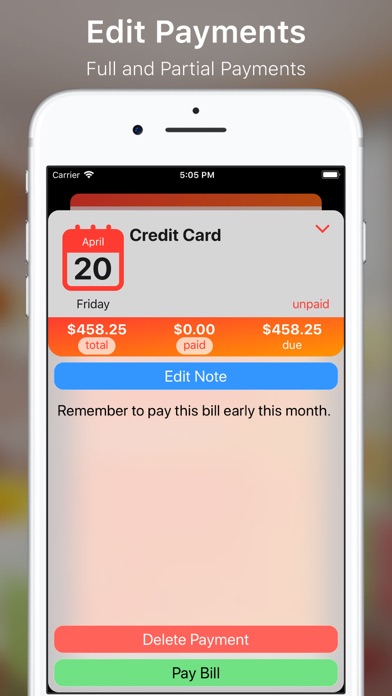
From the Dashboard, you can flag a payment as paid, make a partial payment or even change the amount for an upcoming bill. If want to delete a payment, you can do that to.
* Bill Tracking
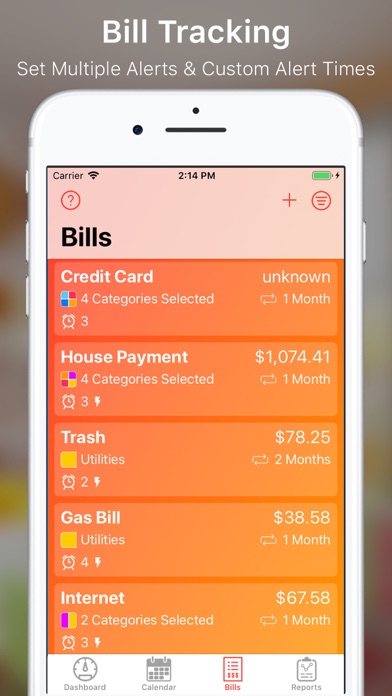
Enter in all you bills. You can set interval to repeat a bill so there is no need to enter in bill information more than once.
Enter in phone numbers, account numbers and websites. My Bills++ can call these phone numbers right from within the app.
You can setup bills to auto pay as well. No need to manually go in and tend to each and every payment if you don’t want.
* Alert Notifications
For each bill you can setup to be notified a number of days ahead of time. You can also pick the time of day to be notified.
We understand that you lead a busy life, when you get a push notification, you will have the ability to snooze the alert to show again at a later time.
* Calendar
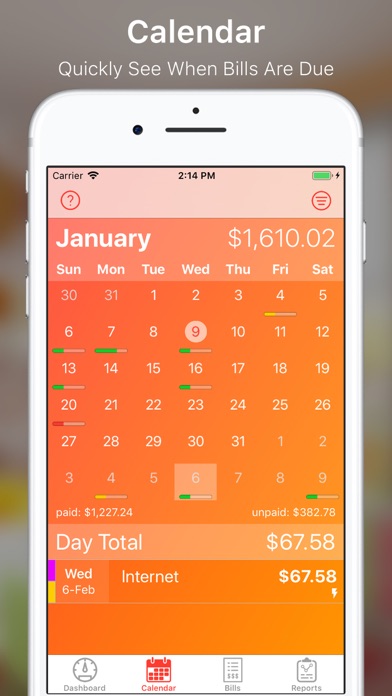
If you prefer to see your bills visually, use the built in calendar view. At a quick glance you can see what days have bills due. You can also see visually how many bills needs to be paid and if there are large bills due on a specific day.
* Reports
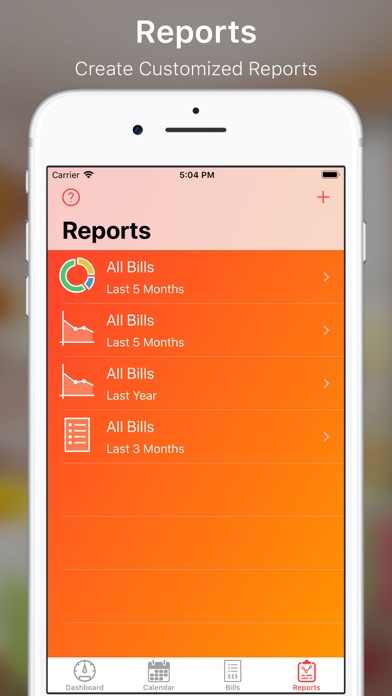
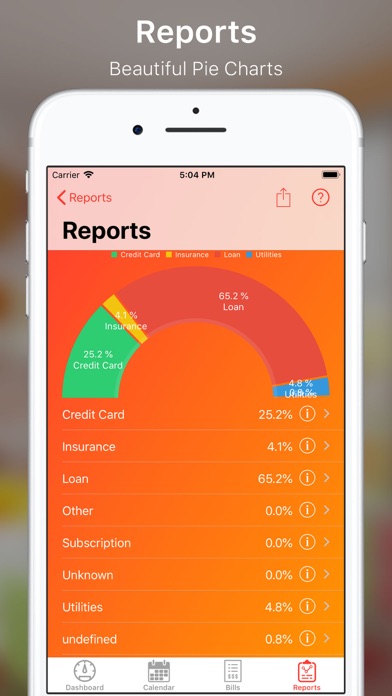
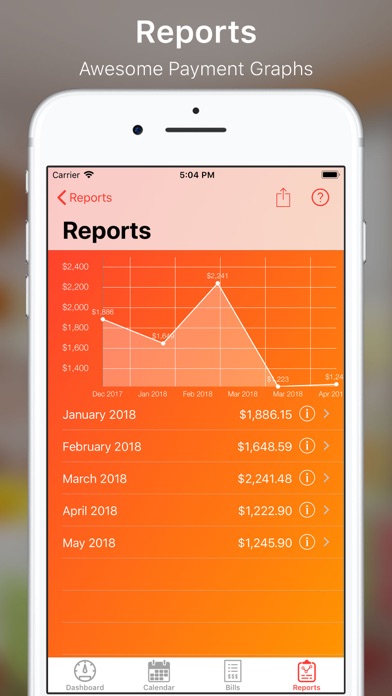
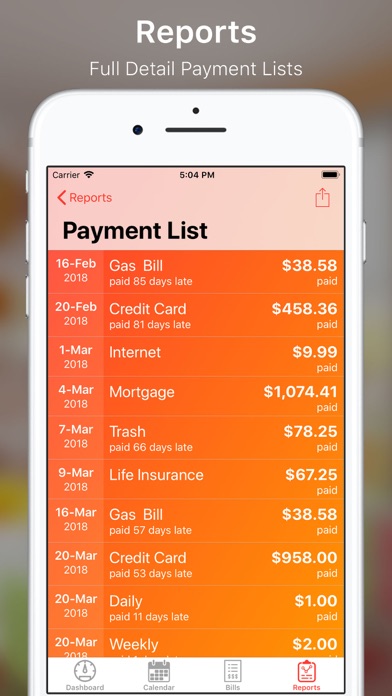
Let My Bills++ tell you where you money is going. My Bills++ has robust line graphs and beautiful pie charts. Setup as many report templates you need. Look all all your bill or a specific category - it's up to you.
*Category Filters
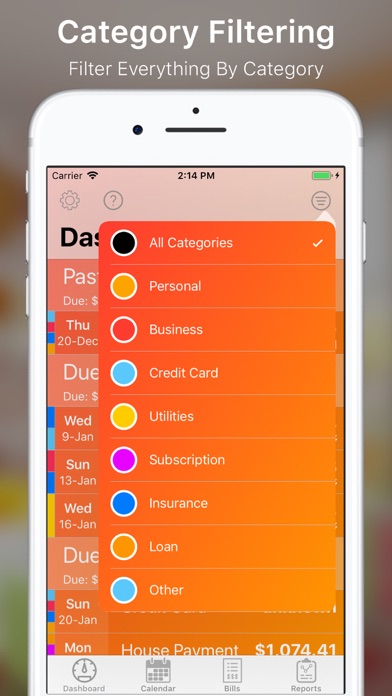
Assign each bill to one or more categories and filter the Dashboard, Bills or Calendar view to only show the bills for the selected category.
* Automatic Sync/Backup
My Bills++ uses your iCloud account to store your data. There is no need to account logins or backing up your data. In fact, syncing between device using the same iCloud account is seamless and automagical.
* Security
My Bills++ has built in security. You can enable a pin code to access the app. You can take this one step further by enabling Touch ID so you can get into the app with just your finger.
* Drag and Drop (iPad)
My Bills++ fully supports iOS 11’s drag and drop on the iPad. Drag out payment, bill and report information into whatever app you need.
* Themes
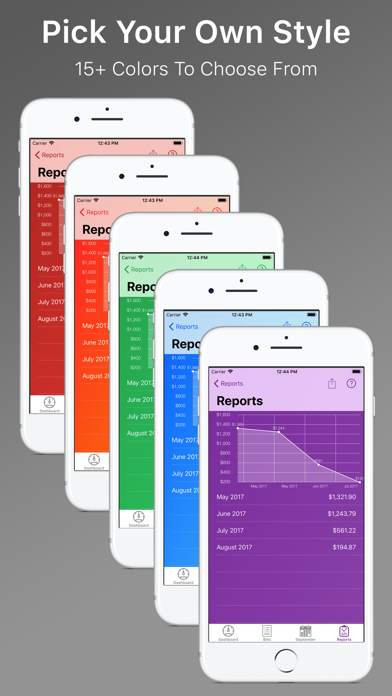
My Bills++ has many color schemes to choose from. Don’t like the default orange? Pick something that better suits your style.
We are certain that My Bills++ will meet all your needs. So, make the leap with Jump Gap Software's My Bills++.