

My Cosmopol is made and published by SICEP S.r.l. AppBrain is an independent app data site and isn't affiliated with SICEP S.r.l. The app name, icon, screenshots and description belong to SICEP S.r.l. and are shown as published on the App Store.
AppBrain's verdict
- Last updated
- February 26, 2025
Rankings
App Store top chartsApp Store Rankings for My Cosmopol
Competitors
Similar apps and more from SICEP S.r.l.Alternatives to My Cosmopol



More from SICEP S.r.l.





Releases
Updates seen on the App Store- Version
- 1.49
- Launched
- October 2018
No changelog data
User feedback
Ratings and reviews on the App StoreComments on My Cosmopol for iOS
We don't have enough comments to show example comments. Please check back later.
Technology
Found in the app by AppBrain- Price
- Free
- App size
- 95.7 MB
- Content rating
- Everyone
Technologies used by My Cosmopol
About the app and developer
About My Cosmopol
My Cosmopol is an utilities app developed by SICEP S.r.l.
User Ratings
The app has no ratings yet.
App Information
My Cosmopol is freely available from the App Store. The app size is 95.74 MB. The latest version available is 1.49. The last update was on February 26, 2025.
Technical Requirements
The app has a content rating of Everyone. The app has been available on the App Store since October 2018.
Developer information for SICEP S.r.l.
Address:
Frequently asked questions about My Cosmopol
Is My Cosmopol free?
Yes. My Cosmopol is free on the App Store.
Is My Cosmopol still available?
Yes. My Cosmopol is on the App Store, and the last update we saw was on February 26, 2025.
How large is My Cosmopol?
My Cosmopol is 95.74 MB.
Is My Cosmopol suitable for children?
App Store rates the content of My Cosmopol as suitable for everyone.
Who made My Cosmopol?
My Cosmopol was developed by SICEP S.r.l. It is listed in the utilities category on the App Store.
What are the best alternatives to My Cosmopol?
People looking at My Cosmopol also look at these utilities apps: Kitegram, Lametia Barbershop, Loomen Energia, Topfly IoT, FlottaWeb.
Store listing
By SICEP S.r.l., from the App Store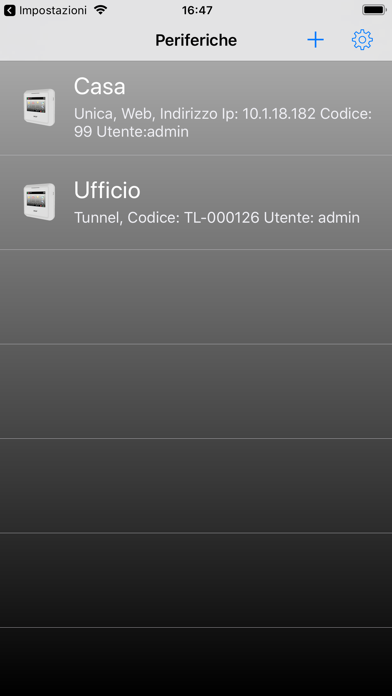
Description by SICEP S.r.l. Written by the developer, not by AppBrain. Click to read.
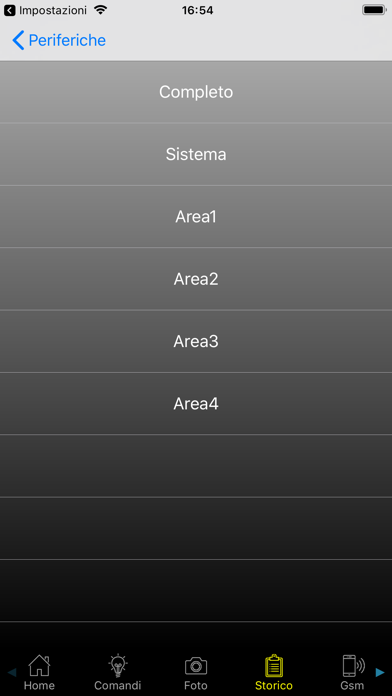
Attraverso questa applicazione, l’utente può controllare varie funzionalità dell’impianto di allarme dipendenti dal modello di centrale installata. L'Applicazione prevede il controllo di un massimo di 16 impianti in modalità Cloud, WEB, Tunnel o SMS.
In elenco le funzionalità principali nella modalità Cloud, WEB e Tunnel:
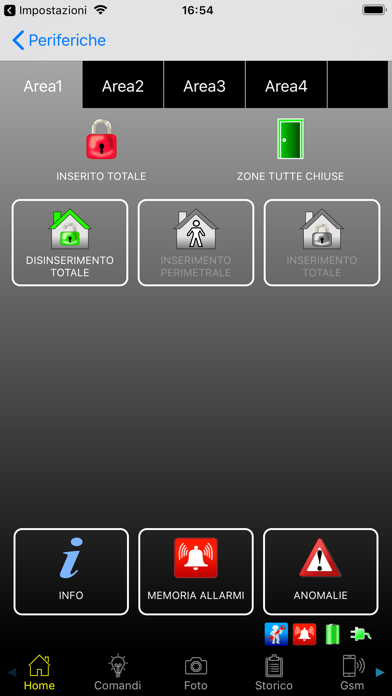
-Visualizzare lo stato, inserire e disinserire le singole aree dell’impianto;
-Verificare la presenza di guasti o anomalie;
-Verificare la presenza e cancellare la memoria degli allarmi;
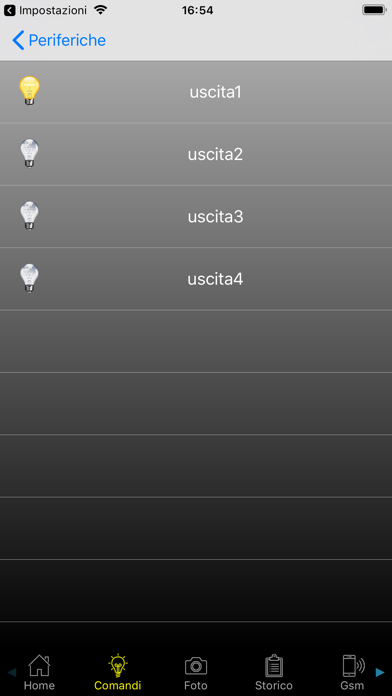
-Visualizzare lo stato delle uscite ed attivarle;
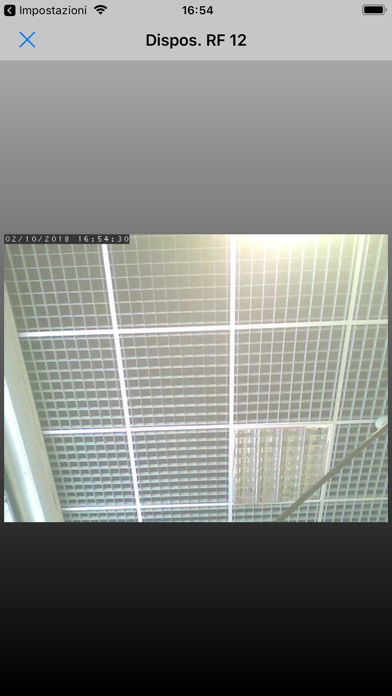
-Scattare foto nel caso vi siano sensori dotati di fotocamera;
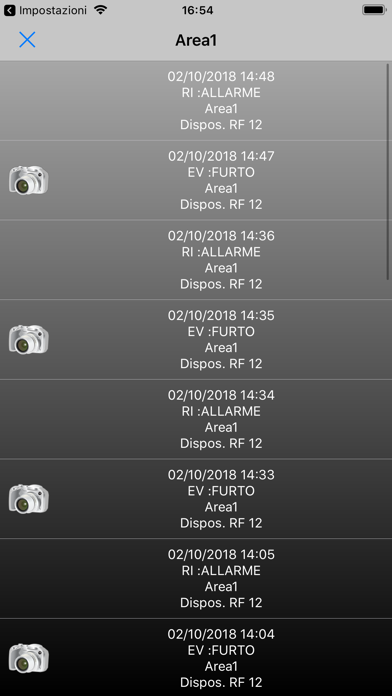
-Accedere allo storico degli eventi, e visualizzare eventuali foto associate;
-Visualizzare lo stato delle zone del sistema e eventualmente abilitarle/disabilitarle;
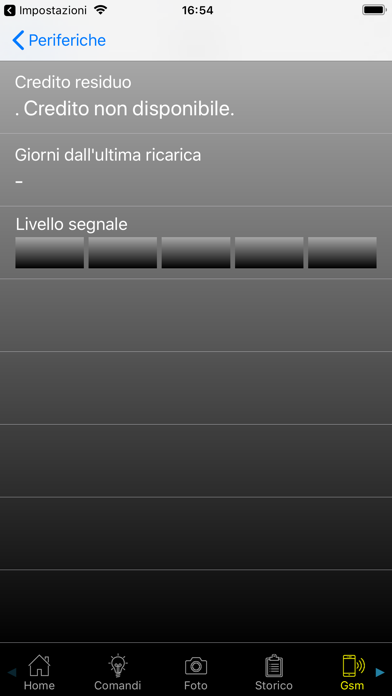
-Visualizzare informazioni sulla SIM e il livello del segnale GSM della centrale;
In elenco le funzionalità principali nella modalità SMS:
-Visualizzare lo stato, inserire e disinserire le singole aree dell’impianto;
-Visualizzare lo stato delle uscite ed attivarle;
-Visualizzare informazioni sulla SIM;
-Comandare l'invio di una foto acquisita da un sensore ad un indirizzo mail impostato sulla centrale
Per la connessione in modalità Cloud e WEB dal lato centrale di allarme è necessario un collegamento in WAN.
Porta router da aprire per la modalità Cloud: Nessuna.
Porta router da aprire per la modalità WEB: 8002.
Per la connessione in modalità Tunnel la centrale di allarme deve rimanere collegata alla rete internet in modo permanente e deve essere impostata in modalità "Sempre Connesso". La connessione da app verso la centrale di allarme avviene passando da una centrale operativa Sicep MvsNET. La centrale operativa Sicep MvsNET deve inviare allo smartphone una email contenente un allegato per la configurazione della modalità Tunnel. Tale allegato deve essere aperto con la app.
Per la connessione in modalità SMS dal lato centrale di allarme è necessario un collegamento GSM (con possibilità di connessione dati solo nel caso si voglia mandare una foto da sensore).
Pin di default: 12345
Applicazione funzionante con tutte le versioni iOS pari o successive alla 8.0 sia su iPhone che su iPad.
Versione firmware richiesta sulla centrale Unica: 1.2.0.B121 o successive.