

My Notes - Notebook, Notepad
My Notes - Notebook, Notepad is made and published by Ascendik. AppBrain is an independent app data site and isn't affiliated with Ascendik. The app name, icon, screenshots and description belong to Ascendik and are shown as published on the App Store.
AppBrain's verdict
- Rating on App Store
- 5.00
- 4 ratings
- Last updated
- December 2, 2025
- Size
- 128.6 MB
It doesn't have enough ratings yet to judge what users think.
User feedback
Ratings and reviews on the App StoreComments on My Notes - Notebook, Notepad for iOS
We don't have enough comments to show example comments. Please check back later.
Store listing
By Ascendik, from the App Store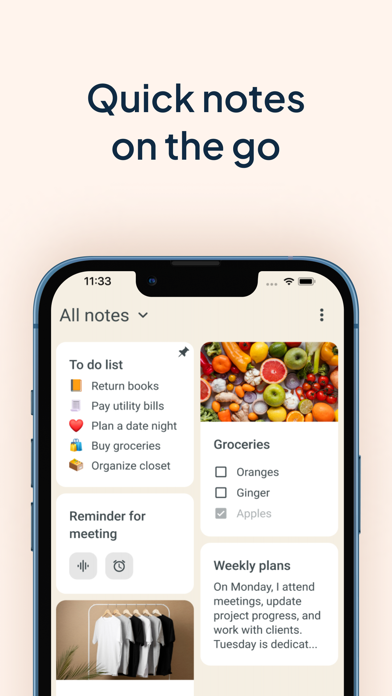
Description by Ascendik Written by the developer, not by AppBrain. Click to read.
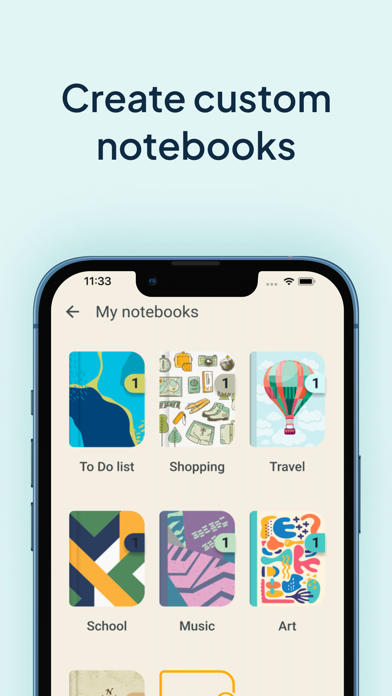
With My Notes - Notebook, Notepad, you can create separate notebooks for different subjects or projects, ensuring a well-organized workspace for lists or audio notes. Take advantage of its useful features such as daily checklists, drawing capabilities, text formatting, lovely backgrounds and themes, and a convenient widget that allows you to access your quick notes with ease. Also bear in mind that protection is important so you can keep your secrets safe with the built-in codelock feature. Say hello to a digital memo notepad that enhances your productivity and creativity!
REDEFINING THE ART OF TAKING NOTES:
Create separate notebooks for different purposes, keeping your writings organized and easily accessible.
Use the checklists option to manage your tasks list and to-do lists efficiently, ensuring that nothing falls through the cracks.
Capture your thoughts and ideas effortlessly with the ability to type, draw, or even record audio notes.
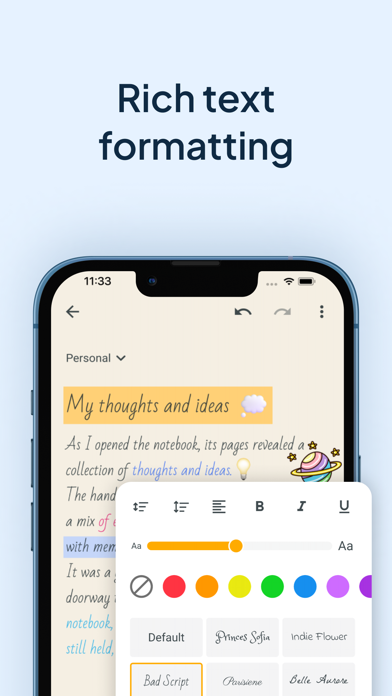
Enhance your notebook with rich text formatting options, including bold, italic, underline, and bullet points.
Archive writings that you no longer need but still want to keep for future reference. The archive feature helps you maintain a clean and organized color notes app.
CUSTOMIZATION THAT SETS YOUR NOTEBOOKS APP APART:
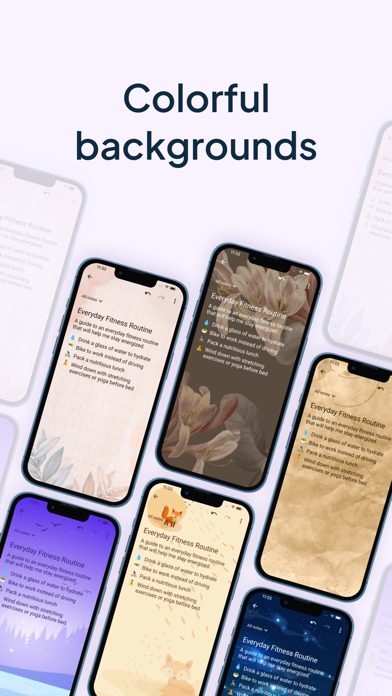
Choose from a wide range of attractive backgrounds and themes to personalize your notes taking experience.
Adjust font sizes, colors, and styles to make your notes visually appealing and easy to read.
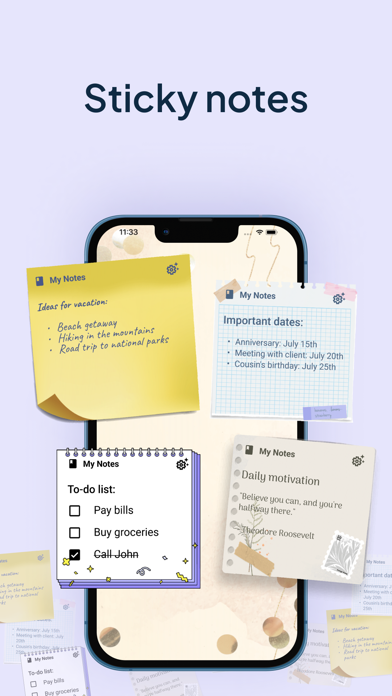
Access your memo notes with ease using the convenient widget shown on your device's home screen just like sticky notes.
MULTIMEDIA TO VISUALIZE YOUR IDEAS:
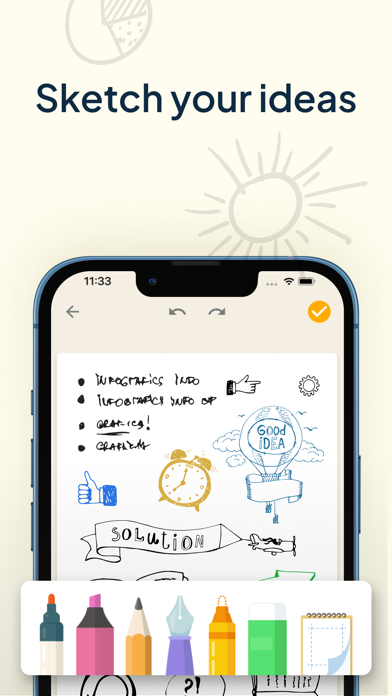
Unleash your creativity and sketch or draw notes to illustrate your thoughts visually.
Insert photos, images, and videos to create multimedia-rich entries that bring your memories and concepts to life.
Record notes to capture lectures, interviews, or important discussions, ensuring you never miss a detail.
PROTECT AND SECURE YOUR NOTE WRITER:
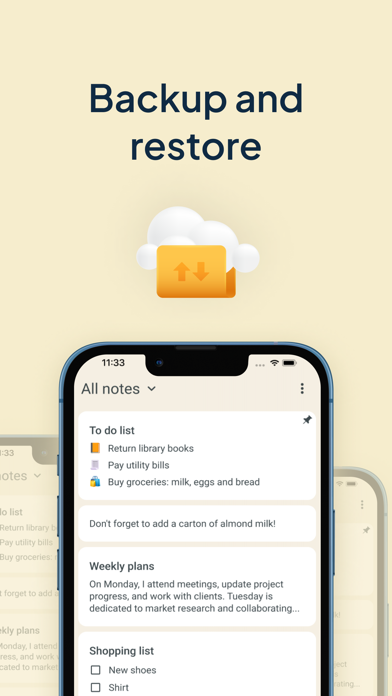
Safeguard the thoughts that you jot down, a checklist or voice notes by backing them up to the cloud or internal storage.
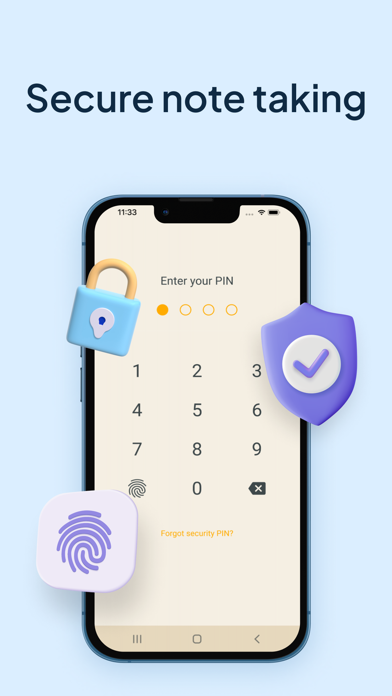
Set up a codelock to protect sensitive information like tasks schedule or an important to do list.
Restore your notebook entries from previous backups, giving you peace of mind even if your device is lost, damaged, or replaced.
WHY GO PREMIUM?
Unlock the full potential of this new take notes app with the premium version, granting you access to advanced features and exclusive benefits, access to premium backgrounds, themes and additional customization options.
Enjoy an ad-free experience, allowing you to focus solely on your creative moments and tasks without any distractions.
Lifetime access with one-time payment is available for users, but you can choose the subscription plan as well that best suits your needs. We can offer you a Premium 1-year subscription or a 1-month subscription plan. Your iTunes account will be charged at confirmation of purchase. The subscription will automatically renew unless auto-renew is turned off at least 24 hours before the end of the billing period. You can go to your iTunes Account Settings to manage your subscription & turn off auto-renew. Any unused portion of the free trial period, if offered, will be forfeited when you purchase a subscription.
Terms of Use: https://www.apple.com/legal/internet-services/itunes/dev/stdeula/
Privacy Policy: https://www.ascendik.com/privacy-policy/
Do you have questions or feedback? Feel free to contact us at notebook.support@ascendik.com
Safety and technology
Found in the app by AppBrain- Price
- Free
- App size
- 128.6 MB
- Content rating
- Everyone
Technologies used by My Notes - Notebook, Notepad
Releases
Updates seen on the App Store- Version
- 2.1.1
- Launched
- August 2023
No changelog data
Alternatives
Similar apps and more from Ascendik








Rankings
App Store top chartsApp Store Rankings for My Notes - Notebook, Notepad
About the app and developer
About My Notes - Notebook, Notepad
My Notes - Notebook, Notepad is a productivity app developed by Ascendik.
User Ratings
My Notes - Notebook, Notepad is rated 5.00 out of 5 stars. The rating is based on 4 ratings.
App Information
My Notes - Notebook, Notepad is freely available from the App Store. The app size is 128.58 MB. The latest version available is 2.1.1. The last update was on December 2, 2025.
Technical Requirements
The app has a content rating of Everyone. The app has been available on the App Store since August 2023.
Developer information for Ascendik
Address:
Frequently asked questions about My Notes - Notebook, Notepad
Is My Notes - Notebook, Notepad free?
Yes. My Notes - Notebook, Notepad is free on the App Store.
Is My Notes - Notebook, Notepad still available?
Yes. My Notes - Notebook, Notepad is on the App Store, and the last update we saw was on December 2, 2025.
How large is My Notes - Notebook, Notepad?
My Notes - Notebook, Notepad is 128.58 MB.
Is My Notes - Notebook, Notepad suitable for children?
App Store rates the content of My Notes - Notebook, Notepad as suitable for everyone.
How do people rate My Notes - Notebook, Notepad?
My Notes - Notebook, Notepad scores 5.00 out of 5 stars, from 4 ratings on the App Store.
Who made My Notes - Notebook, Notepad?
My Notes - Notebook, Notepad was developed by Ascendik. It is listed in the productivity category on the App Store.
What are the best alternatives to My Notes - Notebook, Notepad?
People looking at My Notes - Notebook, Notepad also look at these productivity apps: Digital Notebook - Note Taking, Notebook, Habit Tracker OnlyMe, Notes+ : Notes for Pencil, MyNotes - Notes with Lock, LinHand-handwritten notes.