

MyElmax is made and published by ELMAX Srl. AppBrain is an independent app data site and isn't affiliated with ELMAX Srl. The app name, icon, screenshots and description belong to ELMAX Srl and are shown as published on the App Store.
AppBrain's verdict
- Last updated
- March 16, 2022
Rankings
App Store top chartsApp Store Rankings for MyElmax
Competitors
Similar apps and more from ELMAX SrlAlternatives to MyElmax




More from ELMAX Srl

Releases
Updates seen on the App Store- Version
- 2.0.1
- Launched
- March 2018
No changelog data
User feedback
Ratings and reviews on the App StoreComments on MyElmax for iOS
We don't have enough comments to show example comments. Please check back later.
Technology
Found in the app by AppBrain- Price
- Free
- App size
- 20.6 MB
- Content rating
- Everyone
Technologies used by MyElmax
About the app and developer
About MyElmax
MyElmax is a productivity app developed by ELMAX Srl.
User Ratings
The app has no ratings yet.
App Information
MyElmax is freely available from the App Store. The app size is 20.60 MB. The latest version available is 2.0.1. The last update was on March 16, 2022.
Technical Requirements
The app has a content rating of Everyone. The app has been available on the App Store since March 2018.
Developer information for ELMAX Srl
Address:
Frequently asked questions about MyElmax
Is MyElmax free?
Yes. MyElmax is free on the App Store.
Is MyElmax still available?
Yes. MyElmax is on the App Store, and the last update we saw was on March 16, 2022.
How large is MyElmax?
MyElmax is 20.60 MB.
Is MyElmax suitable for children?
App Store rates the content of MyElmax as suitable for everyone.
Who made MyElmax?
MyElmax was developed by ELMAX Srl. It is listed in the productivity category on the App Store.
What are the best alternatives to MyElmax?
People looking at MyElmax also look at these productivity apps: Ticketo, AgroApp, MyNice Pro, Evo Brain, App Termo.
Store listing
By ELMAX Srl, from the App Store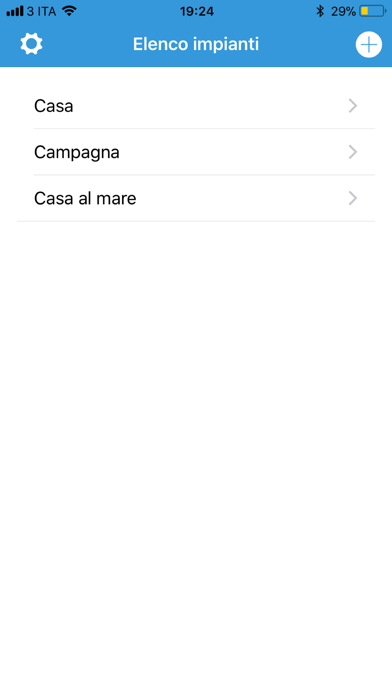

Description by ELMAX Srl Written by the developer, not by AppBrain. Click to read.
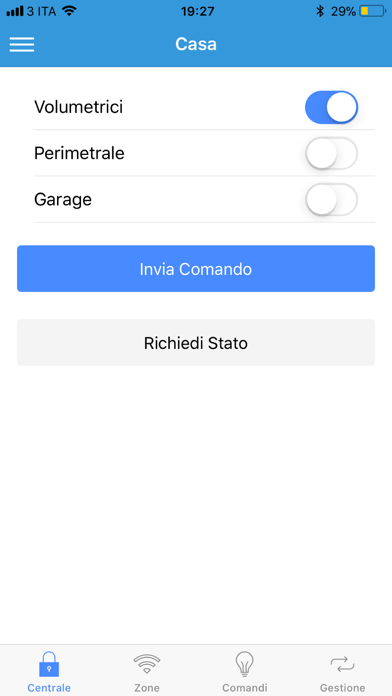
Il controllo avviene attraverso un'interfaccia utente che permette l'invio di opportuni comandi SMS verso la centrale; ad ogni comando ricevuto la centrale lo eseguirà e risponderà con un SMS di stato.
Le funzioni principali sono:
-creazione di uno o più impianti, specificando il nome, il numero della SIM presente nella centrale GSM, il tipo di centrale GSM, il codice.
- inserimento e disinserimento delle aree.
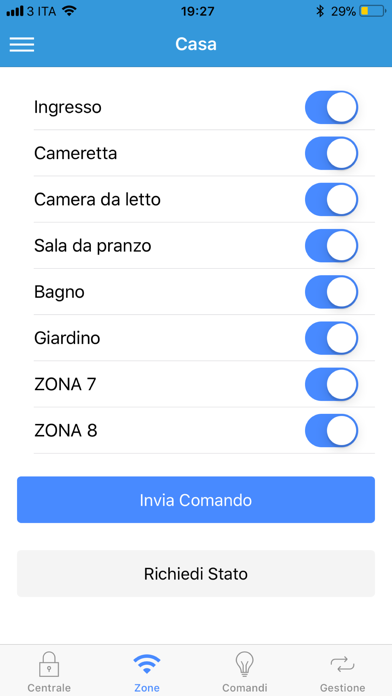
- esclusione ed inclusione delle zone.
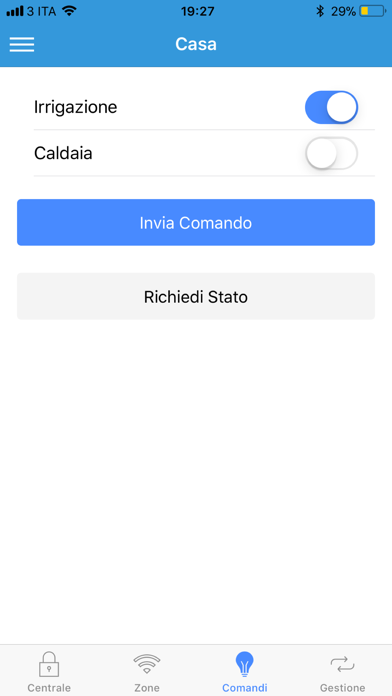
- attivazione e disattivazione di uscite per comandi domotici.
- richiesta e consultazione della memoria eventi.
- personalizzazione del nome delle aree, delle zone e delle uscite.
- interruzione ciclo di allarme