Nemonic Scanner is a productivity app developed by MANGOSLAB Co.,Ltd.
User Ratings
Nemonic Scanner is rated 5.00 out of 5 stars. The rating is based on one rating ratings.
App Information
Nemonic Scanner is freely available from the App Store. The app size is 27.56 MB. The latest version available is 1.1.0. The last update was on June 30, 2026.
Technical Requirements
The app has a content rating of Everyone. The app has been available on the App Store since August 2018.
Nemonic Scanner is made and published by
MANGOSLAB Co.,Ltd.
AppBrain is an independent app data site and isn't affiliated with MANGOSLAB Co.,Ltd.
The app name, icon, screenshots and description belong to MANGOSLAB Co.,Ltd. and are shown as published on the App Store.
Description by MANGOSLAB Co.,Ltd.(from the App Store)
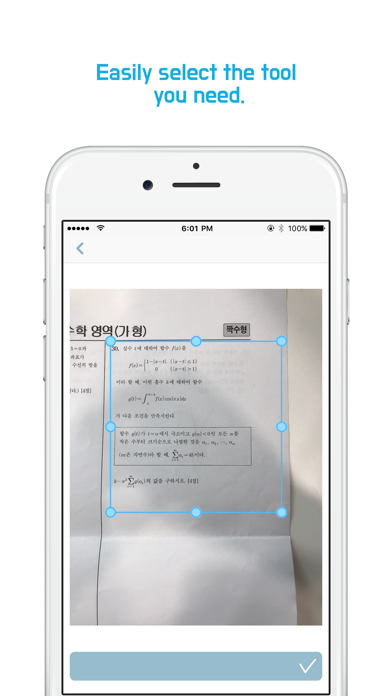
nemonic Scanner scans docs, receipts, memos, equations or diagrams that you would like to study with an auto image processing. Connect to a nemonic printer to print yours on sticky notes without ink or toners. Spend less effort on drawing or copying and just capture it, print it and stick it!
[Use cases] * Study notes Gather questions that you often make mistakes on and take pictures of them. Now you can make a study notebook of your own with the printed questions. Utilize it to study for school exams, language ability tests, SATs, GREs, A-levels, and GCSEs. Remember not to make the same mistakes again.
* For Businesses Scan and store ideas or documents from meetings or conferences. Connect to a nemonic to print them out quickly and share with your team members.
[Features] - Scan : Clear image scanning quality with auto image processing. - Print : Connect to a nemonic printer for printouts
[Permissions] ●Essential - Camera : Use to print pictures taken
●Selectable - Photos : Use to load pictures from Photos
[nemonic printer introduction] Worldwide recognized innovative product nemonic. The world's largest consumer electronics trade show CES 2017 'Best of Innovations' Honoree
nemonic is a small printer that prints on sticky notes without ink or toners. It connects to the phone via Bluetooth and prints within 5~10 seconds. PC connection is also available and various functions such as dispenser, reprint previous notes, paper color indication etc.
*nemonic official homepage [http://www.mangoslab.com/n/nemonic/?lang=en] *Purchase nemonic (US) (https://goo.gl/Gf2UzV)
Each subscription will automatically renew 3 days before the expiration date for
the same time period. Subscriptions can be cancelled at any time before the renewal.