

Network Utility
Network Utility is made and published by Fausto Ristagno. AppBrain is an independent app data site and isn't affiliated with Fausto Ristagno. The app name, icon, screenshots and description belong to Fausto Ristagno and are shown as published on the App Store.
AppBrain's verdict
EstablishedLoved by users- Rating on App Store
- 4.60
- 626 ratings
- Last updated
- September 23, 2026
Users love it: 4.6 stars from 626 ratings.
Rankings
App Store top chartsApp Store Rankings for Network Utility
Competitors
Similar apps and more from Fausto RistagnoAlternatives to Network Utility







More from Fausto Ristagno


Releases
Updates seen on the App Store- Version
- 9.11.1
- Launched
- November 2012
No changelog data
User feedback
Ratings and reviews on the App StoreComments on Network Utility for iOS
We don't have enough comments to show example comments. Please check back later.
Technology
Found in the app by AppBrain- Price
- Free
- App size
- 18.9 MB
- Content rating
- Everyone
Technologies used by Network Utility
About the app and developer
About Network Utility
Network Utility is an utilities app developed by Fausto Ristagno.
What is the rating of Network Utility?
Network Utility is rated 4.60 out of 5 stars, based on 630 ratings.
Is Network Utility free?
Network Utility is free. The app size is 18.86 MB. The latest version available is 9.11.1. The last update was on September 23, 2026.
What are the requirements for Network Utility?
The app has a content rating of Everyone. The app has been available on the App Store since November 2012.
Developer information for Fausto Ristagno
Address:
Store listing
By Fausto Ristagno, from the App Store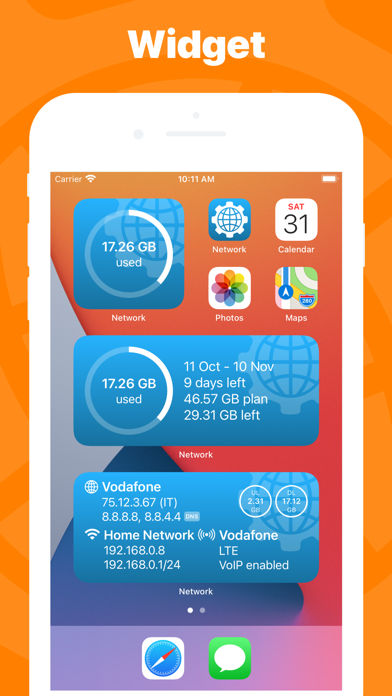
Description by Fausto Ristagno Written by the developer, not by AppBrain. Click to read.
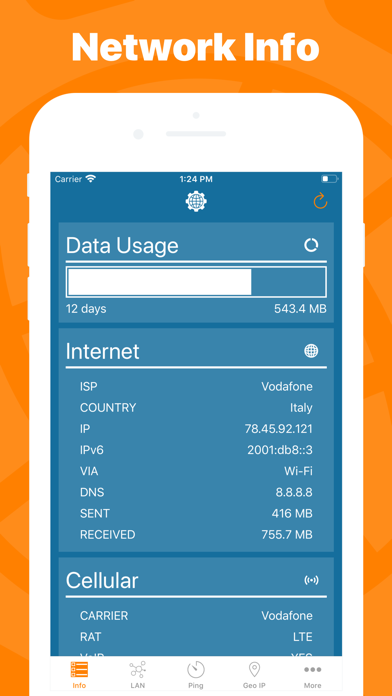
► NETWORK INFO
A complete and easy to understand report of your device's network interfaces. In that tab you'll find information like the IP, IPv6, other addresses or the data usage statistics about your Wi-Fi, Internet or Cellular connection (if any).
► CELLULAR DATA MONITOR
Don't lose sight of your data usage, with four taps you'll have a data monitor configured and ready to use.
The following data usage plans' period are supported:
- Daily
- Weekly
- Monthly
- 28 days
- 30 days
- 90 days
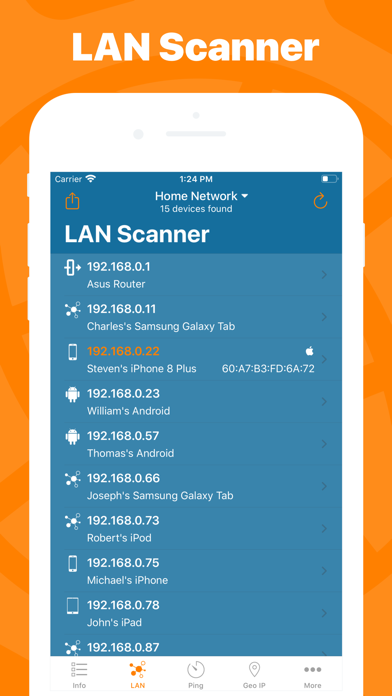
► LAN SCANNER
Analyze your Wi-Fi with the LAN Scanner tool. Discovering who is connected to your network and Ping it, is a matter of two taps.
Easily manage custom subnets to scan only a portion of your LAN.
► PING
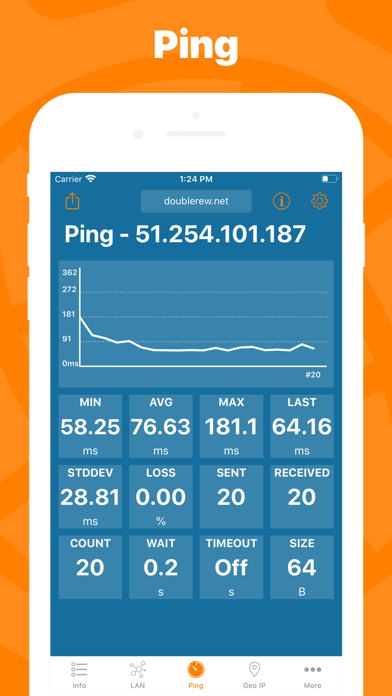
Ping a LAN device, Ping a server, ping whatever you want. IPv6 addresses are supported too and advanced options like packet size, timeouts, intervals, etc.. are available and easily configurable.
The results of your Ping are available numerically in the aggregated stats, graphically in the real time graph or listed, a row per ICMP response received.
► GEO IP
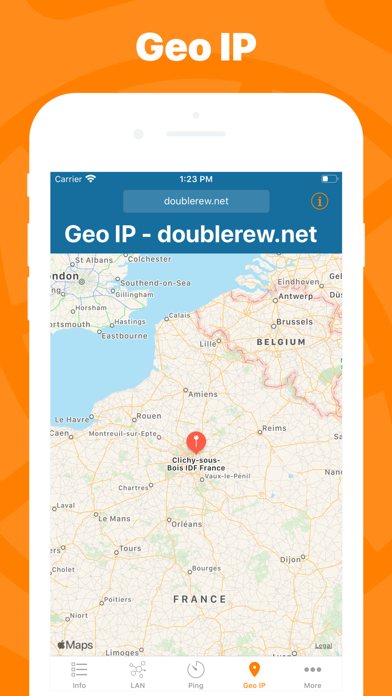
Have you ever wondered where a server or any other IP is located? That's the tool for you, show the location on a map and get additional details like the ISP or the ASN in the details pane.
► DIG
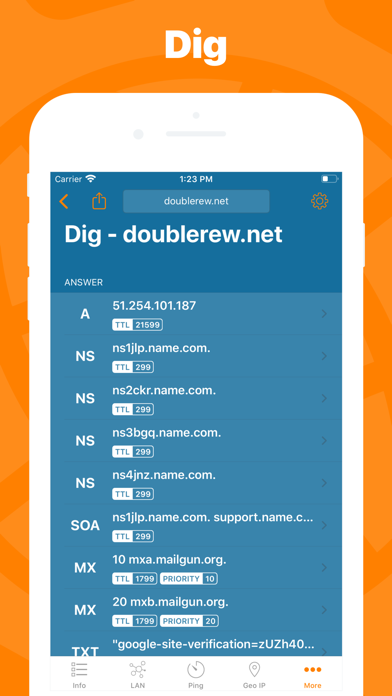
A DNS lookup utility made simple. A list clearly shows the result of your query and the advanced options allow you to customize your request from the type of query to the DNS server.
► WHOIS
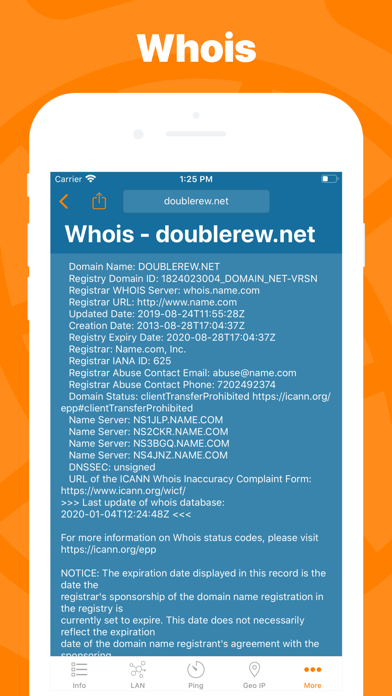
Find any information about a domain name and it's owner e.g. the status, creation date, registrant email and address and many more.
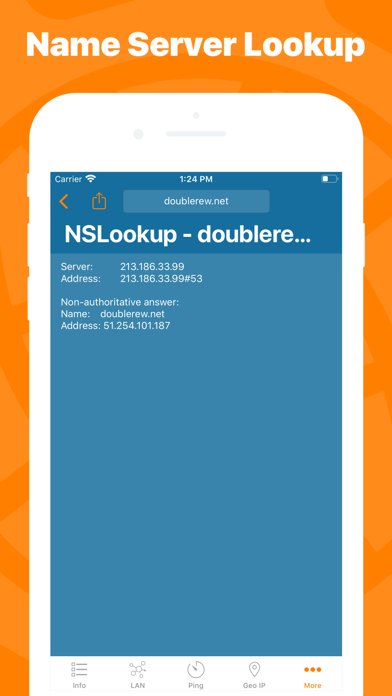
► NSLOOKUP
A no-frills textual DNS lookup utility.
► WIDGET *
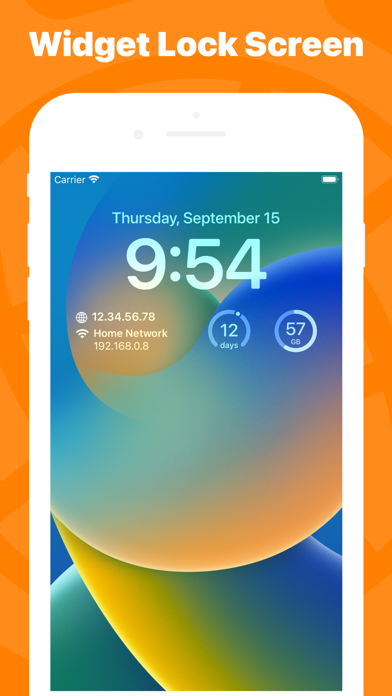
Network Utility comes with an useful widget that brings network informations and the cellular data usage into your notification center, home screen e lock screen.
► EXPORT RESULTS ANYWHERE
Every utility has an export button that allows you to export the result of your task to the File app, to the Notes app and many other apps or simply copy the raw textual result.
► MAC APP
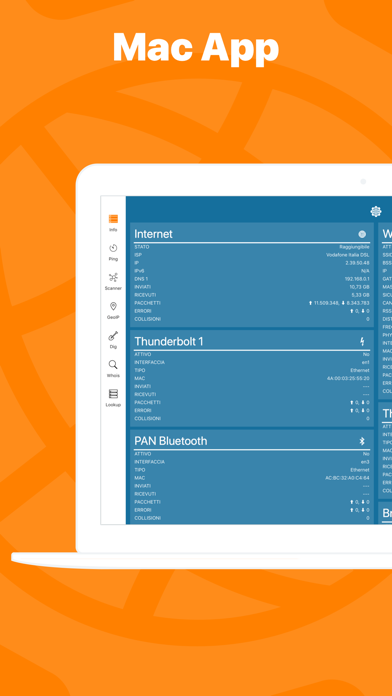
Network Utility is also available on the Mac App Store as Network Kit X, the same app but tuned to take advantage of macOS.
Start a tool on your iPhone/iPad a continue it on your Mac thanks to Handoff and Continuity.
!! N.B.
- Cellular data monitor is available only on iPhone or iPad with Cellular.
- Due to an operating system limitation, LAN Scanner can only show the MAC address of detected devices on iOS 27 and later. Hostname resolution is only available when the LAN gateway is used as the DNS server.
- Widgets are updated only at scheduled intervals (e.g. every 5 minutes), so they can show outdated info. Open the app to get info updated in real time.
- Data usage widget, full featured network state widgets and lock screen widgets are available only with the Pro upgrade