

New U Life is made and published by New U Life. AppBrain is an independent app data site and isn't affiliated with New U Life. The app name, icon, screenshots and description belong to New U Life and are shown as published on the App Store.
AppBrain's verdict
- Rating on App Store
- 4.33
- 6 ratings
- Last updated
- September 25, 2026
It doesn't have enough ratings yet to judge what users think.
Rankings
App Store top chartsApp Store Rankings for New U Life
Competitors
Similar apps and more from New U Life






Releases
Updates seen on the App Store- Version
- 3.3.0 (1340)
- Launched
- August 2022
No changelog data
User feedback
Ratings and reviews on the App StoreComments on New U Life for iOS
We don't have enough comments to show example comments. Please check back later.
Technology
Found in the app by AppBrain- Price
- Free
- App size
- 153.5 MB
- Content rating
- Everyone
Technologies used by New U Life
About the app and developer
About New U Life
New U Life is a business app developed by New U Life.
User Ratings
New U Life is rated 4.33 out of 5 stars. The rating is based on 6 ratings.
App Information
New U Life is freely available from the App Store. The app size is 153.51 MB. The latest version available is 3.3.0 (1340). The last update was on September 25, 2026.
Technical Requirements
The app has a content rating of Everyone. The app has been available on the App Store since August 2022.
Developer information for New U Life
Address:
Store listing
By New U Life, from the App Store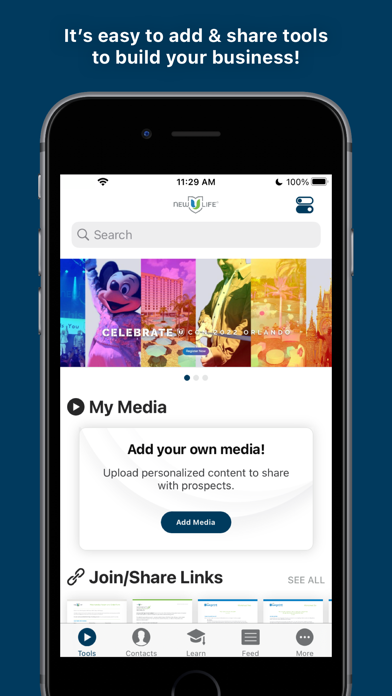




Description by New U Life Written by the developer, not by AppBrain. Click to read.
Contacts: Choose how to sync and manage your contacts. Swipe to sort them by interest level. You can make connections, add notes, or check out the Contact Feed to see the tools you’ve shared and contact actions.
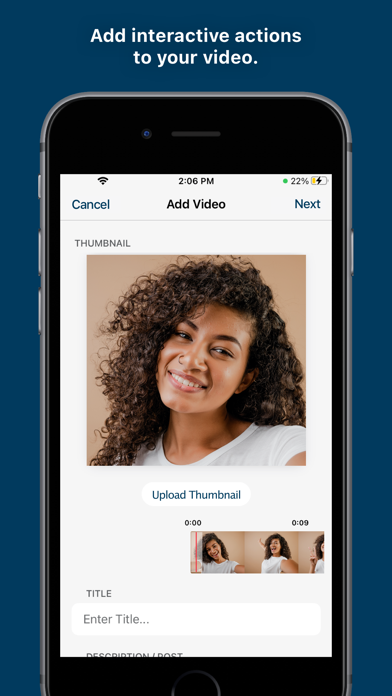
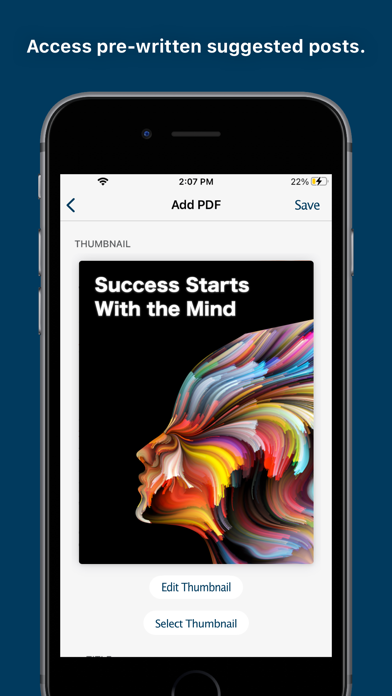
Tools: It has never been easier to share information about your products and opportunity via SMS text, email, or social media. Simply choose tools specifically designed to promote your business and share them with a contact. You’ll receive a notification when contacts view a tool so you know exactly when to follow up! You can even add your own tools. Record or upload short videos to share with prospects. You can even add actions to your videos so prospects can interact directly in the video. These smarter interactive tools are called a Brightool and they provide more data for follow up with ActionAlert notifications in the Feed. No data connection? No problem! Simply download tools such as videos in the app beforehand for offline playback.
Business: Access helpful links to build your business.
Settings: Our simple Share Setup will help you upload a profile picture, define your ‘why’ in your bio, and add other info that will help contacts connect with you and learn more about your business and products. You can also configure notification preferences, watch QuickTips to learn about the app, and more.
Learn: Empowering users by providing simple
and effective training courses, lessons, quizzes, awards, and more.
With videos, images, PDFs, quotes and more built into the lessons, you can learn more than ever and have fun while doing it.